


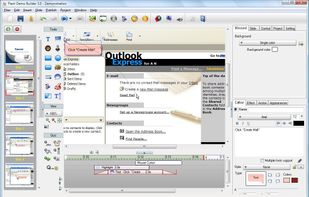
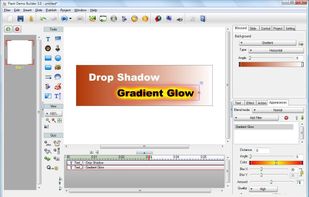
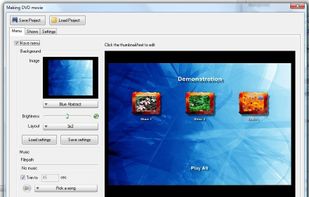
Flash Demo Builder is an easy to use and unique tool for creating tutorials, presentations, interactive quizzes and product demonstrations.
Cost / License
- Paid
- Proprietary
Application type
Platforms
- Online




Apps similar to CALIPIO Screen Recorder include OBS Studio, which is free and open source. Other options are SimpleScreenRecorder, Bandicam, FastStone Capture and Camtasia. Screen Recorders like CALIPIO Screen Recorder are a crowded field, with more than 100 alternatives for Windows, Mac, Linux, the web and Android.
Flash Demo Builder is an easy to use and unique tool for creating tutorials, presentations, interactive quizzes and product demonstrations.

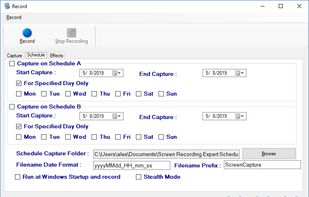
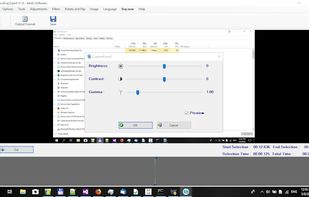
Screen Recorder Expert - Screen recorder with audio and many effects - Screen recorder windows supported - Screen capture on schedule - Cut video, image editing.
 Greece
 EU
EU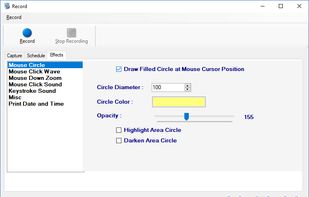



ViewedIt provides a super simple way to record your PC desktop through a Chrome extension. More than that, lets you share your creations then get notified when people watch them.
 Canada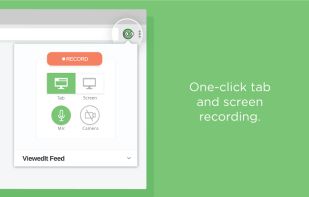





Realtime screen recording like you've never seen before! iShowU Instant is the fastest, most feature filled realtime screen capture tool from shinywhitebox yet. It takes key features from both "Classic" and HD Pro, and merges them into a single product, making...
 United Kingdom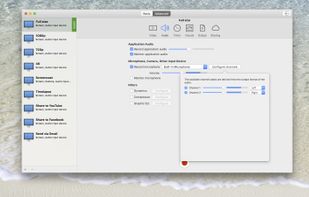


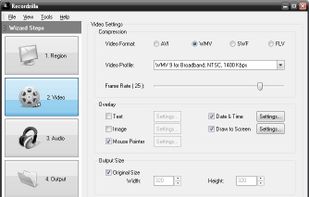
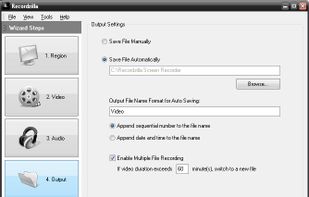
Recordzilla is a screen recorder software that lets you capture video, audio and pictures of anything you see on your computer screen and save it as video AVI, WMV, Flash SWF, or Flash FLV.
 Malaysia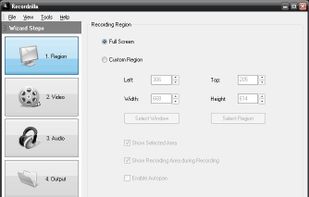


Tipard Screen Capture is able to capture any video/audio. This software allows you to record any video like webcam video, streaming video or other video tutorials on PC. Besides, it allows you to adjust the size of your screen.
 Hong Kong SAR China


You grab Screens or Windows using the standard PrtScn and Alt-PrntScn keys and MGrab will intercept the saved data as it is sent to the clipboard and put it into your chosen folder as a BMP or JPG file leaving the clipboard free for you to take another screenshot.


