


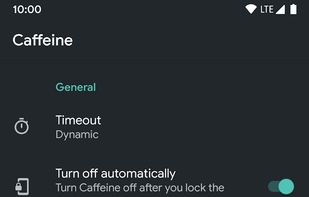
Similar to the Caffeine tile in LineageOS, Caffeine is a simple app to keep your device awake.
Cost / License
- Free
- Proprietary
Platforms
- Android


Apps similar to Caffeinate include Essentials, which is free and open source. Other options are Amphetamine, Caffeine for Mac, Caffeine for Windows and Caffeine for Linux. You're spoiled for choice with Prevent Sleep Mode Apps like Caffeinate: we list more than 25 alternatives for Mac, Windows, Android, Linux and the web.
Similar to the Caffeine tile in LineageOS, Caffeine is a simple app to keep your device awake.
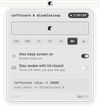
caffeinate & disablesleep replaces two macOS terminal commands: caffeinate -disu and sudo pmset -a disablesleep 1. One click keeps the Mac awake, with an option to stay awake when the lid is closed. Timed sessions run from 15 minutes to 8 hours, or forever.
 Australia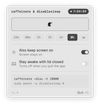


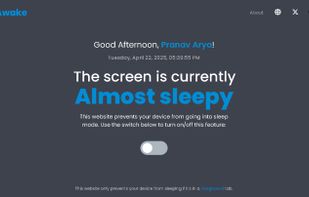
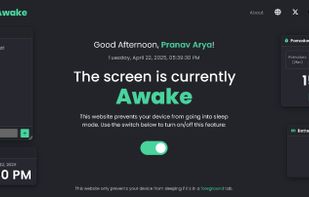
Need a quick coffee break ? But don't want your PC to sleep or Teams to go idle? Stay Awake keeps your screen on by keeping its own tab active. No need to change OS settings.
 India
India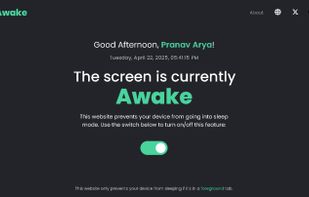
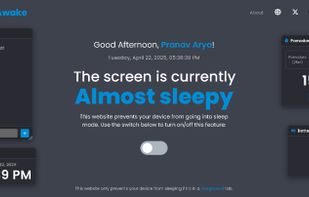


When it's not possible to change the screensaver settings in your Windows environment, then it's almost impossible to show things on your screen for a longer period without activating the screensaver.


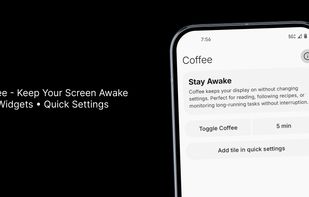
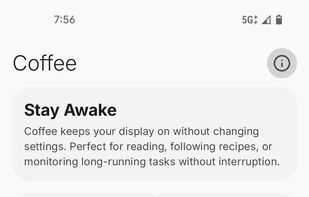
Coffee is a modern, open-source Android utility built with Jetpack Compose and Material Design 3. It provides a Quick Settings tile to prevent screen dimming or locking during reading, navigation, or focused tasks, with customizable timers including indefinite mode.


A small GNOME utility application to send Wake On LAN (WoL) magic packets to devices in a network.
 Germany
 EU
EU


One of the first webpages that used the Wake Lock API packaged in the nosleep.js script to prevent a device from sleeping.
 United Kingdom


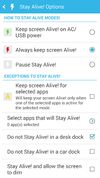
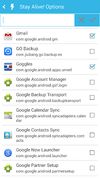
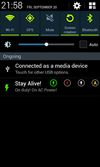
Keep your screen on when your device is running your GPS application, favorite remote control, playing a movie or slideshow, etc... Perfect to keep your screen on without dimming for application development. Your screen will never go back to sleep until you want it to...


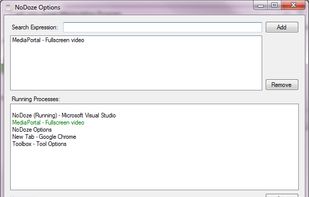
NoDoze simulates keyboard/mouse activity to keep the screensaver from activating. Its activity depends on currently running programs. You can use regular expressions or Windows wildcards to choose when the screensaver is deactivated.


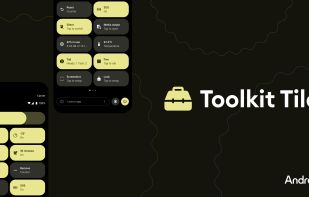
A collection of simple, lightweight tools available as Android Quick Settings tiles, offering instant access to useful features without the need for extra apps.


 ItalyEU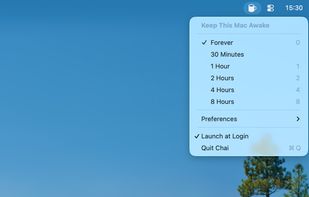


 United Arab Emirates


 United States


