Bytescout PDF Multitool Alternatives
Bytescout PDF Multitool is described as 'PDF Multitool Utility – Convert PDF to Text, Extract Data from PDF as CSV, XML, Text or XLS Format, Convert PDF to HTML, Convert PDF to TIFF, PDF to PNG, PDF to BMP Images and More' and is a PDF Reader in the office & productivity category. There are more than 50 alternatives to Bytescout PDF Multitool for a variety of platforms, including Windows, Mac, Web-based, iPhone and iPad apps. The best Bytescout PDF Multitool alternative is PDF-XChange Editor, which is free. Other great apps like Bytescout PDF Multitool are PDFsam, Adobe Acrobat DC, Master PDF Editor and Foxit PDF Editor.
Alternatives list


AceThinker PDF Writer gives you enhanced experience on editing PDF contents, collating pages, protecting documents and more. Within just a few clicks, you could quickly access any of your PDF files and perform nice revision without learning curve.
Cost / License
- Paid
- Proprietary
Platforms
- Windows


+1
- 110 PDFs Split & Merge alternatives
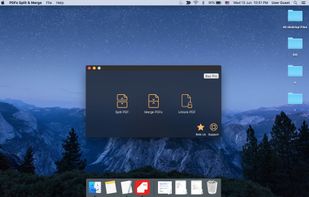
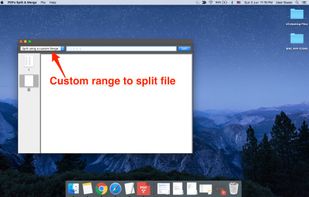
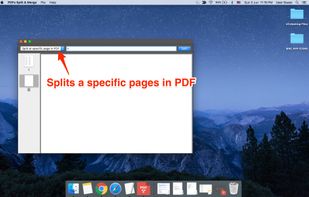
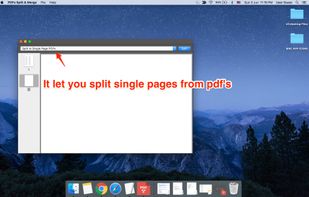
PDFs Split & Merge is a lightweight application for your Mac. It helps you Split, Merge and Unlock PDF files within seconds and it's all offline. We respect your privacy.


+2
Edit the labels of PDF pages, manage security options (password, printing, text copying, signing), set initial view.


+1
PDFXplorer is a small application that lets you explore the internals of any PDF file. It shows the PDF file in a tree structure, matching the PDF structure in the file. It can be used to debug a wide range of PDF problems, from invalid references to damaged page content.
Cost / License
- Free
- Proprietary
Platforms
- Windows

- 109 PDF Mixer alternatives
PDF Mixer is a PDF page tool which mixes pages of 2 or more PDF files, add PDF pages into existing PDF files and save them to a new file. With this powerful tool, you can reorder, copy, rotate, delete, switch and merge pages in multiple PDFs easily.

PDFCool Studio is an easy-to-use but powerful PDF document handler. It enables you to create, edit, sign, compare, split, combine, replace, encrypt and convert PDF documents.