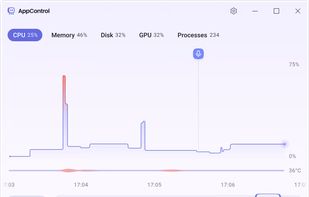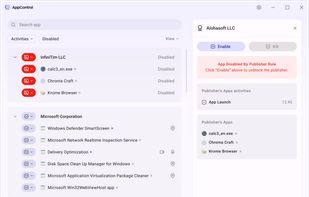
System Monitor is a tool to manage running processes and monitor system resources.
Cost / License
- Free
- Open Source
Application types
Platforms
- Linux
- BSD
- GNOME


btop is described as 'Resource monitor that shows usage and stats for processor, memory, disks, network and processes' and is a process monitoring tool in the os & utilities category. There are more than 25 alternatives to btop for a variety of platforms, including Linux, Mac, Windows, BSD and Flathub apps. The best btop alternative is Process Explorer, which is free. Other great apps like btop are htop, Mission Center, Resources and Glances.
System Monitor is a tool to manage running processes and monitor system resources.


vtop is a graphical command-line tool that uses unicode braille to chart CPU and memory usage. It can be easily extended.


jdSystemMonitor is an advanced, desktop-independent system monitor for Linux. Its goal is to provide as much information about your system as possible, with a focus on process management.


ca. 2020-01-25 The original author of gotop started a new tool in Rust, called ytop, and deprecated his Go version. This repository is a fork of original gotop project with a new maintainer to keep the project alive and growing.

Monitorets is a small utility application offering a simple and quick view at the usage of several of your computer resources. Almost like an applet or a widget for your Linux desktop.


The top program provides a dynamic real-time view of a running system. It can display system summary information as well as a list of processes or threads currently being managed by the Linux kernel.


Resource Monitor is a system application in Microsoft Windows operating systems. It is used to view information about the use of hardware (CPU, memory, disk, and network) and software (file handles and modules) resources in real time.


A TUI system monitor written in Rust. Contribute to cjbassi/ytop development by creating an account on GitHub.


Linux has always been able to show how much I/O was going on (the bi and bo columns of the vmstat 1 command).

Linux process explorer, behaves the same as the windows process explorer from Mark Russinovich.