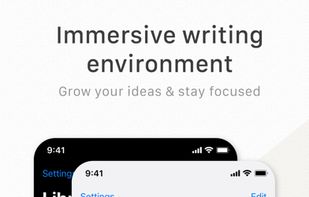
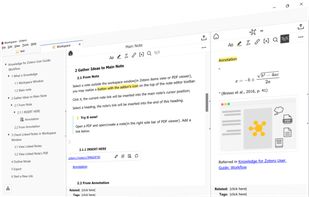
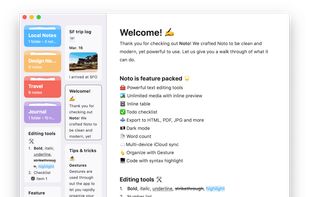
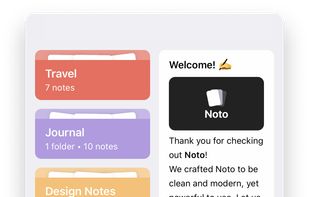
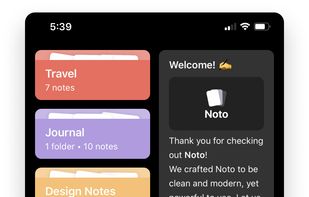
Noto is a modern writing app. With delightful interactions, powerful editing tools, and a beautiful design, Noto helps you capture the best of your everyday life.
Cost / License
- Freemium
- Proprietary
Application type
Platforms
- Mac
- iPhone
- iPad




+4


Bear is a Markdown-focused note app with cross-note links, hashtag tagging, powerful search, Focus Mode, iCloud sync, and multiple export options. Users appreciate its clean interface and Apple ecosystem integration, though some seek alternatives with stronger privacy features or cross-platform availability.
Obsidian leads as the top-ranked Bear alternative, extending Markdown note-taking with backlinks, bidirectional links, and graph view for mapping relationships between ideas. Standard Notes adds end-to-end encryption and encrypted backups for privacy-focused users, expanding beyond Bear's iCloud-style syncing. Notesnook focuses on private, encrypted notes with two-factor authentication and reminders for security-conscious users.
Bear alternatives range from local-first vault apps like Obsidian to encrypted sync-first tools like Standard Notes and Notesnook, giving users options across privacy levels and platform support.
Open source choices like Zettlr suit users who prefer auditable code and community-driven development. Linux users have native desktop apps available through Standard Notes for workflows outside Windows and macOS.
For self-hosting, AFFiNE and Outline can run on your own infrastructure for complete data control. Markdown workflows remain portable with Obsidian keeping notes in plain-text format, while offline functionality works reliably with Anytype during travel or unreliable connections.
Cloud sync becomes essential for multi-device users, with Evernote and Notesnook both including syncing across devices. For WYSIWYG-style editing, Standard Notes, Notesnook, and Anytype all list WYSIWYG support among their notable features for users who prefer rich-text editing over raw Markdown.
Noto is a modern writing app. With delightful interactions, powerful editing tools, and a beautiful design, Noto helps you capture the best of your everyday life.

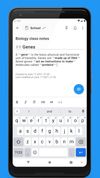
Quillpad is a fork of an original app called Quillnote. The development stopped on the original app and PR backlogs were not cleared up. The community showed much interest in the app for continued development and so this fork was created.




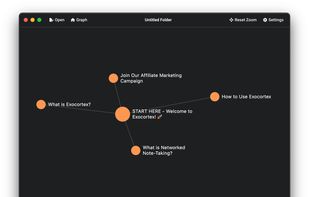
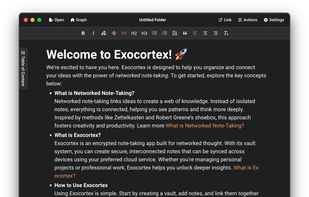
PrivateNotes (formerly Exocortex) is an encrypted note-taking app designed for networked thought. It allows you to link ideas together, creating a web of interconnected notes that mimic how your mind works.
 United Kingdom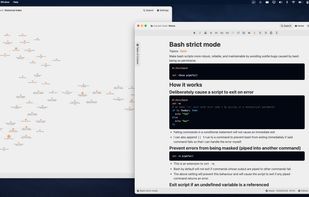


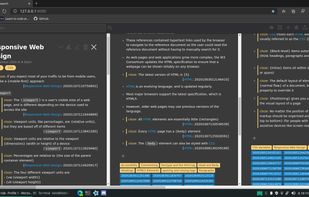
Interactive split-screen diagramming, draggable block-based note-taking, and brainstorming tool. Super charged productivity with seamless parallel streaming of ideas.
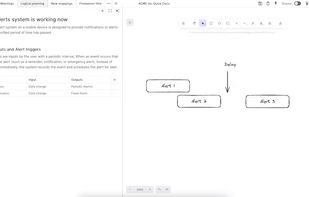
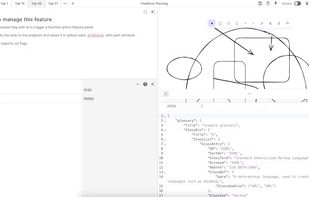
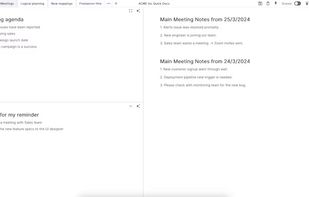
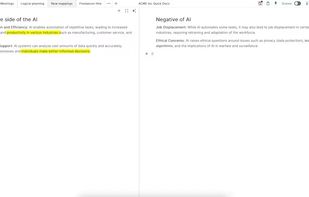


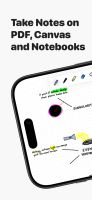
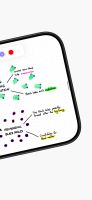
Notedrafts is a powerful note-taking app that lets you write, draw, and organize your thoughts across different types of documents. Whether you're marking up a PDF, writing on a large canvas, or taking notes in a long vertical layout, Notedrafts adapts to your workflow.



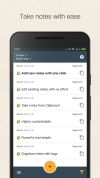
Be more productive with this advanced, elegant and simple notes taking app and easy clipboard manager.




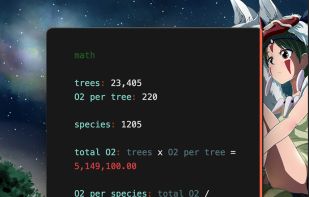
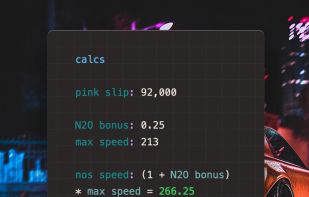
Antinote provides beautiful temporary notes, calculations, and custom calculators with lifetime updates. Features swipe navigation, plain text support, instant conversions including crypto, and one-click export functionality. Includes screenshot-to-text conversion, global hotkey access, and more.




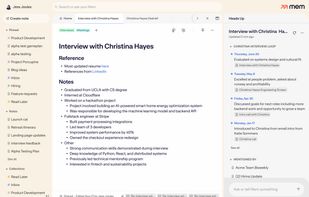
AI-powered service for note-taking and meeting capture offers instant entry, voice transcription, contextual retrieval, tagging, real-time collaboration, integrated tasks, personal and team workflows, platform sync, secure storage, and automated organization.
 United States



TakeNote was made by developers for developers - a simple, plain-text note-taking app for the web with Markdown support. What you see is what you paste. No WYSIWIG, no formatting pasted from the web, and no features you don't need or want.
United States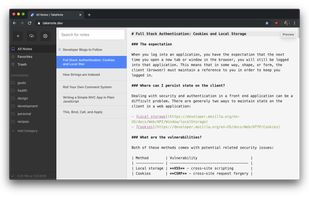


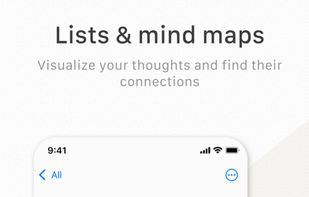
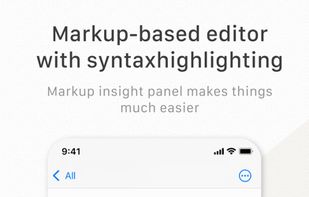
Effie is a light, clean, yet powerful markup-based writing and mind-mapping software that works across devices/platforms to capture your thoughts and help you write immersively and productively anywhere, anytime.
United States