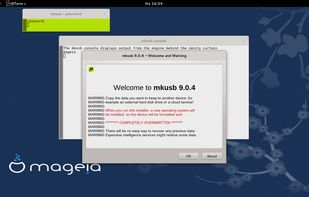
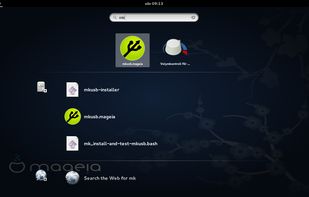
(Straight up rufus for Linux users ) The mkusb tool was developed to make it simpler and safer to create boot drives with the method to flash or clone an iso image or a compressed image file. It is using dd under the hood.
Platforms
- Linux



BartPE has been discontinued. Similar apps include macUSB, which is free and open source. Other options are KDE ISO Image Writer, Easy2Boot, WinSetupFromUSB and dd-Etcher. There's no shortage of Bootable USB Creators like BartPE, with more than 25 alternatives for Windows, Linux and Mac.
(Straight up rufus for Linux users ) The mkusb tool was developed to make it simpler and safer to create boot drives with the method to flash or clone an iso image or a compressed image file. It is using dd under the hood.

Flash disk images onto your drives with ease. Select an image, insert your drive, and you're good to go!
 United States

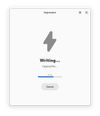


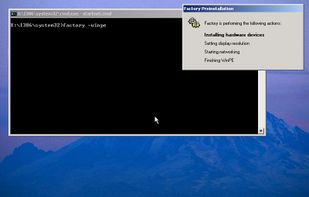
Windows Preinstallation Environment (Windows PE, WinPE) is a lightweight version of Windows used for the deployment of PCs, workstations, and servers, or install, deploy, and repair Windows while it is offline.
United States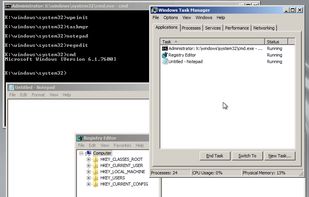


Create Windows installation media.
United States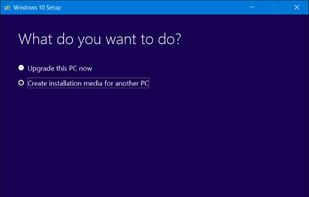

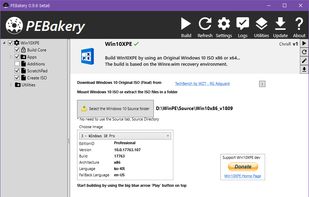
Win10XPE will help you build a lightweight desktop Windows 10 or Windows 11 Preinstallation Environment (WinPE) for performing tasks or troubleshooting a Windows OS while it is Offline or for installing a Windows OS.
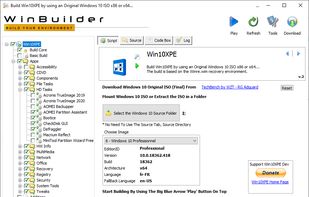
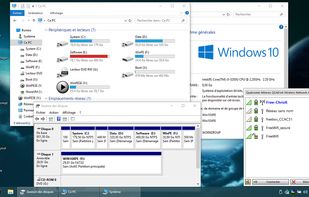
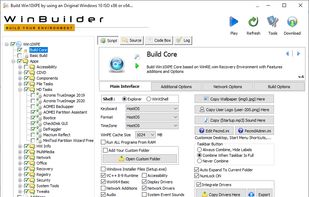
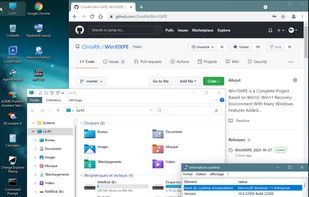

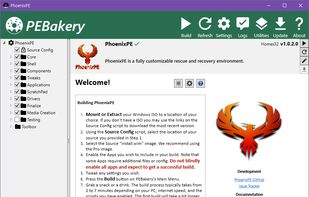
PhoenixPE is a WinPE Rescue/Recovery Environment based on Win10/Win11. It can be booted via USB, CD/DVD, PXE/Network, or hard disk.


Deepin Boot Maker is a boot maker developed by Deepin Technology Team. It is simple in interface and easy to operate. It helps users to easily make deepin boot disk.




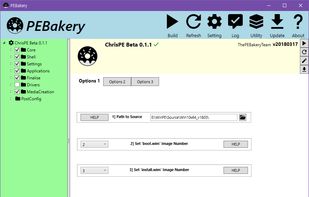
PEBakery is a script engine that specializes in customizing the Windows Preinstalled Environment (WinPE/WinRE).


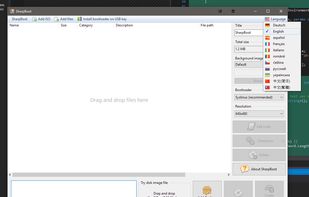
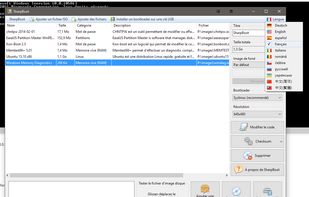
SharpBoot is a small utility for creating multiboot ISO or USB. You just need to drag-n-drop some iso files inside, and it automatically adds description and category (for supported ISO files, not shown in the screenshot). It uses Syslinux for the menu and bootloader.


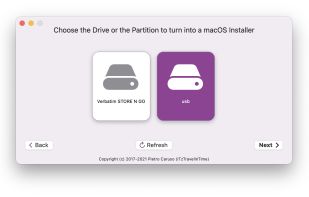
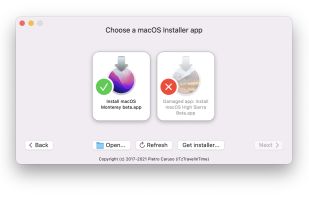


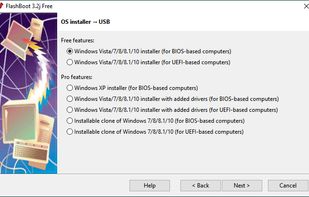
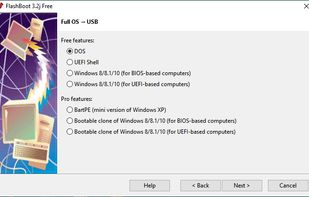
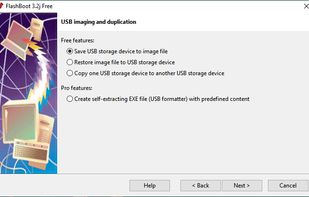
FlashBoot is a tool to create an installable clone of Windows 7/8.x/10 (including all your apps and data) on the USB thumbdrive/HDD and instantly transfer your entire OS to another computer, even with dissimilar hardware:
 Russia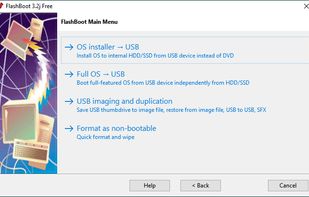


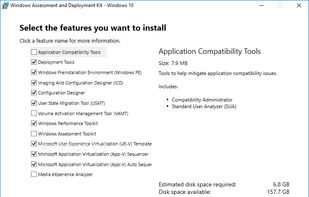
Comprehensive toolkit for customizing, assessing, and deploying Windows operating systems, featuring deployment tools, migration utilities, performance analysis, imaging, compatibility testing, and preinstallation environments for IT professionals and enterprises.
United States