Cost / License
- Free
- Proprietary
Application type
Platforms
- Mac
- Windows




Apps similar to Bandicam include OBS Studio, which is free and open source. Other options are OpenScreen, Recordly, GPU Screen Recorder and SimpleScreenRecorder. You're spoiled for choice with Screen Recorders like Bandicam: we list more than 100 alternatives for Windows, Mac, the web, Linux and Android.

A lightweight, native Android screen recording application built with Kotlin. It leverages Android's MediaProjection API and provides a beautiful, non-intrusive floating pill overlay inspired by Samsung's One UI 8.
 Pakistan



A simple desktop recorder for Linux systems. Built using Rust, GTK+ 3 and ffmpeg. It supports recording audio and video on almost all Linux interfaces with support for Wayland display server on GNOME session.
 Saudi Arabia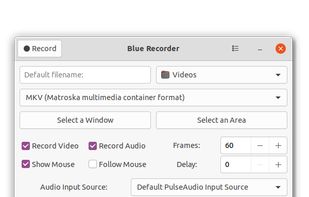


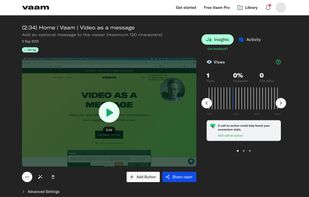
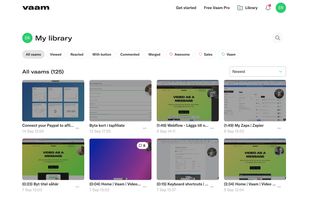
Vaam, video as a message, lets users create and access a shareable video in seconds, with the click of a button. It's a fun and beautiful experience where every company can have their own branding.


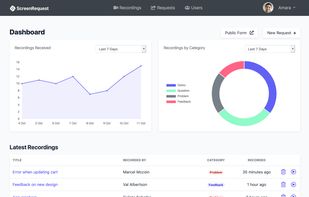
ScreenRequest is a simple screen recording tool that allows your customer to easily send you a screen recording. Triage support issues or get feedback.



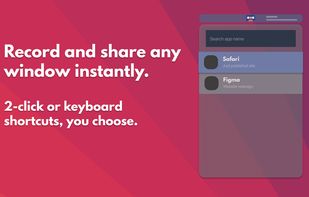

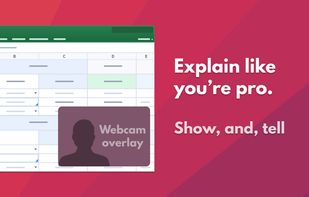
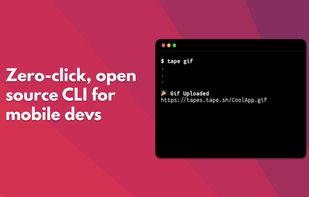


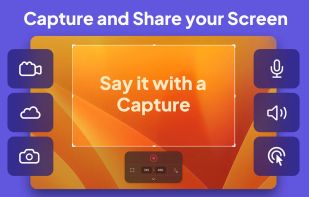
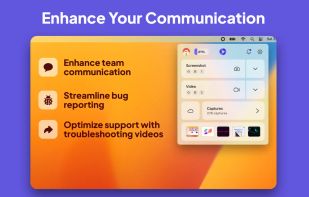
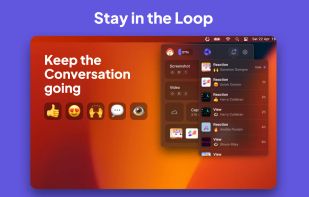
Capster helps you enhance your asynchronous communication with captures of your screen. Record your screen as you demonstrate a feature, idea, or bug, or take a screenshot and annotate it to better convey your point - and instantly share it through the cloud.



There exist a lot of screen recorders, but all lack the speed for doing some full screen recording. The speed is just to low or cpu to high.
 Germany
 EU
EU


Free screenshot and screen recording tool featuring instant capture, advanced editor with annotation, blur, pixelation, history for re-editing, hotkeys, dark mode, multiple capture types, OCR, GIF/video export, multi-monitor support, and offline use.
 Russia


SCREEN2EXE is a free utility designed in order to create instant screen demos with the highest compression ratio in the world!
 China
China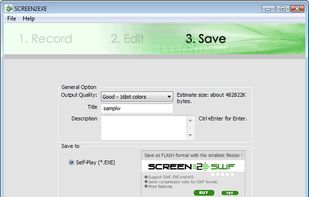


Free Screen Video Recorder is a compact, yet full-featured screen video recorder and screenshot capture tool that allows you to easily record screen activities and capture anything on the screen including windows, objects, menus, full screen and rectangular regions.
 United Kingdom