


Banckle Remote Access
23 likes
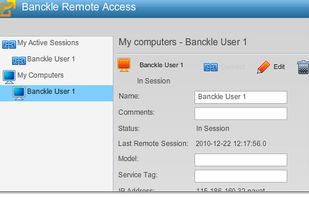
Banckle Remote Access is a secure solution for helpdesk support. Using the most powerful remote desktop accessing and sharing tool, it provides reliable IT help desk support to meet your business needs and also ensures matchless support for your customers.

Platforms
- Mac
- Windows
- Online
- iPad


Discontinued
The product was discontinued on 15th June, 2012

Features
Banckle Remote Access News & Activities
Highlights All activities
Recent activities
No activities found.
Banckle Remote Access information
Developed by
 Usman Sarfraz
 Licensing
Proprietary and Commercial product.Alternatives
85 alternatives listedBadge
Get an embeddable badge for Banckle Remote AccessSupported Languages
AlternativeTo Categories
Network & Admin, OS & Utilities, Business & Commerce, Remote Work & Education


Official Links
There are no links for this app, or they've been disabled.
Comments and Reviews
I have been using TeamViewer for quite sometimes for various purposes. Since the time I have come to know about Banckle Remote Access, I have tried this product and it also seems adequate to fulfill my needs. I don't mean any comparison here about these two products, but in short, Banckle Remote Access is new-fangled and quite levelheaded Application and I would recommend you to please give it a shot and try using it.
It's Great.