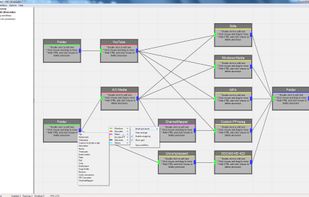
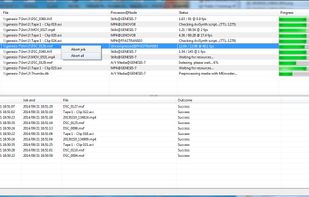
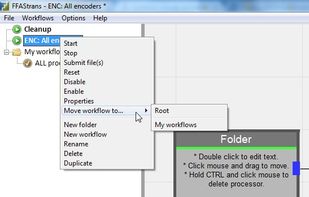
FFAStrans is a powerful and easy to use Task automation Engine, mostly used in but not limited to the wonderful world of audio and video visual content creation and management. Also known as workflow engine, transcoder, Enterprise Service Bus.




The best Video Converter alternative to Avidemux is Shotcut, which is both free and Open Source. If that doesn't suit you, our users have ranked more than 100 alternatives to Avidemux and many of them are Video Converters so hopefully you can find a suitable replacement. Other interesting Video Converter alternatives to Avidemux are LosslessCut, XMedia Recode, Pimosa and Adobe Media Encoder.
FFAStrans is a powerful and easy to use Task automation Engine, mostly used in but not limited to the wonderful world of audio and video visual content creation and management. Also known as workflow engine, transcoder, Enterprise Service Bus.

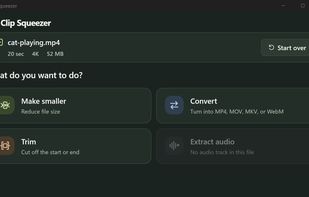
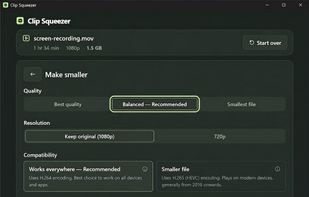
A simple video editing tool for people who don't want a complex video editing suite and don't want to use the command line. It just does four things: compress videos, convert format, trim off the start or end, and extract audio.


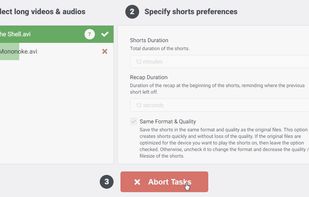
Don't have time for long videos and audios? Cut them into shorts, so that you could watch or listen them from any device without hassle, whenever you need a quick break.
 Germany
 EU


 FranceEU
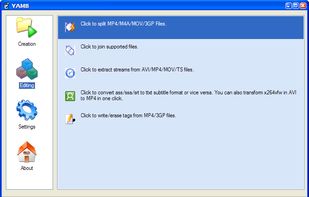



A local desktop utility that makes video files smaller by analyzing and re-encoding them in AV1 or HEVC. Choose a visual-quality level for automatic compression, or enter an exact file-size limit for email, messaging, and upload requirements; originals remain untouched.
 Canada



A lightweight and easy to use video conversion software, which allows you to convert and burn video files, extract audio tracks from video files, preview video and apply visual effects.
 Russia
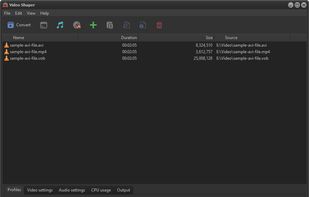


Open-source Linux desktop GUI and headless CLI video converter powered by HandBrakeCLI and PyQt6 with VMAF grading and zero telemetry.


Create images and videos. Subtitle, translate, cut, and export media — all with One prompt , while your Files stay local.

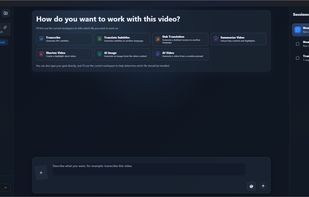


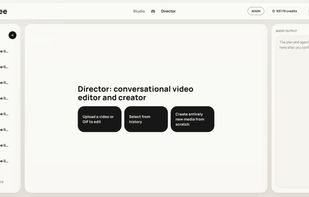
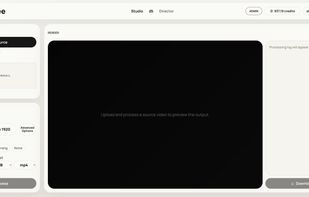
Browser-based video studio that analyzes clips for seamless overlay-fade loops or forward-and-reverse boomerangs, then exports MP4, MOV or GIF at a target size. Its conversational editor can build cuts, effects and text overlays in the cloud, with no GPU or subscription required.