
AudioFlip
AudioFlip adds the keyboard shortcut macOS forgot: one hotkey to cycle your audio output device (speakers, headphones, AirPods), and a separate hotkey for your microphone input — from any app, even fullscreen games and video calls.
Cost / License
- Pay once
- Proprietary
Platforms
- Mac


AudioFlip
Features
- Support for Hotkeys
AudioFlip information
What is AudioFlip?
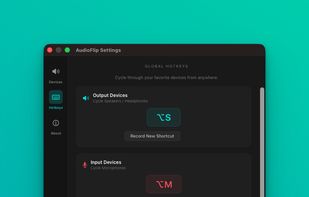
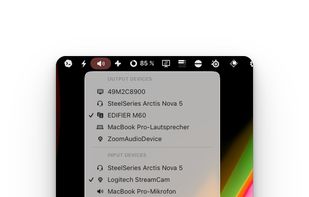
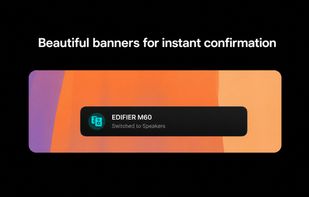
AudioFlip adds the keyboard shortcut macOS forgot: one hotkey to cycle your audio output device (speakers, headphones, AirPods), and a separate hotkey for your microphone input — from any app, even fullscreen games and video calls. Every switch triggers an on-screen toast notification so you always know what device is active. No more tabbing out to System Settings, no more Option-clicking the menu bar.
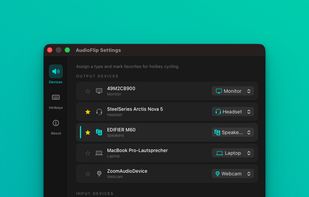
Key features: • Global hotkeys for output (default ?S) and input (default ?M) • Favourites-only cycling — only devices you actually use • On-screen toast confirmation after every switch • Device tagging: headphones, speakers, mics, monitors • Native Swift app, notarized by Apple, < 5 MB RAM • One-time purchase, $9.99
Built for gamers, streamers, podcasters, and anyone tired of the manual 4-click routine before every session.