


AI-powered microlearning platform that converts videos, PDFs, and ideas into interactive, SCORM-compliant courses in minutes.
Cost / License
- Freemium
- Proprietary
Platforms
- Software as a Service (SaaS)
- Online
 United Kingdom
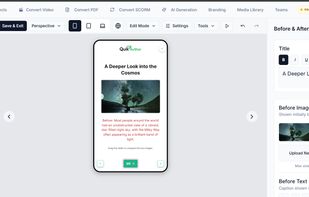


Apps similar to Articulate Storyline include Microsoft PowerPoint. It's paid, but Bento Slides and Wink are free. Other options are CleanShot X, ActivePresenter, Google Vids and ScreenSnap Pro. Screenshot Capture Tools like Articulate Storyline are a crowded field, with more than 50 alternatives for Windows, the web, Mac, iPad and iPhone.
AI-powered microlearning platform that converts videos, PDFs, and ideas into interactive, SCORM-compliant courses in minutes.
United Kingdom
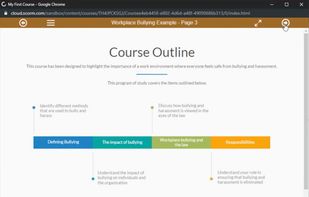
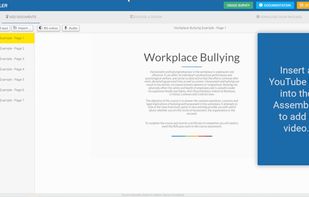
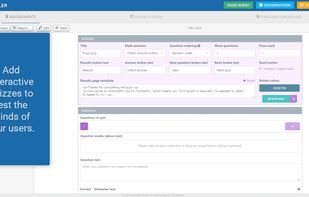
Rapidly convert your learning content to HTML5, add quizzes and video and package with a SCORM wrapper, all in a matter of minutes using our web-based tool. Course Assembler is an assembly line for your content.


Foxtery helps HR and L&D teams create employee training in 30 minutes instead of weeks. Upload PDFs, slides, videos, transcripts, or voice notes. The AI structures your content into interactive courses with quizzes, roleplay simulations, audio lessons, and 40+ content...
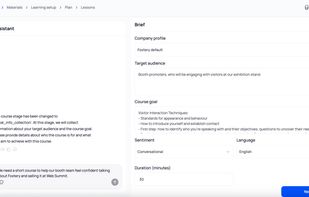
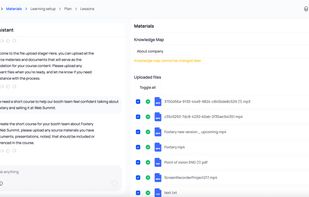
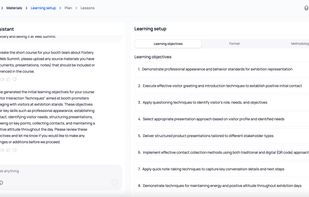
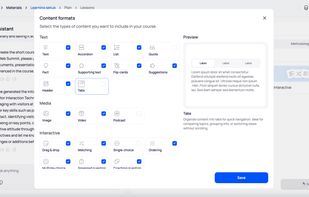


Automated course authoring software that helps to create beautiful, responsive elearning courses automatically from documents.
 Malaysia



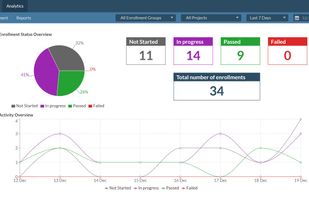
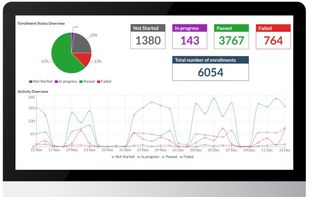
The eLearning authoring tool designed for everyone. Cloud-based solution to create, publish & track interactive eLearning courses. Create interactive videos, powerpoint like slides, branching, gamification using our drag and drop interface.
 Canada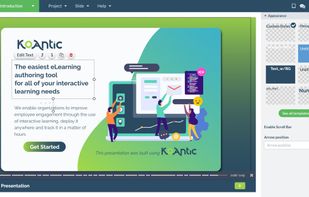
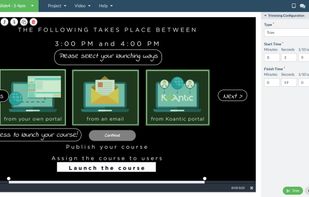


Tipard Screen Capture is able to capture any video/audio. This software allows you to record any video like webcam video, streaming video or other video tutorials on PC. Besides, it allows you to adjust the size of your screen.
 Hong Kong SAR China


You grab Screens or Windows using the standard PrtScn and Alt-PrntScn keys and MGrab will intercept the saved data as it is sent to the clipboard and put it into your chosen folder as a BMP or JPG file leaving the clipboard free for you to take another screenshot.


