AppControl for Windows Alternatives
Apps similar to AppControl for Windows include Process Explorer, which is free. Other options are htop, witr, btop++ and Mission Center. There's no shortage of Process Monitoring Tools like AppControl for Windows, with more than 25 alternatives for Linux, Mac, Windows, iPad and self-hosting.
Alternatives list

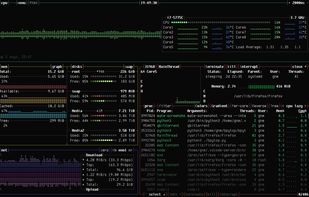
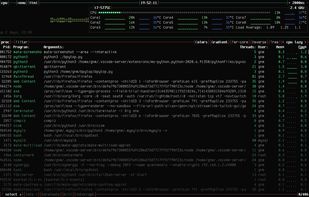
Resource monitor that shows usage and stats for processor, memory, disks, network and processes.
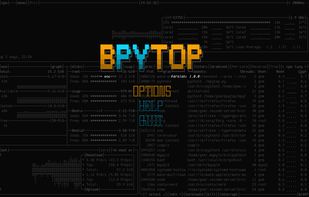
Python port of bashtop.
Cost / License
- Free
- Open Source (Apache-2.0)
Application typeApplication types
Platforms
- Mac
- Linux
- BSD
 +1
+1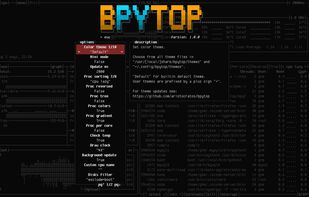



Cost / License
- Free
- Open Source (MIT)
Application typeApplication types
Platforms
- Mac
- Windows
- Linux
 New Zealand
 +3
+3


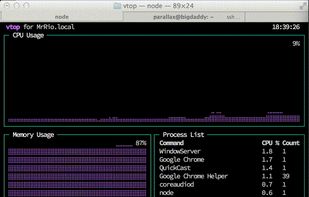
vtop is a graphical command-line tool that uses unicode braille to chart CPU and memory usage. It can be easily extended.
Platforms
- Mac
- Linux
- BSD
 United Kingdom


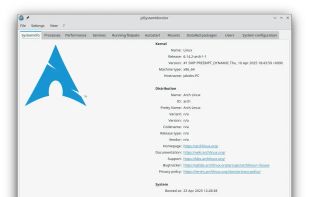
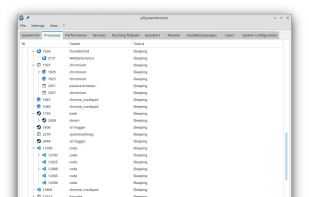
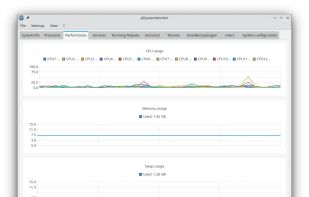
jdSystemMonitor is an advanced, desktop-independent system monitor for Linux. Its goal is to provide as much information about your system as possible, with a focus on process management.
Cost / License
- Free
- Open Source (GPL-3.0)
Application typeApplication types
Platforms
- Linux
- Flathub
- Flatpak
 Germany
 EU
EU
 +6
+6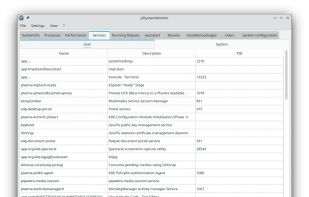


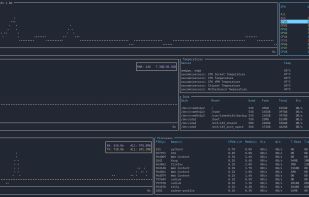
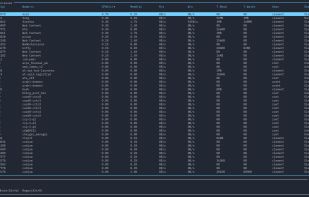
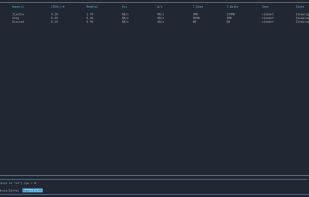
The Windows version of btop++, which is itself the re-implementation and continuation of bashtop and bpytop written in C++. A rich, featureful terminal-based resource monitor that shows usage and statistics for processor, memory, disks, network, processes and services.
Cost / License
- Free
- Open Source (Apache-2.0)
Application typeApplication types
Platforms
- Windows
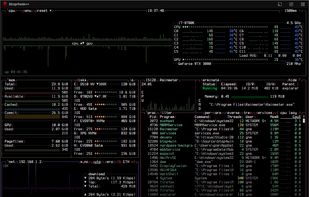
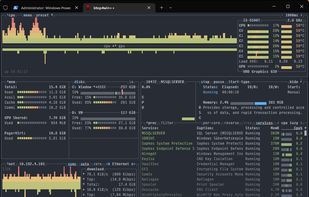
 +2
+2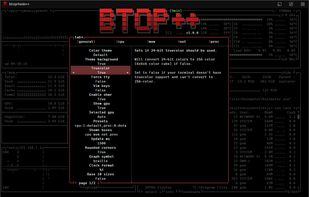


Cost / License
- Free
- Open Source (Apache-2.0)
Application typeApplication types
Platforms
- Mac
- Linux
- BSD
- GNU Bourne Again SHell
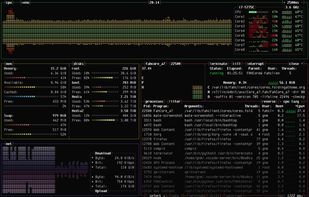
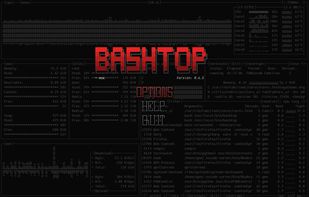
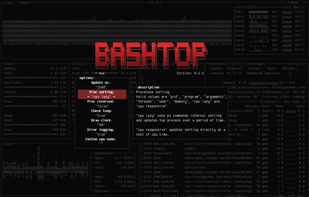


ca. 2020-01-25 The original author of gotop started a new tool in Rust, called ytop, and deprecated his Go version. This repository is a fork of original gotop project with a new maintainer to keep the project alive and growing.
Platforms
- Mac
- Windows
- Linux
- Global
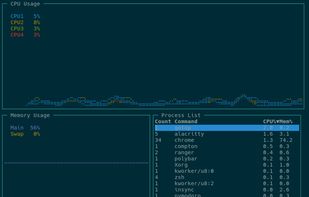


Monitorets is a small utility application offering a simple and quick view at the usage of several of your computer resources. Almost like an applet or a widget for your Linux desktop.
Cost / License
- Free
- Open Source (GPL-3.0)
Application type
Platforms
- Linux
- Flathub
- Flatpak



 58 Resource Monitor alternatives
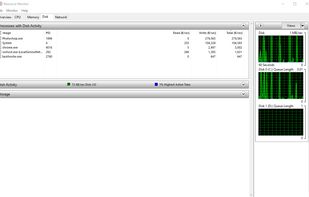
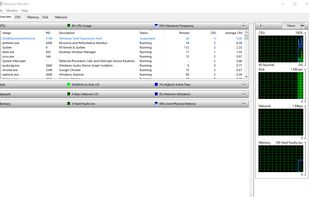
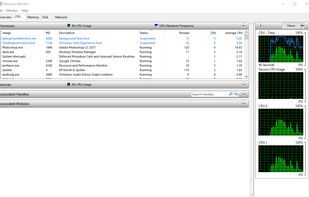
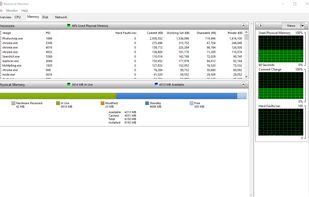
Resource Monitor is a system application in Microsoft Windows operating systems. It is used to view information about the use of hardware (CPU, memory, disk, and network) and software (file handles and modules) resources in real time.
Cost / License
- Free
- Proprietary
Application type
Platforms
- Windows
 United States
 +2
+2