


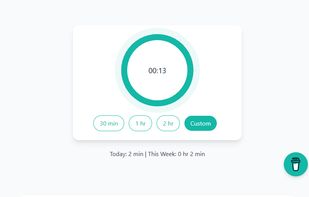
One of the first webpages that used the Wake Lock API packaged in the nosleep.js script to prevent a device from sleeping.
Cost / License
- Free
- Open Source (MIT)
Application type
Platforms
- Online
 United Kingdom


Apps similar to Amphetamine include Vorssaint, which is free and open source. Other options are goguma app, Caffeine for Windows, PowerToys - Awake and Green Dotter. Prevent Sleep Mode Apps like Amphetamine are a crowded field, with more than 50 alternatives for Mac, Windows, Android, Linux and the web.
One of the first webpages that used the Wake Lock API packaged in the nosleep.js script to prevent a device from sleeping.
United Kingdom
Keep your screen on when your device is running your GPS application, favorite remote control, playing a movie or slideshow, etc... Perfect to keep your screen on without dimming for application development. Your screen will never go back to sleep until you want it to...
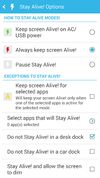
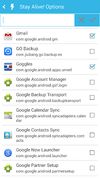
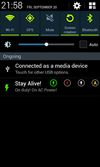


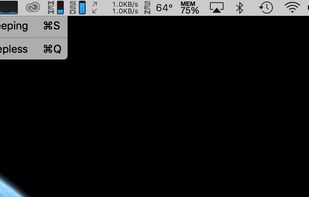


This app will keep your system awake for a defined period of time. It will pause the energy settings and prevent the screensaver from starting.
 Germany
 EU
EU
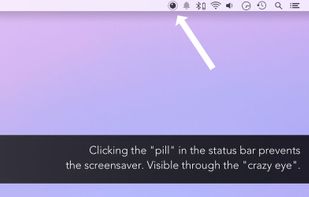


Clapet is a utility that aims to improve clamshell mode on your Macbook by automatically managing sleep when an external display is detected.


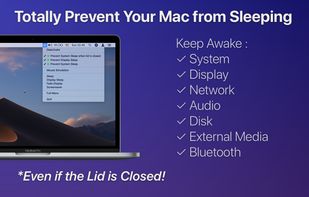
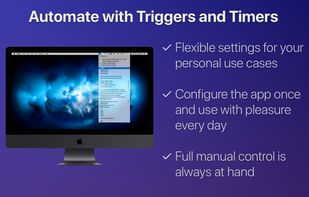
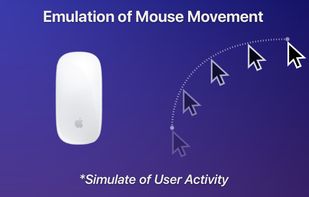


@home is a tiny convenience utility, that knows when you are at home (based on your wireless network name) and prevents your computer from locking the screen. When you are away from home, your normal locking idle times apply.


NoDoze simulates keyboard/mouse activity to keep the screensaver from activating. Its activity depends on currently running programs. You can use regular expressions or Windows wildcards to choose when the screensaver is deactivated.
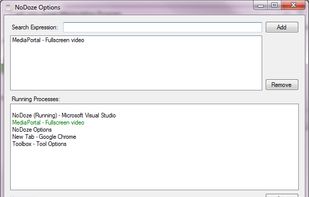


When it's not possible to change the screensaver settings in your Windows environment, then it's almost impossible to show things on your screen for a longer period without activating the screensaver.


Coffee allows you to keep the display awake without having to change the device settings. It can be toggled at various places:
GermanyEU


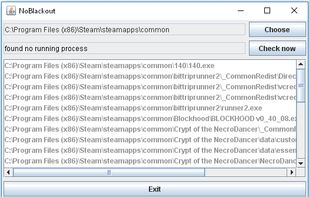
Simulates activity (=> disables screensaver and powersaving) while running programms (any .exe) from a choosen directory. Main purpose is to choose the steam directory to disable monitor powersaving while running steam games.


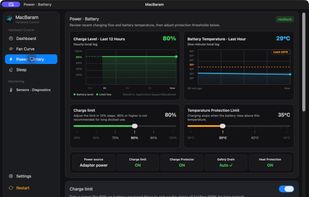
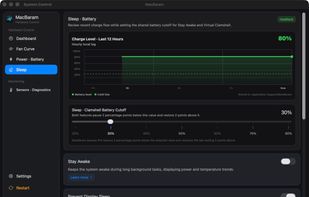
MacBaram is a native macOS utility that brings fan, battery, and sleep controls into one dashboard for people running long AI, rendering, build, and other demanding workloads. It supports temperature-based fan curves and cooling presets on compatible fan-equipped Macs, charging...
 South Korea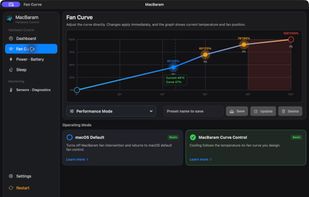


 United States


