Cost / License
- Free
- Proprietary
Platforms
- Telegram


Apps similar to Adolix Split & Merge PDF include PDF24 Creator, which is free. Other options are PDFsam Basic, Master PDF Editor, PDF24 Tools and Sejda. PDF Editors like Adolix Split & Merge PDF are a crowded field, with more than 100 alternatives for Windows, the web, Mac, Linux and Android.

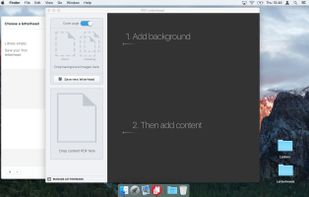
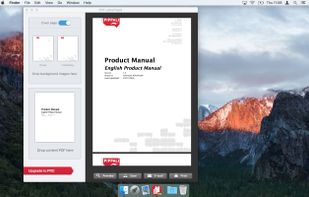
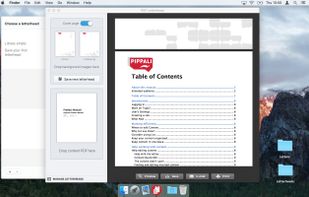
PDF Letterhead is a simple desktop app for OSX to apply your own company logo or letterhead on PDF documents. Apply letterhead's or logo on letters, quotations, invoices or contracts.



Hexonic PDF Split and Merge allows you to easily merge an unlimited number of PDF documents into a single one. With the splitting feature, a new document is created for each single page of the source documents. Hexonic PDF Split and Merge is free for private, non-commercial use.
 Germany
 EU
EU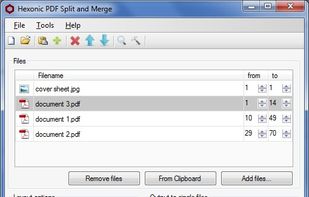


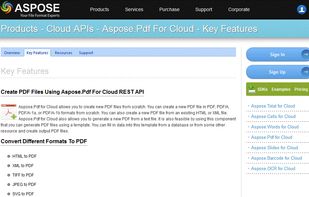
Aspose.Pdf for Cloud is a REST API to create, edit & manipulate PDF files. It also convert PDF file to DOC, DOCX, HTML, XPS, TIFF etc. You can create a new PDF either from scratch or from HTML, XML, template, database, XPS or an image.
 United States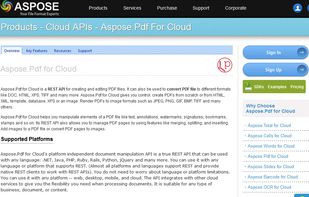

Applet to merge or concat several sites from pdf files. No upload limits.

This online tool allows you to join several PDF documents into a single file, free of charge. Just upload PDF documents you want to merge together, reorder them with drag-and-drop (if you need) and click 'Join all Files' button.
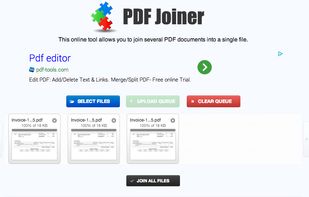


Merge PDF Documents easily using an online free service (no registration).
Information about the merge process and notable limitations: Maximum number of input files is 10 Individual file size limit is 5 MB All uploaded files are removed after the merge pdf process has finished.


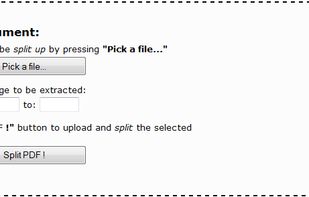
This service enables you to split PDF documents free of charge. All you need to do is select the PDF documents that you want to split up on your computer, specify the desired page range, and click a button, as instructed below.


PDFs Split & Merge is a lightweight application for your Mac. It helps you Split, Merge and Unlock PDF files within seconds and it's all offline. We respect your privacy.
 India
India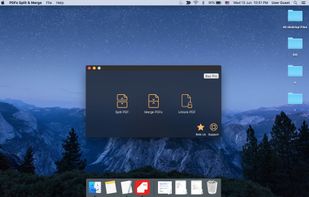
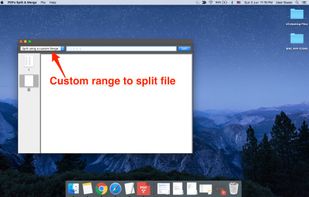
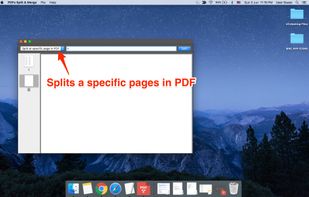
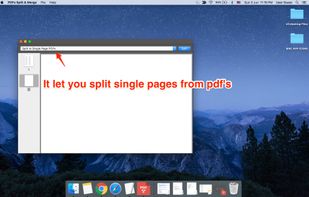


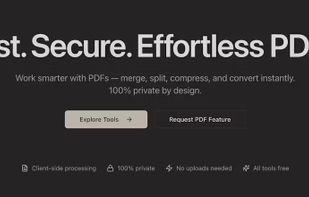
Free, privacy-focused suite of PDF, video, and image tools that runs entirely in your browser. No server uploads required.
 SpainEU
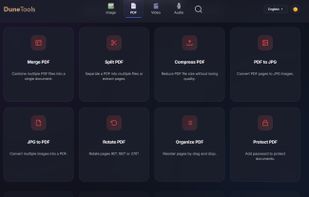
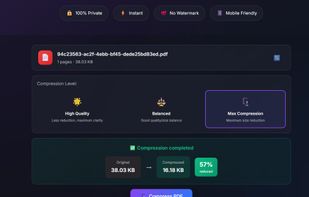
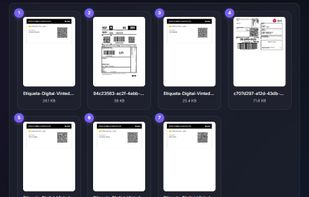


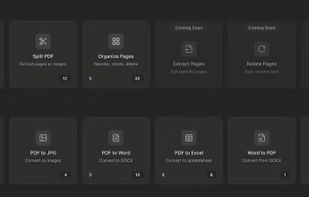
PDF Flo lets users manipulate PDF files instantly in the browser — without uploading them to a remote server. It focuses on being: Lightning-fast Files never leave your device Minimal UI with smooth transitions and neutral...


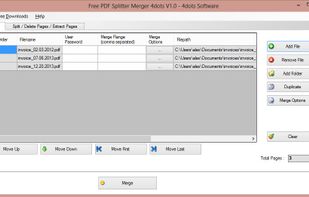
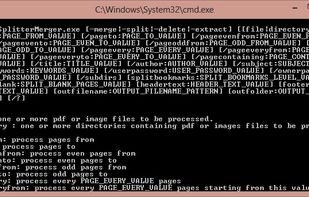
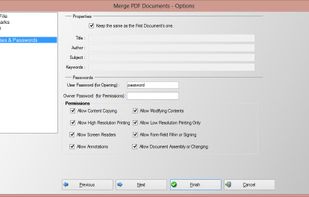
Free PDF Splitter Merger is a free and advanced application for splitting and merging PDF Documents and for extracting or deleting page from them. The application is simple to be used but it is also possible to set various complicated criteria.
 GreeceEU