


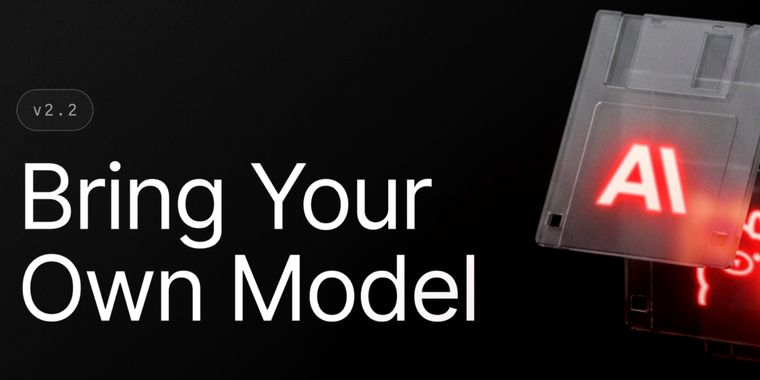

Raycast v2 restores external AI models and expands window tools
Raycast v2 brings back Bring Your Own Model support, letting users connect OpenAI compatible custom providers, run local models through Ollama, or add an OpenRouter API key to access its model catalog. Once configured, these models are available throughout Raycast AI alongside Raycast’s built in options. Unlike v1, however, Custom Providers, Local Models, and Bring Your Own Key now require a Raycast Pro subscription.
The update also expands Window Management with Resize Window and Move Window commands that accept exact pixel dimensions and coordinates. A new Create Layout From Current Windows command can capture the windows currently on screen as a custom layout, while the layout editor can add visible windows, include multiple windows from the same app, and pass command line arguments to apps launched through a layout.
Quick AI adds a Paste Formatted Response action, while Raycast AI gains basic support for right to left text. Ask Questions and Collapse Long Messages are now enabled by default, Root Search can distinguish apps that share the same name, and File Search ranking has been adjusted to prioritize shallower or more recent files. The release also includes fixes across startup performance, dictation, File Search indexing, Quick AI, keyboard layouts, macOS 27 window behavior, and extensions.




- Application Launcher
- Freemium
- Proprietary
Related news
External links
- Raycast v2.2 - 🦙 Bring Your Own ModelRaycast Changelog • Official source
No comments so far, maybe you want to be first?