


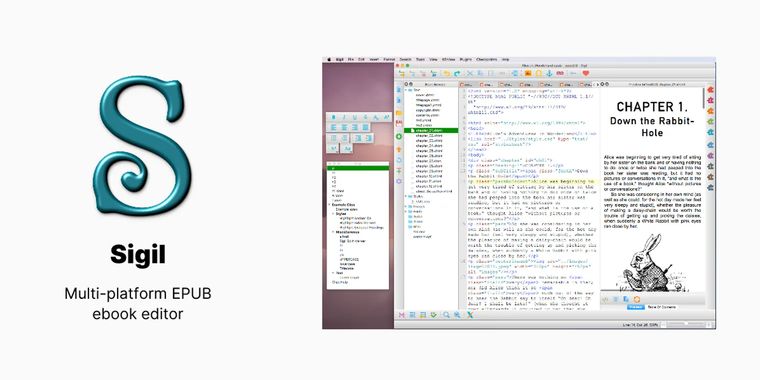

Sigil 2.8 brings built-in image editing, CSS de-nesting, and support for more media types
Sigil 2.8 brings an updated EPUB editing experience with several feature enhancements and workflow options. The release introduces a dedicated “Change reading order” dialog for users who may be unable to manage their EPUB's sequence using drag and drop. In addition, a new file drop zone allows content to be added more intuitively via drag and drop operations. Several bug fixes in this update aim to deliver improved stability and usability across all core functions.
Following these accessibility improvements, Sigil's ImageTab now supports in-application image rotation, cropping, and resizing. These updates make basic graphic edits possible without leaving the EPUB editor. The ImageViewer has also been updated to display image descriptions at the top and to automatically fit images to the available window size.
Building on extended standards support, Sigil 2.8 recognizes JPEG XL and AVIF images as core media types in line with EPUB 3.4 specifications. The release also adds recognition for JSON as a valid media type, along with JSON syntax highlighting in CodeView, preparing the application for upcoming EPUB standards. In addition, users can now de-nest native CSS to ensure compatibility with more e-readers, and new tool menus allow safer management of navigation files in EPUB3 projects. Advanced users benefit from improved control over code formatting through a customizable prettyprint.xml configuration.





Comments
"Many authors draft in Word, Scrivener, or similar tools and then move to Sigil as a post‑processing step to clean HTML/CSS, fix structure, add metadata/TOC, and prepare a proper EPUB for Amazon/Smashwords, etc" (from Reddit) Most users “format books for their own use” ..reading visibility,.. improve auto‑converted EPUBs HTML/CSS, random line breaks, or inconsistent headings.