



Raspberry Pi OS disables passwordless sudo by default on new installs for greater security
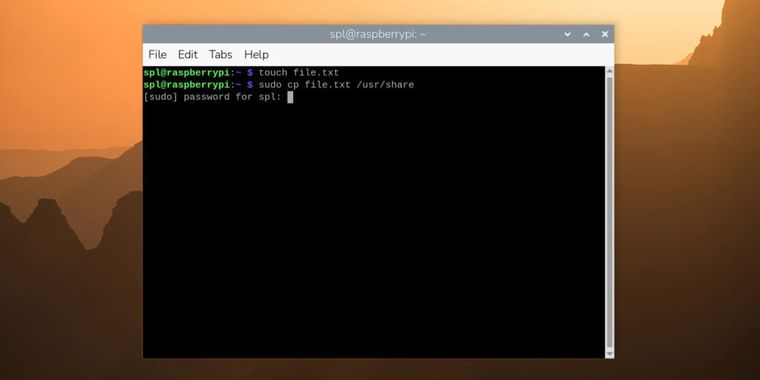
Raspberry Pi OS 6.2 introduces a security-focused change by disabling passwordless sudo by default for new installations. Users who run sudo for administrator-level access will now be prompted to enter their password in the terminal. Similarly, certain administrative actions within the desktop interface, such as operations in the control center, will bring up a dialog requesting the current user's password.
Following this change, once a valid password is entered for sudo, a five-minute grace period applies before further prompts are required for subsequent commands. Users who prefer the earlier passwordless sudo experience can revert to this behavior through an option found in the system tab of the control center.
Current users updating existing Raspberry Pi OS installations are not impacted by this change unless they manually adjust the admin password setting. On updated systems, the control center will display the new admin password switch, but default passwordless sudo remains enabled until the user decides to modify it. Outside the sudo policy update, Raspberry Pi OS 6.2 also includes accumulated minor changes and bug fixes from the past several months.




- Linux Distro
- Free
- Open Source
Related news
External links
- A security update for Raspberry Pi OSRaspberry Pi • Official source
No comments so far, maybe you want to be first?