Discord Bot Development

Every coder has a set of programs that they prefer over all others. If you're just getting into Discord bot development, you might be trying to decide what programs you want to use to write your bot. This isn't a list of "the best", but it's the programs that I've found I like better than others.

JacenBoy
JacenBoyList by JacenBoy, last updated 
Copy a direct link to this comment to your clipboard
  1. Discord icon
     Like

    Obviously a necessity if you're making a bot for Discord. There are a number of great communities on Discord to help you out if you're having trouble, as well.

    Cost / License

    • Freemium
    • Proprietary

    Platforms

    • Mac
    • Windows
    • Linux
    • Online
    • Android
    • iPhone
    • Android Tablet
    • iPad
    • Snapcraft
    • Epic Games Store
    • Flathub
    • Electron
    • Playstation
    • Xbox
    Desktop UI
    Desktop UI Color Customization
    Cross Platform Video Chat and Screensharing
    +8
    Phone UI
  2. Node.js icon
     Like

    Node has a very easy learning curve, and with NPM there is a package available for whatever you want to do. If you haven't decided what language you want to write your bot in, this is what I'd recommend.

    Cost / License

    • Free
    • Open Source

    Application type

    Platforms

    • Mac
    • Windows
    • Linux
    • Chrome OS
    • BSD
    • Self-Hosted
    Node.js screenshot 1
    Node.js screenshot 1
    Node.js screenshot 2
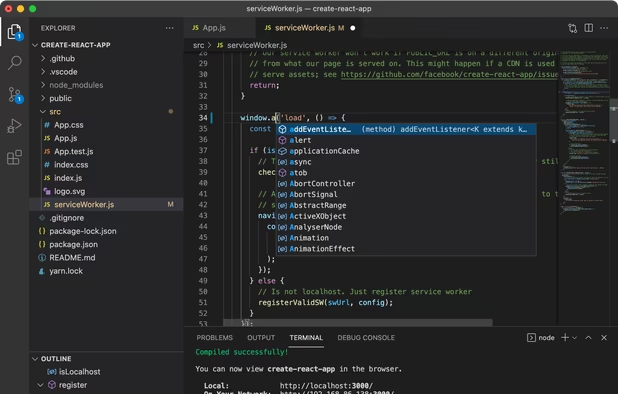
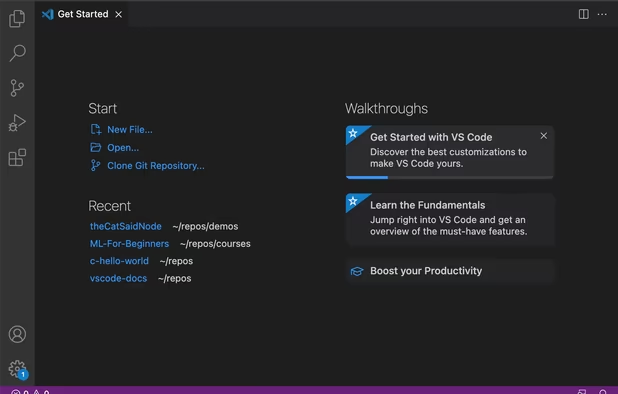
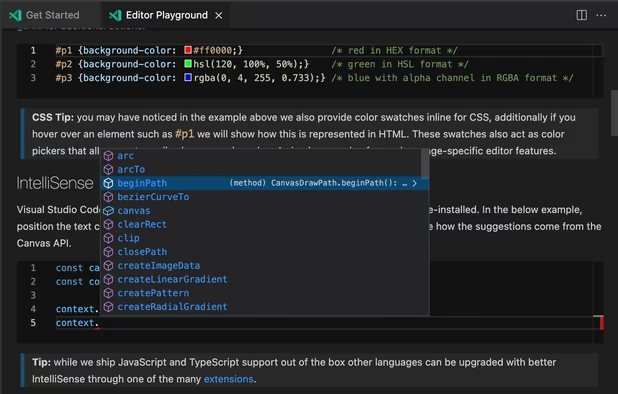
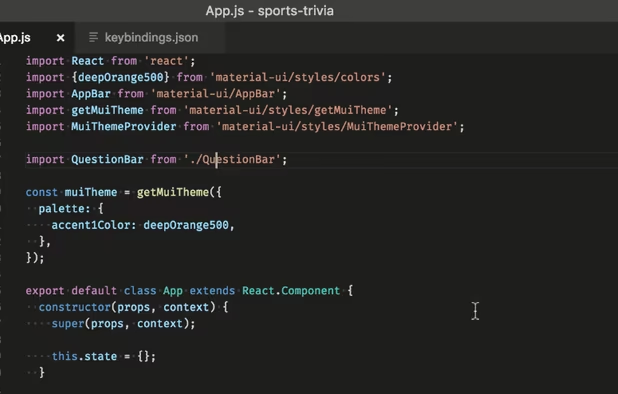
  3. Any IDE will do, but if you haven't decided on your preferred IDE, VS Code is an excellent choice. It has a number of useful features out of the box, has a large library of extensions for anything that's missing, and is open source.

    Cost / License

    • Free
    • Proprietary

    Application types

    Platforms

    • Mac
    • Windows
    • Linux
    • Online
    • Chrome OS
    • Snapcraft
    Visual Studio Code screenshot 1
    Visual Studio Code screenshot 1
    Visual Studio Code screenshot 2
    +2
    Visual Studio Code screenshot 3
  4. GitHub icon
     Like

    If you want your bot to be open source, GitHub is something of an industry standard. If you plan to host your bot on Heroku, the two integrate easily, making it simple to push updates to your bot.

    Cost / License

    • Freemium
    • Proprietary

    Platforms

    • Mac
    • Windows
    • Online
    • Android
    • iPhone
    • Android Tablet
    • iPad
    Homepage
    Organization profile view
    Repository Homepage
    +6
    Issues
  5. Heroku icon
     Like

    For small, simple bots, Heroku is a free option for hosting. If you add a credit card, you get enough free credit to host your bot 24/7, and Heroku integrates with GitHub, making pushing updates simpler. As long as you don't need to write to any files, Heroku is an excellent choice.

    Cost / License

    • Paid
    • Proprietary

    Platforms

    • Online
    Heroku screenshot 1
  6. OVH icon
     Like

    If you need to be able to write to files, or Heroku doesn't work for some other reason, a VPS may be necessary. OVH is the host I use, but any VPS should be good enough.

    Cost / License

    • Paid
    • Proprietary

    Platforms

    • Windows
    • Linux
    • Online
    • Self-Hosted
    OVH screenshot 1
    OVH screenshot 1
    OVH screenshot 2
  7. PuTTY icon
     Like

    If you choose to go with a VPS, you'll need some kind of SSH client to access it. PuTTY is a lightweight, free, and easy to use option.

    Cost / License

    • Free
    • Open Source

    Platforms

    • Windows
    • Linux
    • BSD
    • PortableApps.com
    • ReactOS
    PuTTY screenshot 1
    Tunnels interface
    PuTTY screenshot 2
  8. WinSCP  icon
     Like

    Probably the least-used program on the list, but WinSCP is useful for making quick edits to files or looking at directory structure without having to mess with the command line.

    Cost / License

    • Free
    • Open Source

    Application types

    Platforms

    • Windows
    • PortableApps.com
    • Wine
    WinSCP  screenshot 1
    WinSCP  screenshot 1
    WinSCP  screenshot 2
    +7
    WinSCP  screenshot 3

As a bonus, I've found An Idiot's Guide (https://anidiots.guide) to be the best tutorial for learning how to code a Discord bot. If you're going the Node.js route, make sure you're familiar with the Discord.js documentation (https://discord.js.org).

No comments so far, maybe you want to be first?
Gu