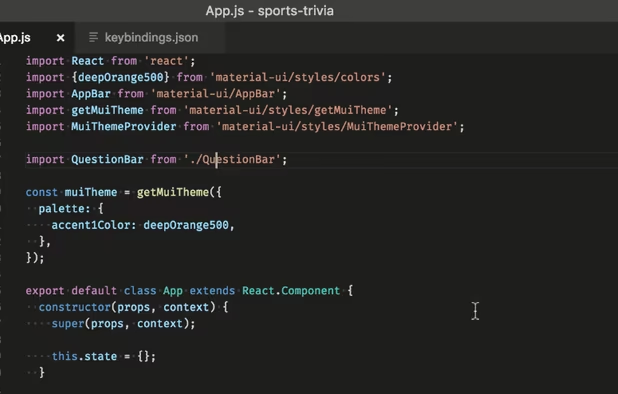
Text Editors & IDE of choice for everyday usage

This list contains software that I use every day on my Windows workstation. Mostly small utils but mighty) In short, here favorite programs.

Aleksandr Dikov
Aleksandr DikovList by Aleksandr Dikov, last updated 
Copy a direct link to this comment to your clipboard
  1. Webapp

  2. StackEdit icon
     Like

    Full-featured, open-source Markdown editor based on PageDown, the Markdown library used by Stack Overflow and the other Stack Exchange sites.

    Cost / License

    • Free
    • Open Source

    Platforms

    • Online
    • Chrome OS
    • Google Chrome
    StackEdit 5 - Split interface (Dark)
    StackEdit screenshot 1
  3. HackMD icon
     Like

    HackMD is a browser-based, real-time collaborative markdown editor. It was inspired by hackpad icon hackpad but focuses more on speed and flexibility.

    Cost / License

    • Freemium
    • Proprietary

    Platforms

    • Online
    • Software as a Service (SaaS)
    • Heroku
    • Docker
    HackMD screenshot 1
    HackMD screenshot 1
  4. Desktop

  5. Vim icon
     Like

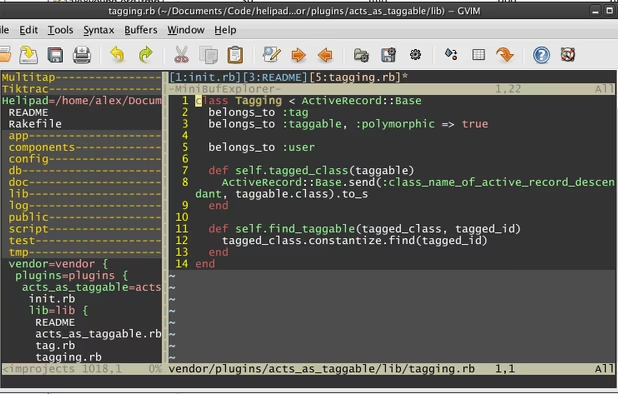
    Vim ("Vi IMproved") is an advanced text editor that allows syntax highlighting, word completion and has a huge amount of contributed content. It also has a GUI version called GVim.

    Cost / License

    • Free
    • Open Source

    Application types

    Platforms

    • Mac
    • Windows
    • Linux
    • BSD
    • Haiku
    • AmigaOS
    • OpenSolaris
    • MorphOS
    • Flathub
    • Flatpak
    • Snapcraft
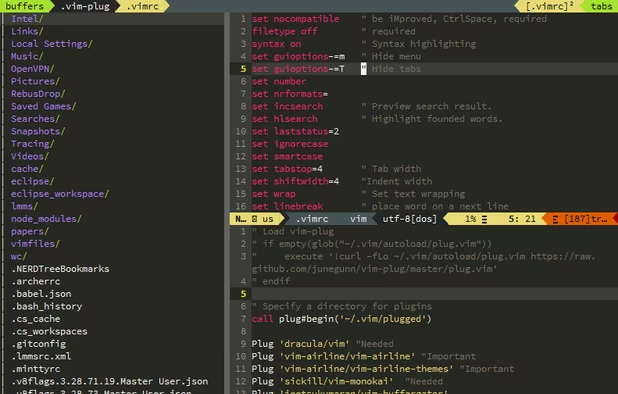
    Vim screenshot 1
    GVim with netrw+airlines+ctrlspace+xkb-switch+monokai theme+Source Pro font
    Plugin Gitgutter shows added lines as '+' and altere as '~'.
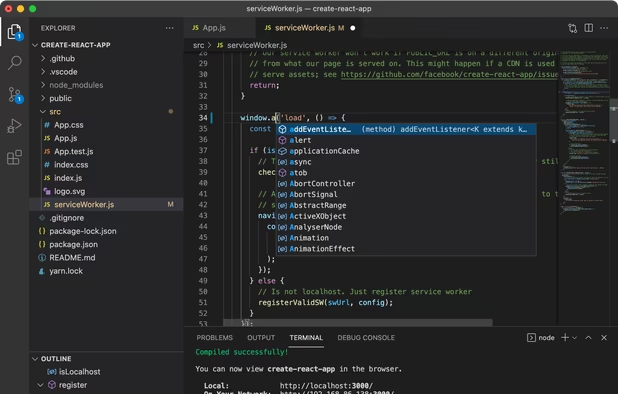
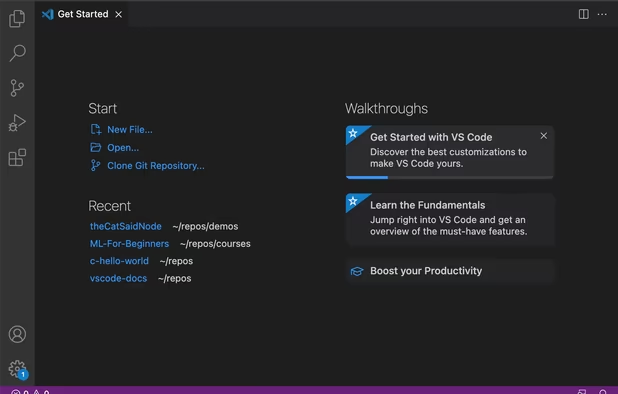
  6. Free, extensible code editor with Git integration, AI-driven IntelliCode, and 30,000+ extensions, supporting various languages like Python, Java.
    Cost / License

    • Free
    • Proprietary

    Application types

    Platforms

    • Mac
    • Windows
    • Linux
    • Online
    • Chrome OS
    • Snapcraft
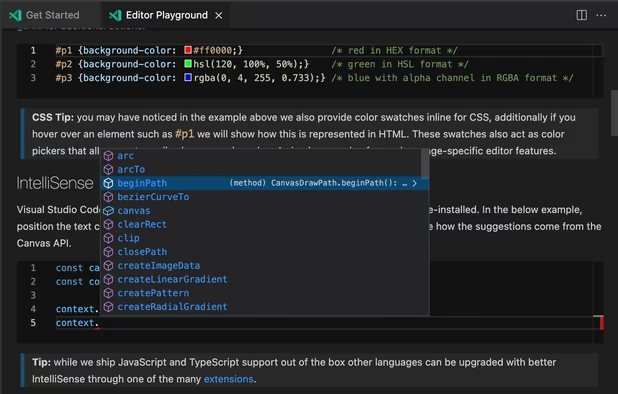
    Visual Studio Code screenshot 1
    Visual Studio Code screenshot 1
    Visual Studio Code screenshot 2
    +2
    Visual Studio Code screenshot 3
  7. IntelliJ IDEA is the JetBrains IDE for pro development in Java and Kotlin. Built for your comfort, it unlocks productivity, ensures quality code, supports cutting-edge tech, and protects your privacy.

    Cost / License

    • Freemium
    • Open Source

    Application types

    Platforms

    • Mac
    • Windows
    • Linux
    IntelliJ IDEA interface overview: the Project tool window (left) outlines the code structure and the Editor (right) is used to read, write, and explore the source code.
    Inspections help find probable bugs and dead code, detect performance issues, and improve the overall code structure by providing quick-fixes for any code that contains potential concerns.
    In the Search Everywhere window, you can search for files, actions, classes, symbols, settings, UI elements, and anything in Git, all from a single entry point.
    +1
    IntelliJ IDEA provides first-class support for leading frameworks with dedicated assistance for Jakarta EE, JPA, Reactor, Spring and Spring Boot, and other popular frameworks.
No comments so far, maybe you want to be first?
Gu