• GIMP icon
  • Photopea icon
  • PhotoFlare icon
  • PixiEditor icon
  • PhotoCraft icon
  • +3

Best Linux's graphics applications

AlainINAlainIN8 appsUpdated
Copy a direct link to this comment to your clipboard
  1. GIMP icon
     Like

    Free open-source suite with advanced photo retouching, composition, batch processing, plugin extensibility, custom scripting, and wide file format compatibility.

    Cost / License

    • Free
    • Open Source

    Application type

    Platforms

    • Mac
    • Windows
    • Linux
    • BSD
    • Snapcraft
    • Flathub
    • PortableApps.com
    • Haiku
    • Flatpak
    • AmigaOS
    • AppImage
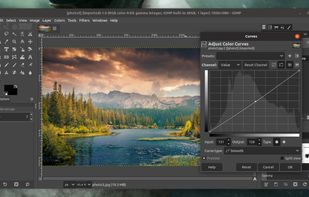
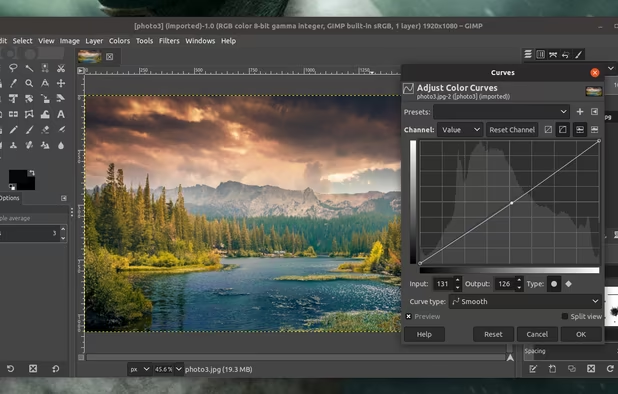
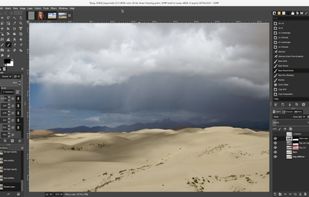
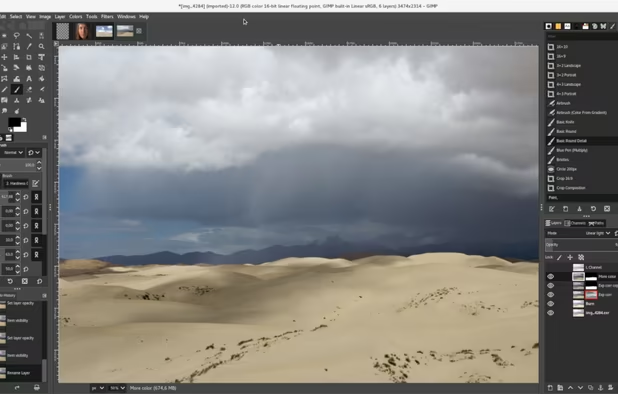
    GIMP screenshot 1
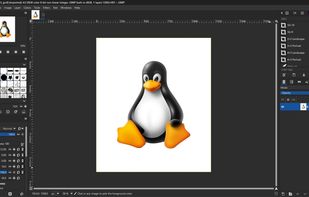
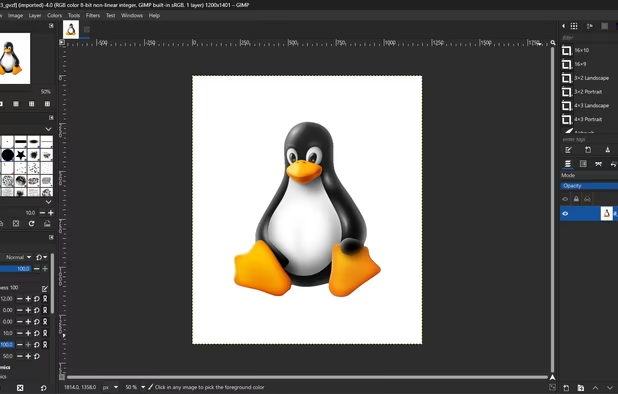
    GIMP 2.99.18 on Windows, non-default theme.
    GIMP screenshot 2
    +5
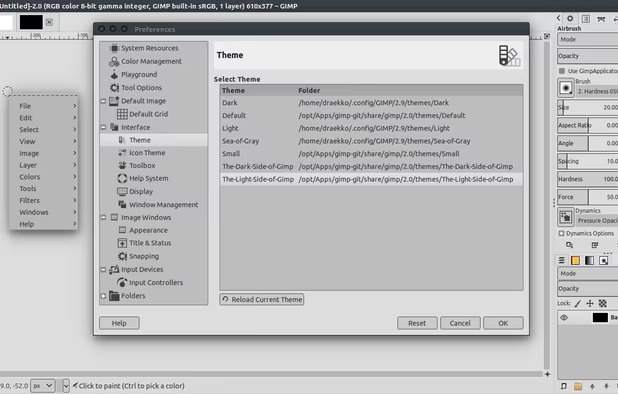
    GIMP screenshot 3
  2. Photopea icon
     Like

    Browser-based editing supports complex layers, masks, and adjustment tools, opens PSD, XCF, Sketch files, and exports in over 40 formats, all client-side for privacy.

    Cost / License

    • Freemium
    • Proprietary

    Application type

    Platforms

    • Online
    • Software as a Service (SaaS)
    Photopea screenshot 1
    Brush parameters.
    Editing text, many fonts available.
    +2
    Layer styles.
  3. Photoflare is a cross-platform image editor with an aim to balance between powerful features and a very friendly graphical user interface. It suits a wide variety of different tasks and users who value a more nimble workflow.

    Cost / License

    • Freemium
    • Open Source

    Application type

    Platforms

    • Mac
    • Windows
    • Linux
    PhotoFlare screenshot 1
    PhotoFlare screenshot 1
    PhotoFlare screenshot 2
    +1
    PhotoFlare screenshot 3
  4. Free and open-source 2D editor supporting pixel, raster, and vector artwork with a node-based non-destructive workflow and seamless animation tools.

    Cost / License

    • Free
    • Open Source

    Application type

    Platforms

    • Windows
    • Linux
    • Flathub
    • Steam
    • Flatpak
    PixiEditor screenshot 1
    PixiEditor screenshot 1
    PixiEditor screenshot 2
    +3
    PixiEditor screenshot 3
  5. Layers, masks, adjustment layers, layer styles, type, vectors and brushes in a native app written entirely in Rust. Open source, offline, and yours.

    Cost / License

    • Free
    • Open Source

    Application type

    Platforms

    • Mac
    • Windows
    • Linux
    • Online
    • Fedora
    • Debian
    • AppImage
    • Flatpak
    PhotoCraft screenshot 1
    PhotoCraft screenshot 1
    PhotoCraft screenshot 2
    +1
    PhotoCraft screenshot 3
  6. Paintstorm Studio is created for professional digital painting. And a major role in this program play the brushes. We did our best so that you can easily and quickly adjust the brushes suitable for your painting style.

    Cost / License

    • Paid
    • Proprietary

    Application type

    Platforms

    • Mac
    • Windows
    • Linux
    • iPad
    PC version
    iPad version
    iPad version
    +7
    iPad version
  7. Professional raster editor offering non-destructive layer editing, 18 retouching tools, full Unicode text support, advanced filters, format versatility, and CMYK.

    Cost / License

    • Paid
    • Proprietary

    Application type

    Platforms

    • Linux
    • Snapcraft
    • Flathub
    • AppImage
    Fog Panther screenshot 1
    Fog Panther screenshot 1
    Fog Panther screenshot 2
  8. Pinta icon
     Like

    Pinta is a image editing, drawing and painting application with a simple yet powerful interface. Pinta has a wide range of drawing tools, including: freehand, rectangles, circles and lines. It also has over 35 effects to apply to your images, and also has the ability to create...

    Cost / License

    • Free
    • Open Source

    Application type

    Platforms

    • Mac
    • Windows
    • Linux
    • BSD
    • Flathub
    • Mono
    • Snapcraft
    Pinta 3.0
    Pinta screenshot 1

No comments so far, maybe you want to be first?