


Cost / License
- Free
- Open Source
Application typeApplication types
Platforms
- Online
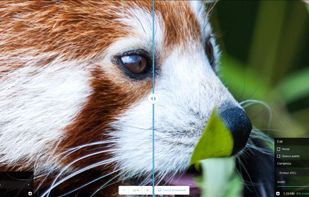

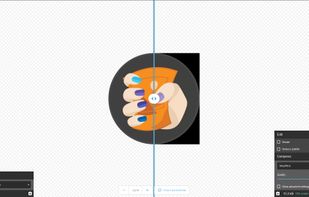

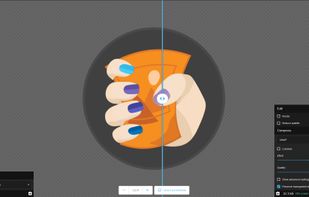


Google's image compressor, fully in-browser


Most online file tools work the same way: you upload your document, their server processes it, and it is deleted on a promise you cannot verify.
A small number do not. These run entirely in your browser using WebAssembly, so the file never leaves your machine — and most keep working with the network disconnected, which is the only version of that claim a user can check for themselves.
This list collects the ones I have found. Suggestions welcome.
Google's image compressor, fully in-browser

Browser-based editing supports complex layers, masks, and adjustment tools, opens PSD, XCF, Sketch files, and exports in over 40 formats, all client-side for privacy.
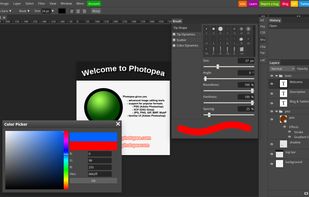

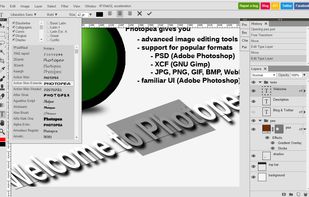
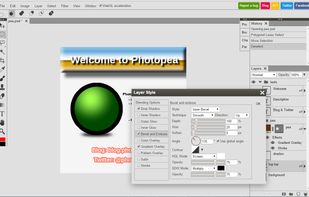
A full image editor in a browser tab. Files open from your disk and stay there.

Breeze PDF is a powerful, free PDF editor that works entirely offline in your browser. No uploads, 100% privacy guaranteed.
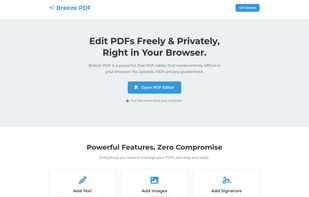
PDF editor that works entirely offline in the browser. Nothing is uploaded.

BentoPDF is a PDF Toolkit that works fully offline with no sign ups. It's fast, secure and forever free. In an era where data is a commodity, we take a different approach. All processing for BentoPDF tools happens locally in your browser.
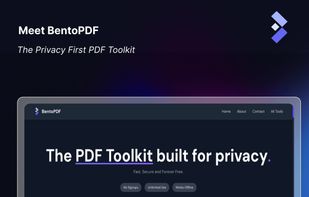

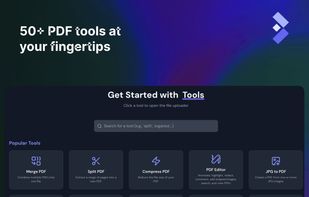
PDF toolkit that works fully offline with no sign-up. All processing happens locally in your browser.
Deliberately excluded: self-hosted tools like Stirling PDF. Running software on your own server is a different guarantee from running it in your own browser — both are good, but only one needs no server at all.
No comments so far, maybe you want to be first?


