


Automatically change the user agent after specified period of time to a randomly selected one, thus hiding your real user agent.
Cost / License
- Free
- Open Source
Application type
Platforms
- Google Chrome
- Mozilla Firefox




Here are the extensions I recommend for enhancing your privacy and tools in the browser.
Automatically change the user agent after specified period of time to a randomly selected one, thus hiding your real user agent.

The NoScript Firefox extension provides extra protection for Firefox, Seamonkey and other mozilla-based browsers: this free, open source add-on allows JavaScript, Java, Flash and other plugins to be executed only by trusted web sites of your choice (e.g. your online bank).
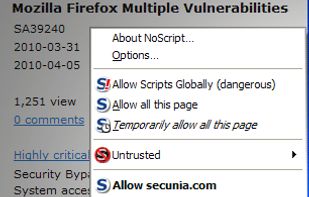
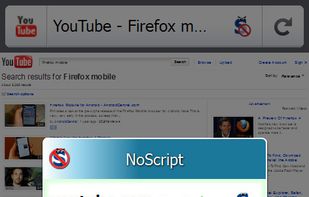

Get rid of loading unwanted scripts from websites if you not need it. This can be done from standard filter upto zerotrust.

Control your cookies! This extension is inspired by  Self-Destructing Cookies. When a tab closes, any cookies not being used are automatically deleted. Prevent tracking by other cookies and add only the ones you trust.
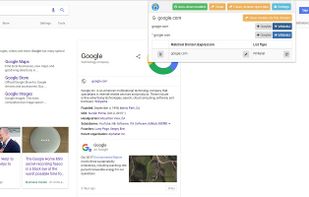
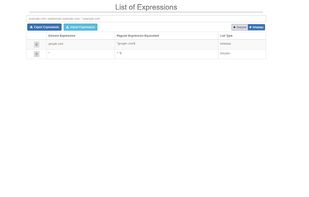
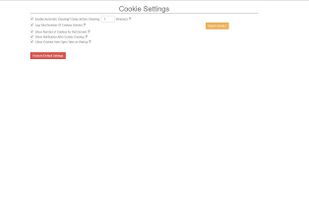
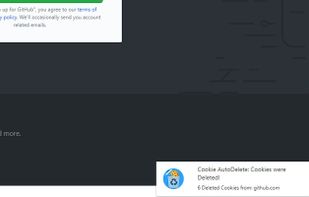
Automatically deleting your cookies not only enhances privacy but also contributes to operational security.

This WebExtension enhances your control of history. Letting you choose which domain to be blacklisted from history. In addition, you can choose to clear older history entries by X amount of days.
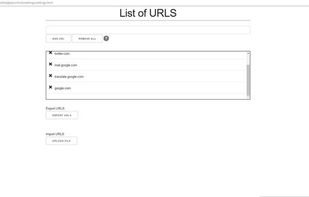
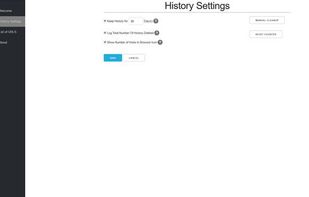

Nothing says more about your surfing behavior than your internet history. What I like on this extension is that you can delete history X days older and leave the most recent temporarily saved.

Redirector is a browser add-on for Firefox, Chrome, Edge and Opera. The add-on lets you create redirects for specific webpages, e.g. always redirect http://bing.com to http://google.com. It was originally done by request for someone on the Mozillazine forums.
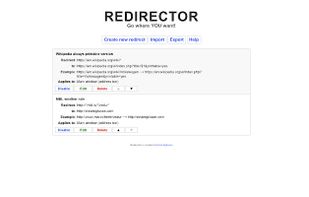

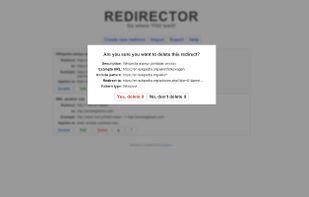

Redirecor some websites to an alternative url. Like YouTube to invidious or piped. You can customize it to your needs.

A simple web extension that redirects requests to privacy friendly alternatives. The successor fork is  LibRedirect.
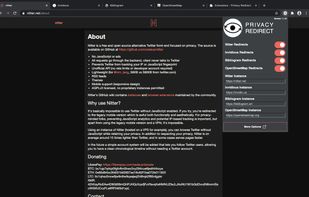
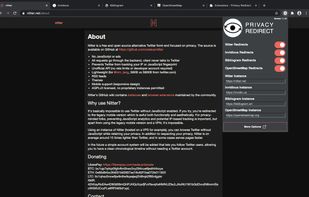
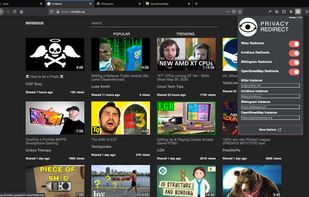
Same as Redirector, only simplified and less confusing.

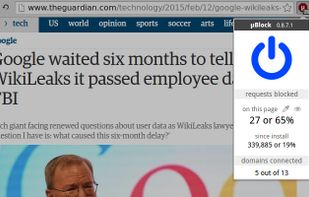
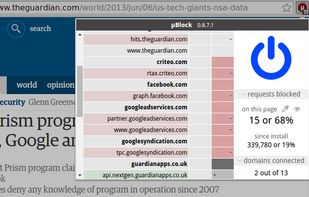
The open-source ad-blocking solution you're referring to is known for its reliability and extensive contributions. However, it's worth noting that Chromium V3 may be incompatible with this extension.

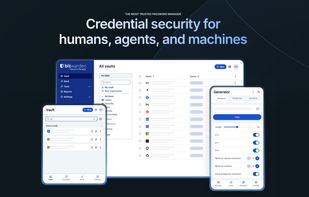
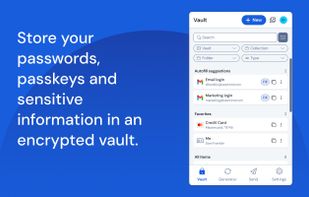
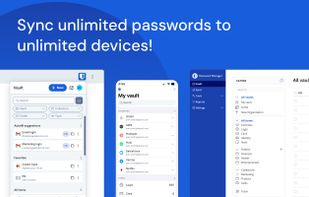
Open-source password manager with AES-256 encryption and device sync. Store and access encrypted logins across platforms like iOS and Android.


Snowflake is a system to defeat internet censorship. People who are censored can use Snowflake to access the internet. Their connection goes through Snowflake proxies, which are run by volunteers.
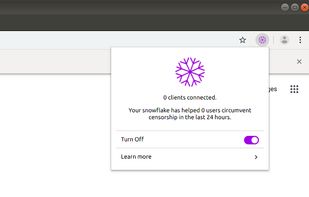
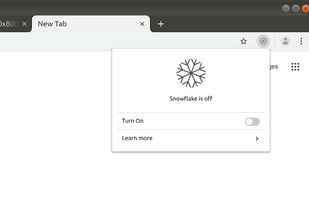
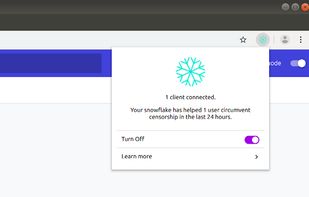
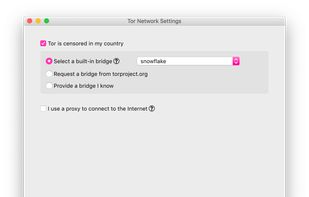
Support the Tor Project with being a node


Comments
Privacy Redirect is abandonned, the maintain fork is called LibRedirect LibRedirect
uBlock has been co-opted by the online advertisement cartel and is owned by the same company that has the majority of the adblocking extensions on the market. They are working with ads company you should use the community fork named uBlock Origin from the original author of uBlock. It works better on Firefox flavored browser and due to ManifestV3 you should use uBlock Origin Lite which is not as strong as the full ManifestV2 version
LibRedirect
uBlock has been co-opted by the online advertisement cartel and is owned by the same company that has the majority of the adblocking extensions on the market. They are working with ads company you should use the community fork named uBlock Origin from the original author of uBlock. It works better on Firefox flavored browser and due to ManifestV3 you should use uBlock Origin Lite which is not as strong as the full ManifestV2 version  uBlock Origin