Essential apps for everyday Linux use

These are apps I use daily for working from home on OpenSUSE Tumbleweed. All should be compatible with other Linux distros.

Joseph Cameron
Joseph CameronList by Joseph Cameron, last updated 
Copy a direct link to this comment to your clipboard
  1. BleachBit icon
     Like

    Erase unnecessary files like cache and cookies, maintain privacy, and optimize disk space on Linux and Windows. Supports various applications and uses.

    Cost / License

    • Free
    • Open Source

    Platforms

    • Mac
    • Windows
    • Linux
    • Blackberry
    • PortableApps.com
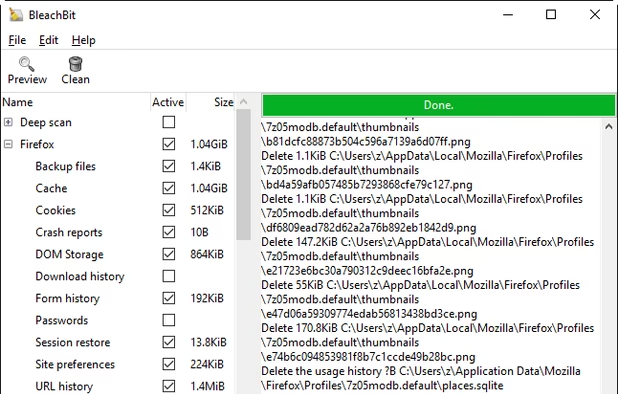
    BleachBit 1.9.3 on Windows 10 showing Firefox preview
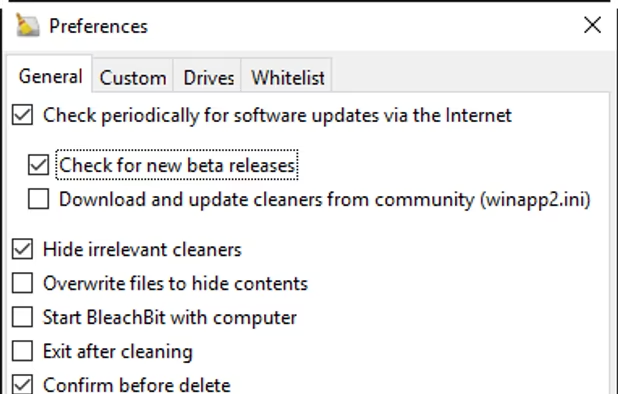
    BleachBit 1.9.3 on Windows 10 showing the Preferences dialog
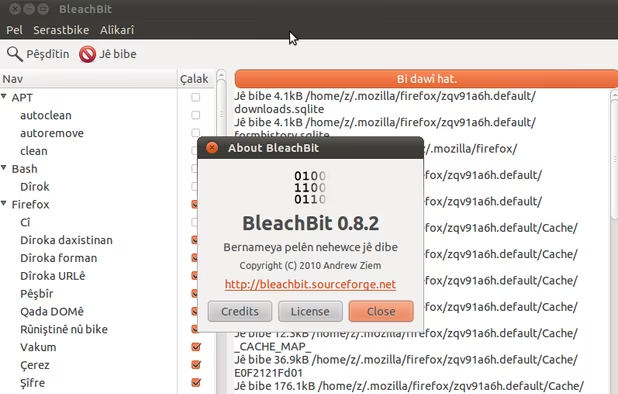
    BleachBit 0.8.2 on Ubuntu 10.10 (Kurdish translation)
  2. Pale Moon icon
     Like

    An open-source web browser forked from Mozilla Firefox. It focuses on security, efficiency, customization, and no data gathering.

    Cost / License

    • Free
    • Open Source

    Application type

    Platforms

    • Mac
    • Windows
    • Linux
    • BSD
    Pale Moon screenshot 1
    Pale Moon screenshot 1
    Pale Moon screenshot 2
    +1
    Android Version (Discontinued)
  3. Cross-platform, free media player supports multimedia files, DVDs, streaming, offers hardware acceleration, 4K, lossless audio, and more.

    Cost / License

    • Free
    • Open Source

    Application types

    Platforms

    • Mac
    • Windows
    • Linux
    • Android
    • iPhone
    • Android Tablet
    • BSD
    • iPad
    • AppImageHub
    • Apple Watch
    • Snapcraft
    • Google Chrome
    • Apple TV
    • Flathub
    • PortableApps.com
    • F-Droid
    • Kindle Fire
    • Haiku
    • Android TV
    • Homebrew
    • Chocolatey
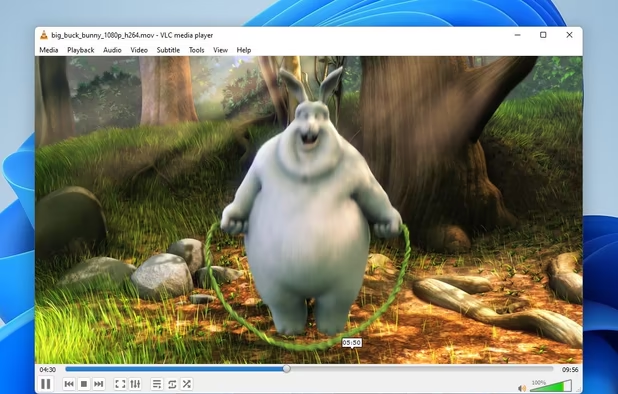
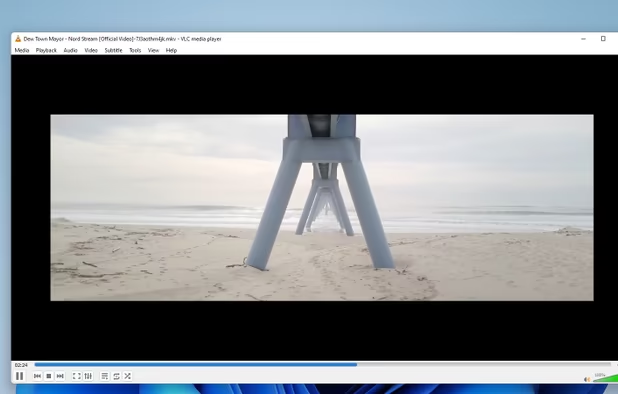
    VLC Media Player screenshot 1
    VLC Media Player screenshot 1
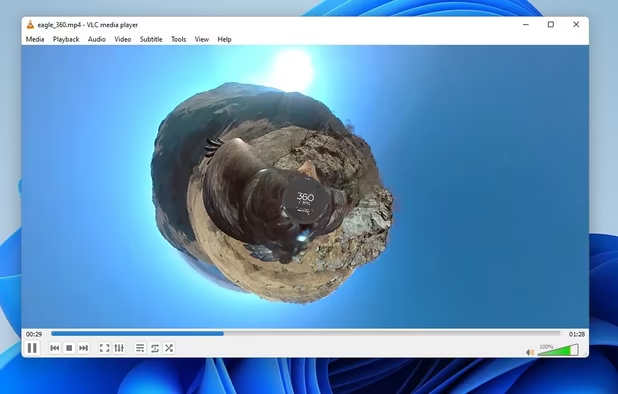
    VLC Media Player screenshot 2
    +4
    VLC Media Player screenshot 3
  4. Bitwarden icon
     Like

    Open-source password manager with AES-256 encryption and device sync. Store and access encrypted logins across platforms like iOS and Android.

    Cost / License

    • Freemium
    • Open Source

    Platforms

    • Mac
    • Windows
    • Linux
    • Online
    • Android
    • iPhone
    • Android Tablet
    • iPad
    • Self-Hosted
    • Apple Watch
    • Snapcraft
    • Microsoft Edge
    • Vivaldi
    • Google Chrome
    • Flathub
    • Microsoft SQL Server
    • Tor Browser
    • Safari
    • F-Droid
    • Software as a Service (SaaS)
    • Flatpak
    • Cloudron
    • Opera
    • Chocolatey
    • Mono
    • Brave
    • Mozilla Firefox
    • Docker
    Bitwarden screenshot 1
    Bitwarden screenshot 1
    Bitwarden screenshot 2
    +10
    Bitwarden screenshot 3
  5. Ideal for creating bootable USBs and SD cards, ensuring safe, cross-platform use. Open-source, lightweight, and portable with a user-friendly interface.

    Cost / License

    • Free
    • Open Source

    Application type

    Platforms

    • Mac
    • Windows
    • Linux
    balenaEtcher screenshot 1
    balenaEtcher screenshot 1
    balenaEtcher screenshot 2
    +1
    balenaEtcher screenshot 3
  6. PeaZip icon
     Like

    PeaZip is free file archiver utility, based on Open Source technologies of 7-Zip, p7zip, FreeArc, PAQ, and PEA projects, for Linux, macOS and Windows.

    Cost / License

    • Free
    • Open Source

    Platforms

    • Mac
    • Windows
    • Linux
    • Chrome OS
    • BSD
    • Flathub
    • PortableApps.com
    PeaZip
    Archive creation
    Archive extraction
    +4
    PeaZip on macOS
  7. Comodo Antivirus eliminates viruses, spyware, and other malware from desktops and networks.

    Cost / License

    • Freemium
    • Proprietary

    Application type

    Platforms

    • Mac
    • Windows
    • Linux
    Summary
    Scan Results
    Quarantined Items
    +3
    Anti-Virus Events
  8. The qBittorrent project aims to provide an open-source software alternative to µTorrent. Additionally, qBittorrent runs and provides the same features on all major platforms (FreeBSD, Linux, macOS, OS/2, Windows). qBittorrent is based on the Qt toolkit and libtorrent-rasterbar library.

    Cost / License

    • Free
    • Open Source

    Platforms

    • Mac
    • Windows
    • Linux
    • BSD
    • AppImageHub
    • Snapcraft
    • Flathub
    • PortableApps.com
    • Haiku
    • Cloudron
    qBittorrent screenshot 1
    qBittorrent screenshot 1
    qBittorrent screenshot 2
    +2
    qBittorrent screenshot 3
  9. My favorite browser. It's more trustworthy and functional than Chrome. Below is the list of addons I use: AdNauseum: uBlock Origin ad blocker with a few tweaks. Open source and does its job well. Auto Tab Discard: helps RAM management. Bitwarden: the best password manager. Open source, encrypted, cross-plat Bloody Vikings: because I don't always want to give out my email Chameleon: security, and it fixes most sites that want the user to use Chrome. Cite This for Me: for class CloudHole: because Captcha's a bitch Cookiebro: privacy/security Decentraleyes: privacy/security Don't Touch My Tabs: privacy/security Emoji Keyboard Faster Pageload HTTPZ: privacy/security MEGA.nz: cloud management Neat URL Netcraft Extension: security NoScript: privacy/security/speed Privacy Possum: privacy/security Tampermonkey Temporary Containers Terms of Service; Didn't Read: so you'll know how exactly websites are using your data. This is a community-run service, consider contributing site descriptions if you like it. xBookmarkSync

    Cost / License

    • Free
    • Open Source

    Application type

    Platforms

    • Mac
    • Windows
    • Linux
    • Android
    • Chrome OS
    • Android Tablet
    • Kindle Fire
    First Run
    Start Page
    Addons Shop
    +4
    about:config
  10. Internet

    Apps for accessing the internet

  11. My favorite standard email client. Free and open source, supports extensions, and is backed by Mozilla. I only use this for my business emails -- I use Electron Mail for my personal.

    Cost / License

    • Free
    • Open Source

    Application types

    Platforms

    • Mac
    • Windows
    • Linux
    • Android
    • BSD
    • AppImageHub
    • Snapcraft
    • Flathub
    • PortableApps.com
    • F-Droid
    • Haiku
    • Homebrew
    • Chocolatey
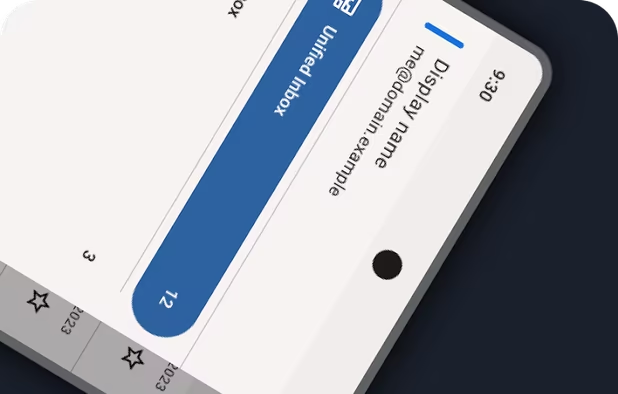
    Thunderbird screenshot 1
    Thunderbird screenshot 1
    Thunderbird screenshot 2
    +8
    Thunderbird screenshot 3
No comments so far, maybe you want to be first?
Gu