


Gambas is a Linux-based clone of Classic Visual Basic with an unfailing development history. While limited in scope to Linux-based operating systems, it's totally free and open-source and bears all the hallmarks of the classic VB interface.


The original release of Microsoft Visual Basic was ground-breaking. It was a development software that put the power of Windows-based app creation in the hands of average PC users. Early tech enthusiasts across the world would wield that power to build software to run small businesses, manage collections of things through custom databases or entertain themselves and others with Windows-based games.
Sadly, with the advent of its .NET platform, Microsoft discontinued support for the classic Visual Basic IDE. While the classic software can still run on modern PCs and the .NET version is still supported, users miss the days when the IDE saw feature additions and continued advancement.
Fortunately, other IDEs have managed to fill the void. This list is comprised of the closest modern relatives as well as outright clones of the beloved classic.
Gambas is a Linux-based clone of Classic Visual Basic with an unfailing development history. While limited in scope to Linux-based operating systems, it's totally free and open-source and bears all the hallmarks of the classic VB interface.

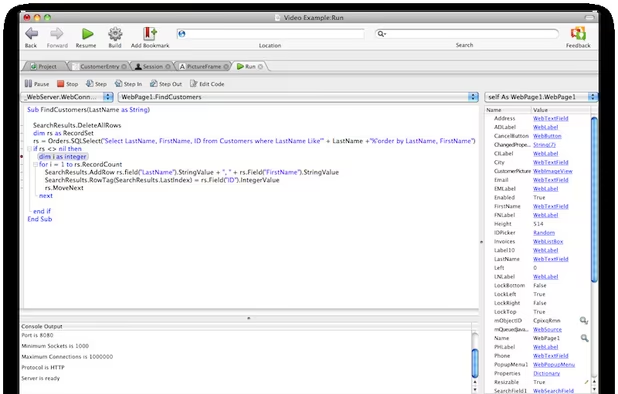
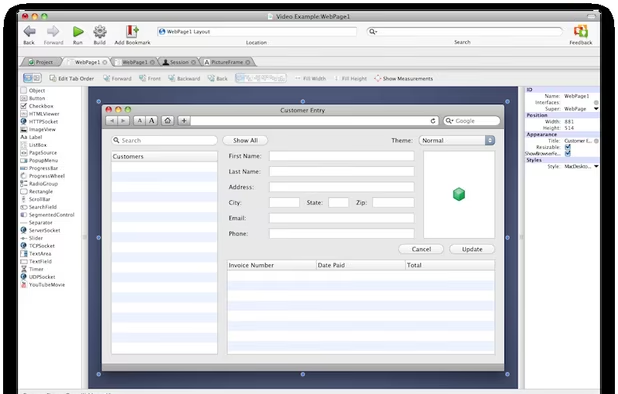
Originally released under the name Real Basic, Xojo is the evolution of a long-running take on the Visual Basic paradigm that's developed into a modern and fully-featured IDE spanning multiple platforms. With the signature, drag-and-drop simplicity of VB, Xojo can be used to build native apps for desktop, mobile, the web and even Raspberry Pi.

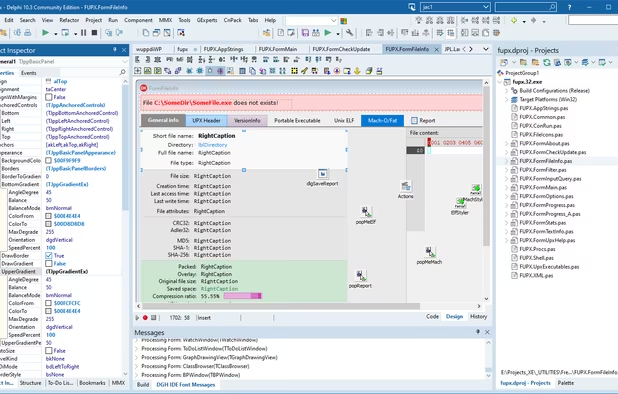
Unlike Visual Basic, Delphi is built on the Pascal programming language. So while it's not a 1:1 clone of VB, it's actually close enough in design that classic VB users should feel right at home very quickly. Like VB, Delphi is a Windows-only development platform. But notably, Delphi can build native apps for Windows, MacOS, Linux, iOS and Android, and all using the same code base.
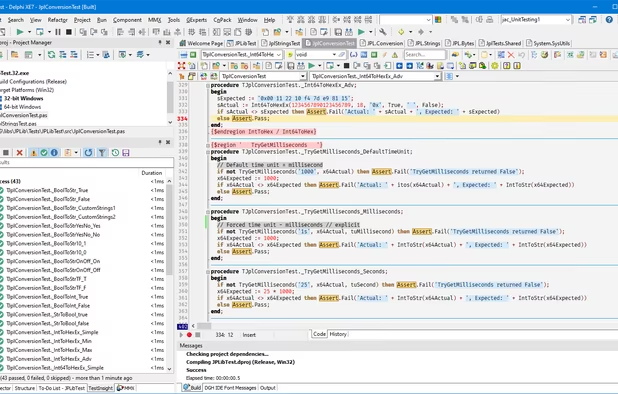
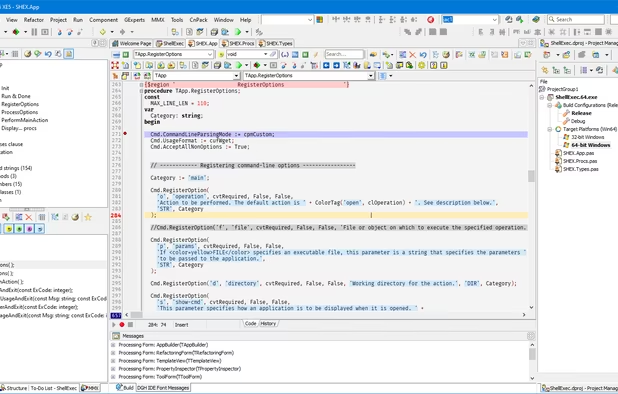
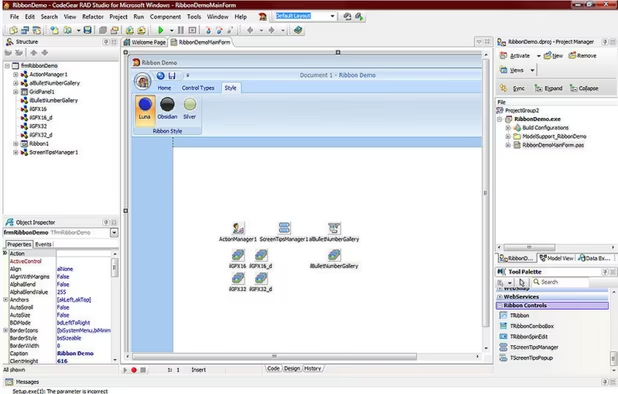

Lazarus is sort of like an open-source variant of Delphi. Designed to understand Delphi projects, its built on  Free Pascal and actually manages to provide a closer feel to classic VB with its multi-modal window interface. While not directly supporting mobile app development the way Delphi does, Lazarus isn't limited to Windows-based development as it's available on Windows, Mac, Linux and even BSD.


CodeTyphon is a fork of Lazarus, one that bundles a ton of additional components while also adding features of its own. It's also well maintained and sees constant updates. CodeTyphoon provides a great option for those wanting more than the base Lazarus IDE.


Modelled after Visual Basic Classic, B4X has done a great job of extending the paradigm to creating apps for other platforms. It can create native apps for typical desktop platforms but also for iOS, Android and even Arduino.


