

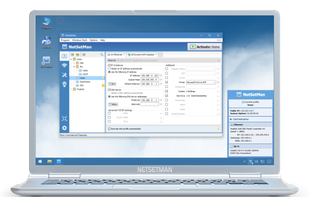
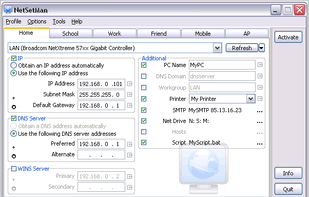
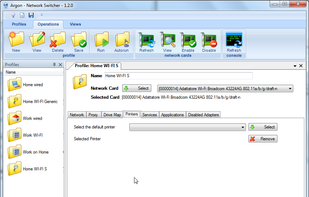
Easily switch between up to 6 network profiles with support for IP, DNS, gateway, WINS, printer, network drives, NIC status, scripts, and more for Windows.
Cost / License
- Free Personal
- Proprietary
Application type
 Germany
 EU
EUPlatforms
- Windows
+2
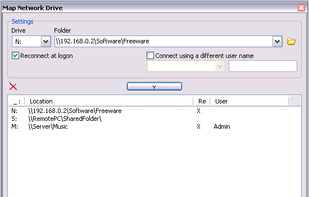


Easily switch between up to 6 network profiles with support for IP, DNS, gateway, WINS, printer, network drives, NIC status, scripts, and more for Windows.

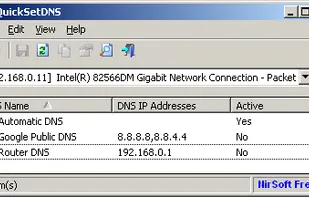
QuickSetDNS is a simple tool that allows you to easily change the DNS servers that are used for your Internet connection. You can set the desired DNS servers from the user interface, by choosing from a list of DNS servers that you defined, or from command-line, without...

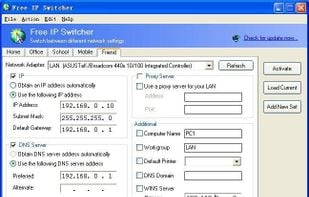
Free IP Switcher (not for Vista) is a very useful utility when you change your network settings under different locations. It switches between preconfigured network settings with a single click and without any reboot.

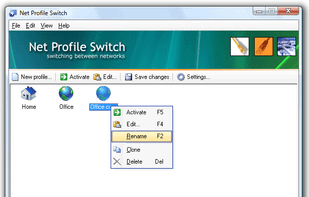
Net Profile Switch is a network configuration switcher for notebook users:29.95$. It switches between network settings (profiles) on the fly, keeping notebook users from having to reconfigure their network settings every time (browser settings, printer settings etc).

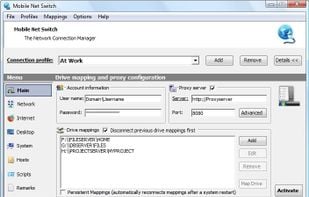
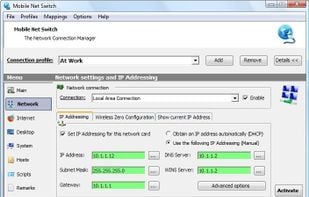
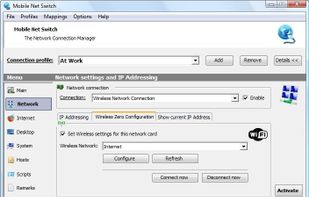
Mobile Net Switch allows you to automatically switch network related settings on the fly based on location profiles. With the click of a single button you can set Drive mappings, Internet connection settings, Printer settings, IP settings, Wi-Fi settings and much more!

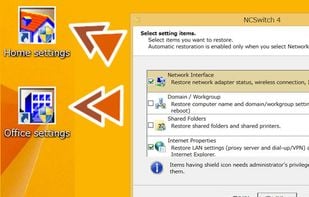
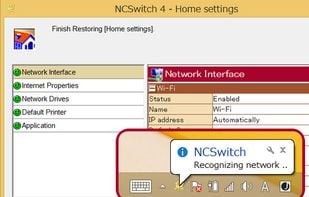
NCSwitch4 is a Windows application. NCSwitch4 takes a snapshot of a set of various PC settings so that you can restore them whenever you need it.

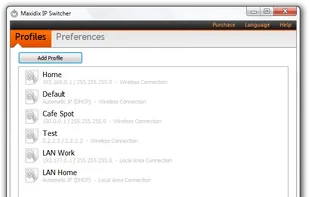
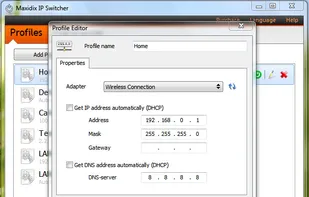
IP Switcher is a simple and effective tool that makes changing of IP settings easy and quick as never before. You don't need anymore to spend your time on endless changing of network settings everytime when you connect to a new network.

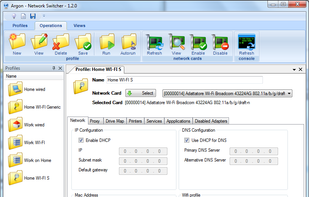
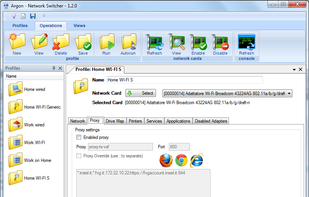
Argon is an open source utility with the aim to supply multiple network configuration in Windows XP, Win 7 and Win 8.1 . It's very usefully when you move your notebook from a network to others.

 Israel
 China
China

 United Kingdom

