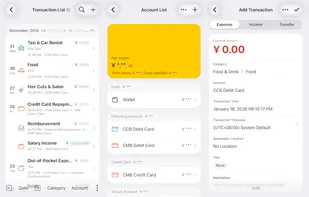
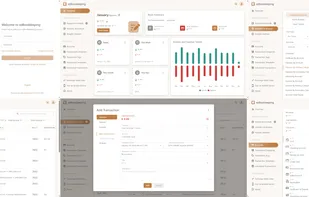
ezBookkeeping is a lightweight, self-hosted personal finance app with a user-friendly interface and powerful bookkeeping features. It's easy to deploy, and you can start it with just one single Docker command.
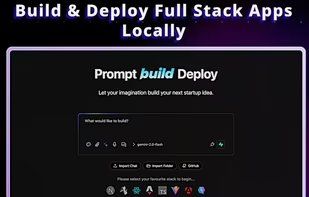
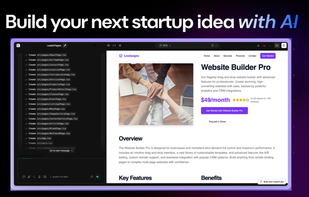
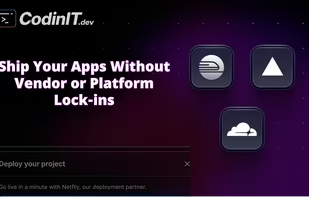
CodinIT is a free, local, and open-source AI app builder designed to empower users to create powerful custom applications without coding and without vendor lock-in. It runs entirely on your own computer, ensuring full control over your source code and data privacy with over 300+...
Shinkai is a two click install App that allows you to create Local AI agents in 5 minutes or less using a simple UI. Supports: MCPs, Remote and Local AI, Crypto and Payments.
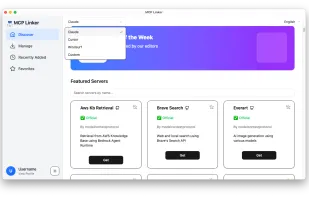
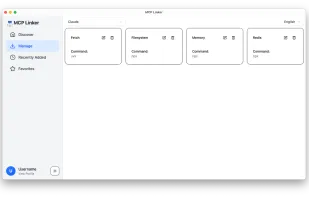
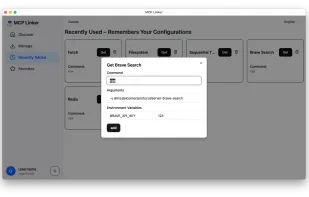
Add MCP servers to Claude Desktop, Cursor, Windsurf, VS Code, Cline, MCPHub.nvim, and more — in two clicks. Cross-platform. Tauri GUI. Server management included.
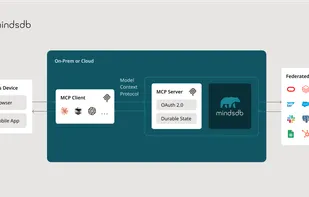
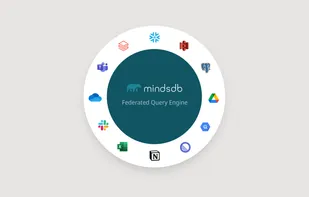
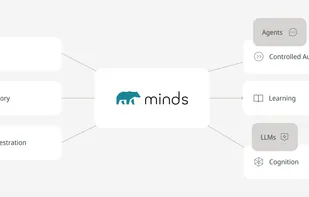
MindsDB is an AI data solution that enables humans, AI, agents, and applications to query data in natural language and SQL, and get highly accurate answers across disparate data sources and types.
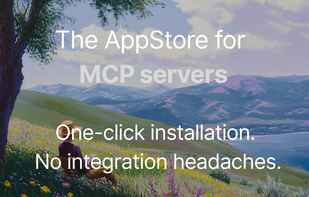
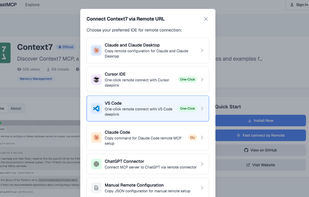
FastMCP is the AppStore for MCP servers — making it easy for developers to discover, evaluate, and install Model Context Protocol servers for tools like Cursor IDE, VS Code, Claude Desktop, Claude Code, ChatGPT, Continue.dev, and more. All with one-click integration.
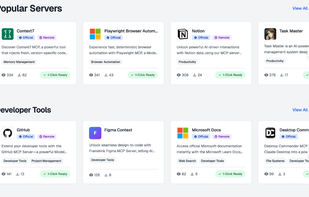
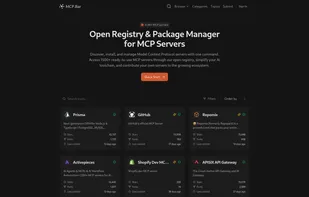
Discover, install, and manage Model Context Protocol servers with one command. Access 1500+ ready-to-use MCP servers through our open registry, simplify your AI toolchain, and contribute your own servers to the growing ecosystem.
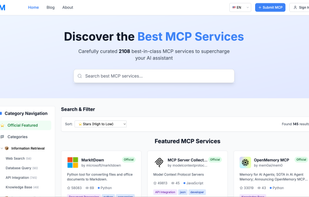
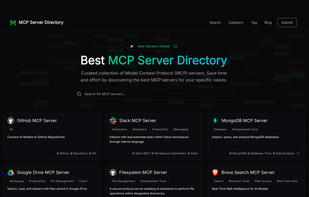
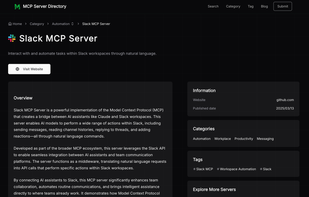
MCP Server Directory is a comprehensive collection of Model Context Protocol (MCP) servers that helps developers, AI enthusiasts, and businesses discover and utilize the right tools for connecting AI models with external applications.
This MCP servers allows for LLM providers to integrate with Kroger API, opening up the door to automation and optimization of Grocery Shopping. This project is very early in development, but it opens up the door to a lot of retail cost optimization!.
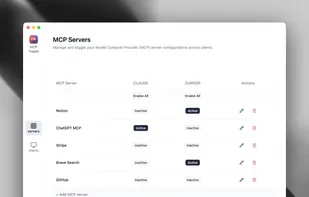
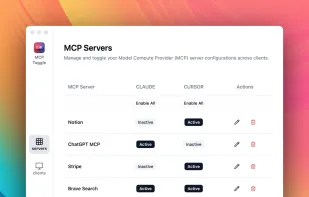
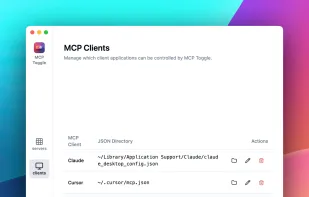
MCP Toggle is an essential utility for developers and power users who work with MCPs. The utility allows you to seamlessly manage your MCP server configurations across both all of your clients from a single, intuitive interface.
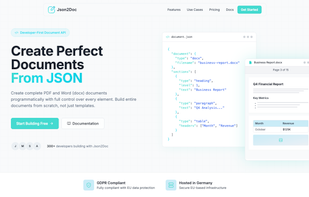
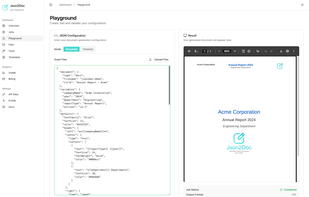
Json2Doc is the only API for complete DOCX (word) and PDF generation from JSON. Dual-mode: template filling or full document creation from scratch. Features LLM integration with public MCP server, supports headers, tables, images, markdown, QR codes, and more.
The ultimate Model Context Protocol (MCP) server directory—discover, compare, and connect to high-performance context servers, view real-time uptime and API endpoints, and join a thriving AI integration community today.
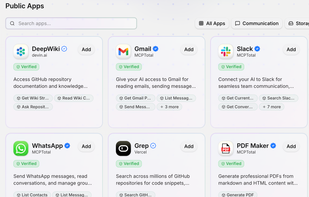
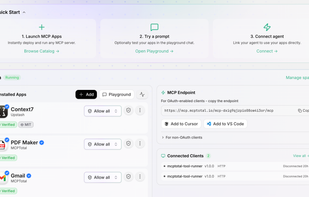
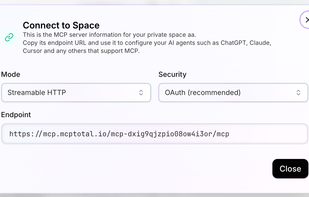
Deploy MCP apps in one click—securely and at scale. MCPTotal.io is a newly launched, 100% free hub for connecting cloud accounts to MCP with total confidence. Isolated, sandboxed servers. Token-vaulted credentials. Built-in governance.
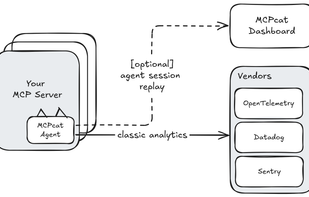
MCPcat is an analytics platform for MCP server owners 🐱. It captures user intentions and behavior patterns to help you understand what AI users actually need from your tools — eliminating guesswork and accelerating product development all with one-line of code.
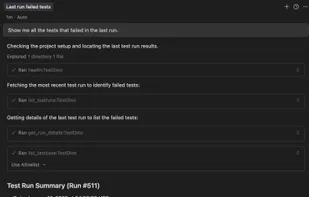
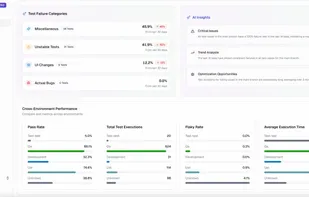
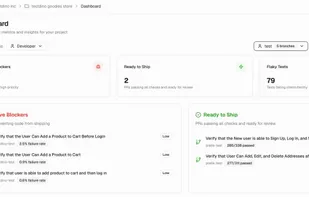
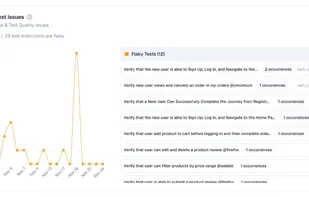
TestDino is an AI-native, Playwright-focused test reporting and management platform with MCP support. It lets developers use Claude Code, Cursor, or other LLM tools to query reports, analyze flaky tests, compare runs, manage suites in natural language, and auto-create rich bug reports.
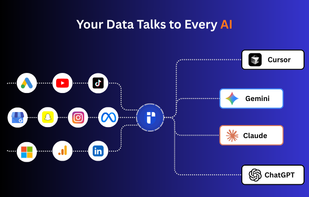
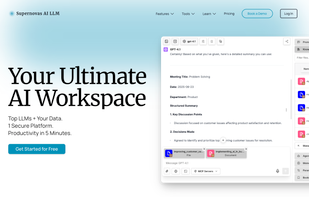
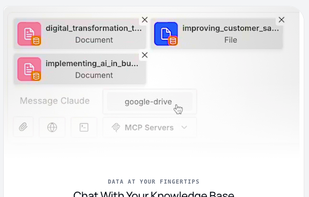
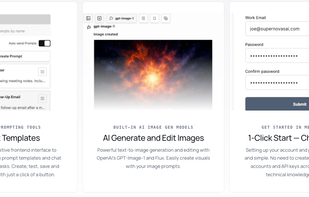
Unified chat workspace offering seamless access to top LLMs, talk-to-your-data, MCP integrations, image tools, code execution, and agent memory with one subscription.



 Playwright





 Firebase Studio


 PostgreSQLand













 Supabaseand













 Australia


 United States


 Kazakhstan




 Portugal
 EU
EU


 Sweden


