

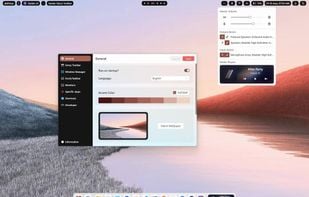
Web-based customizable desktop environment for Windows 10/11 with tiling window management, widget personalization, theme adjustments, and taskbar layouts.
 Ecuador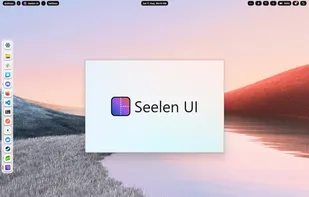

+5
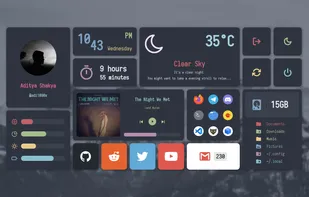


Web-based customizable desktop environment for Windows 10/11 with tiling window management, widget personalization, theme adjustments, and taskbar layouts.

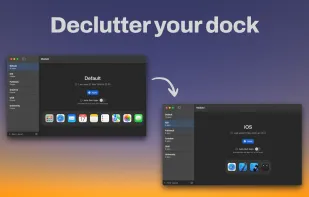
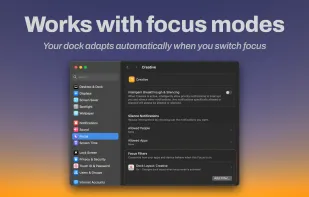
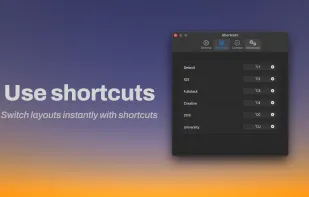
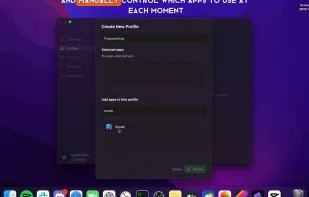
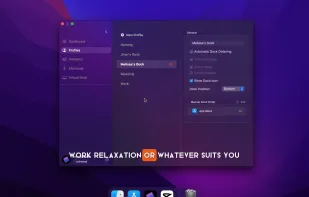
Modoki lets you effortlessly create multiple Dock layouts and automatically applies them when changing macOS Focus modes (or manually if you prefer).
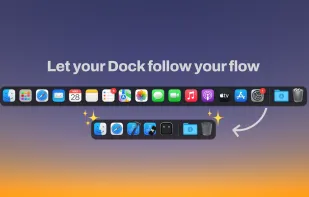


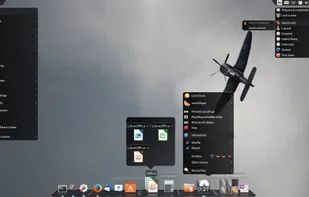
Animated and customizable dock for Linux desktops offering hardware acceleration, multi-docks, taskbar integration, launchers, and detachable applets as widgets.


DockProfiles lets you save and switch between different macOS Dock layouts instantly. Whether you’re gaming, working, designing, or studying, one click loads the right apps, folders, and websites.
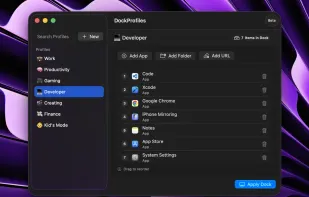
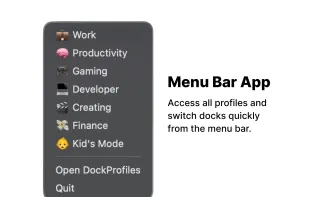


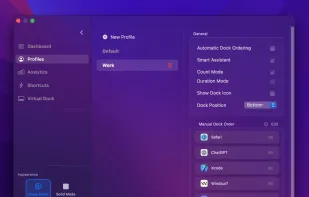
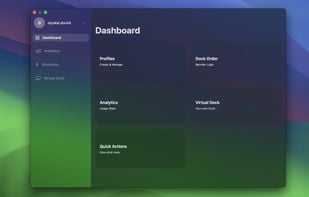
Organize your Mac Dock like never before with custom profiles for different workflow, manual profiles and automatic dock ordering!.

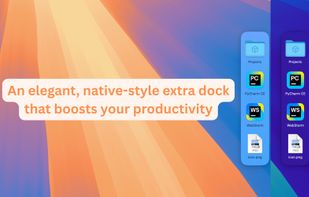
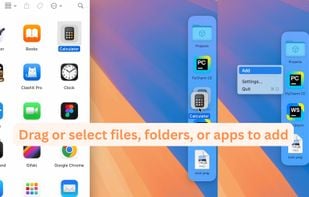
A Second Dock. Elegant, Efficient, Intuitive. Pin any file, folder, or app — and keep it always accessible in Another Dock.


 Cairo-Dock
HyperDock adds Windows 7 like features and more to Mac OS X.
Select individual application windows & tabs just by moving the mouse on a dock item, use mouse clicks to quickly open new windows and many more."
Window Previews Ever wondered how to activate a single wind.
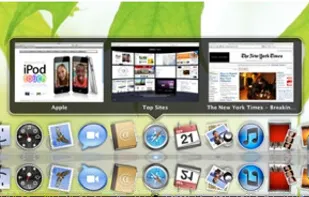




Enhances macOS Dock with customizable Sidebar, offering multi-screen support, window previews, and WindowSnap for managing window positions.

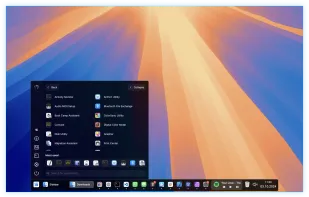
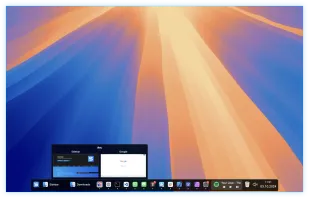
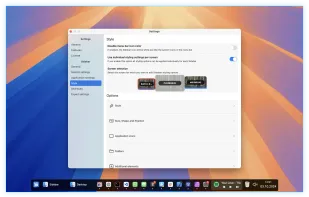


In macOS, the Dock is used as a repository for any program or file in the operating system. It can hold any number of items and resizes them dynamically to fit while using magnification to clarify smaller resized items.

 Raycastand
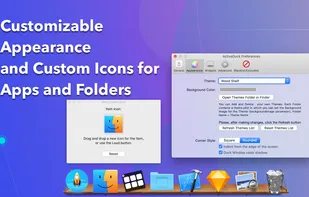
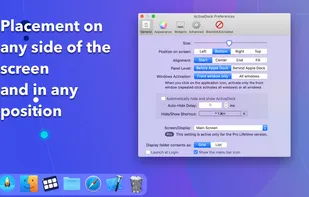
ActiveDock 2 is a customizable alternative to the standard macOS Dock, offering advanced features for app launching, window management, appearance customization, and more. It fully replaces the classic Apple Dock and Launchpad while preserving their familiar look and behavior...



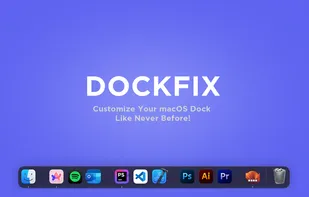
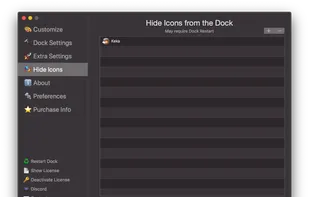
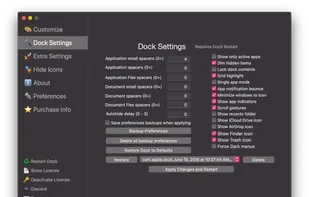
DockFix unlocks hidden settings and features that Apple doesn't want you to know about, giving you full control over your macOS Dock.
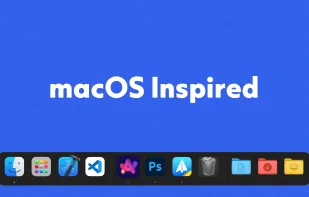
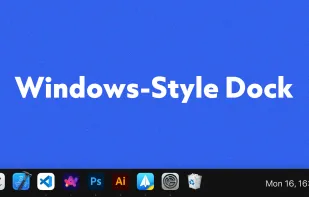
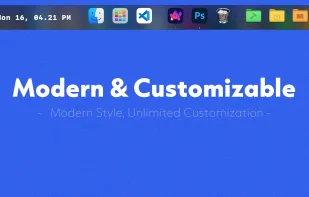


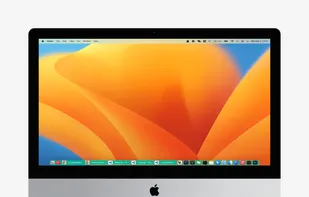
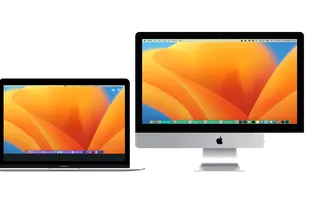
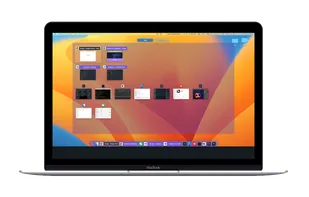
InfyniDock is an alternative dock for macOS that provides an expanded window of open windows without collapsing them. It offers keyboard shortcuts to switch between windows and allows for customizable themes.
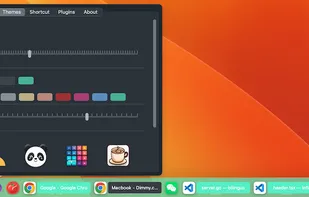 Cairo-Dock
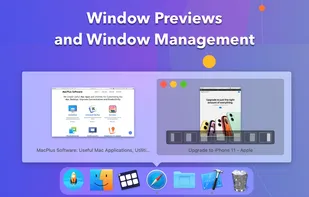
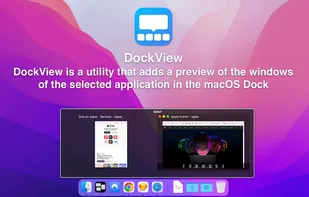
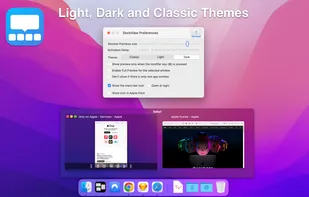
DockView is a macOS utility that shows live previews (thumbnails) of an application’s open windows when you hover over its icon in the Dock. You can quickly switch, minimize, or close windows directly from that preview panel — all without altering the system Dock itself.
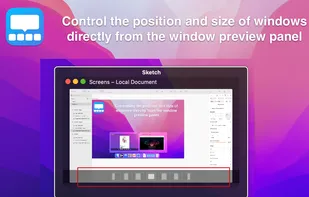


MultiDock is a simple application that allows you to organize frequently used applications, documents and folders using small panels (Dock’s).
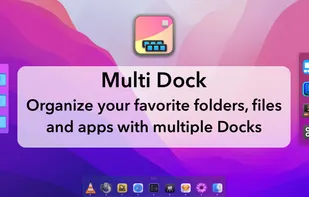
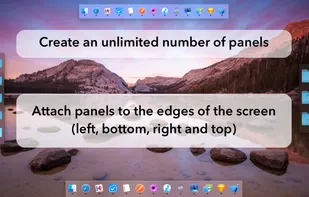
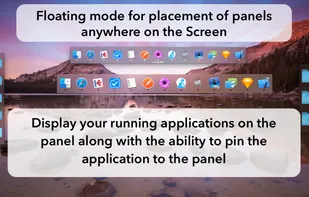


Easily launch and switch between macOS apps while staying focused on your work. Orbital lets you manage your Mac apps with an orbiting dock that appears next to your work, on command.
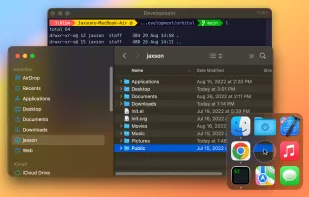
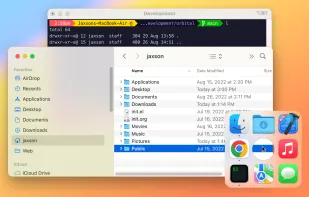




Did you ever wish your Dock could do more or handle more of your apps and files? DockShelf lets you place unlimited docks around your desktop so you never run out of space again for your commonly used files, folders and applications!
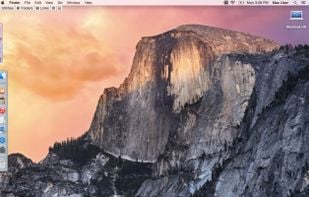
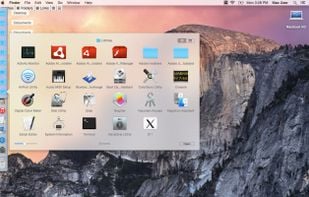
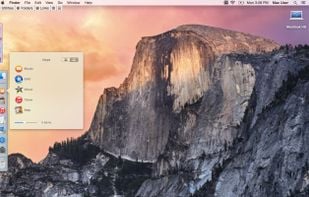
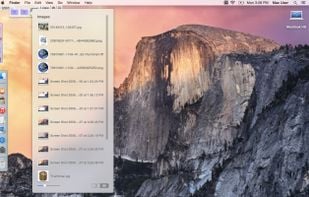

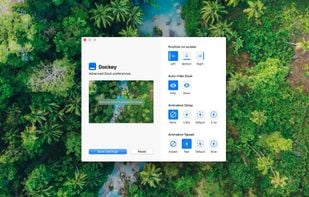
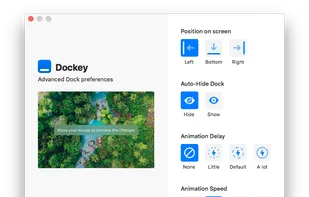
Dockey makes changing some of the more advanced Dock preferences as easy as clicking a button. With integrated preview, you can see how it would look and feel like and save changes you're happy with the result.


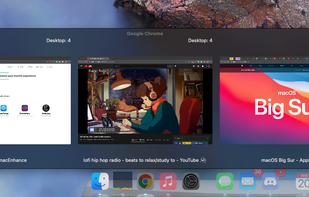
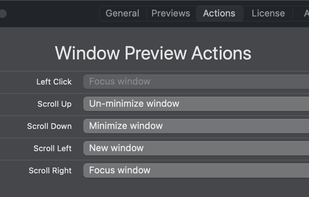
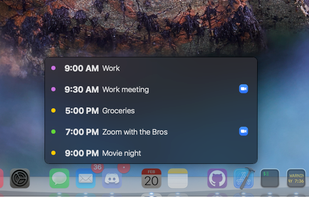

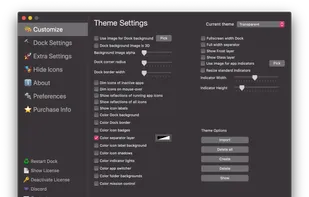
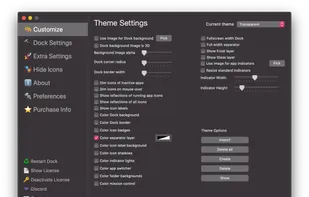
cDock 3 gives you full control over the Dock. There are tons of ways to customize the look and feel of the Dock. You can even enable some awesome hidden features. cDock is designed to make theming your Dock easy and robust on macOS 10.10 and up.
Tweaks the dock of your jailbroken iPhone so that it can fit five icons instead of four.



SSuite Mac Dock is a very simple Windows utility designed to create a Mac OS X-like dock on your desktop, allowing you to launch certain programs with just a single click, just like you do with the ones in the Quick Launch.
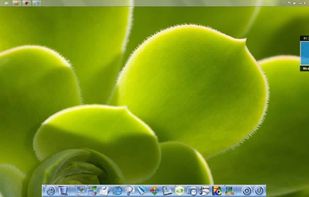
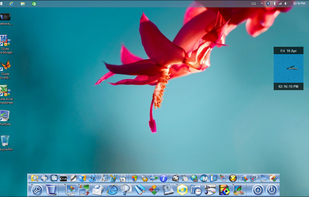
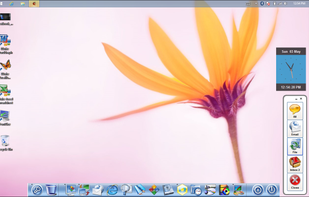 Cairo-Dock
Infinidock is the ultimate dock customization tool for jailbroken iOS devices. You can add an unlimited number of icons, or however many you want to each page, and the dock will grow to accommodate them.
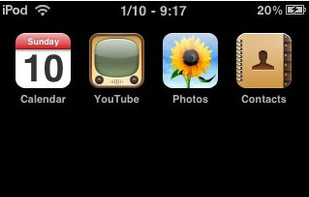
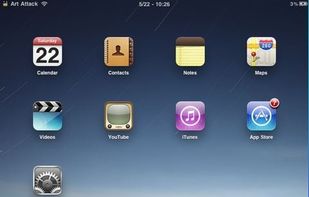

KSmoothDock is a cool desktop panel with parabolic zooming effect for KDE Plasma 5, with the focus on smooth zooming effect and being simple and easy to use.
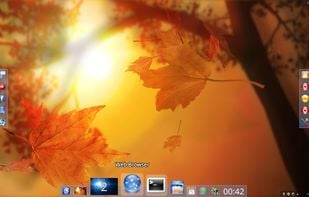
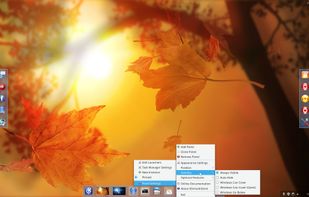
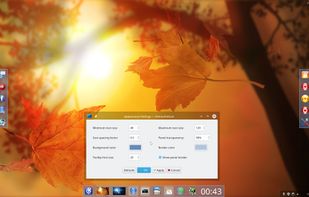
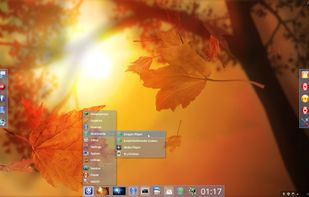 Cairo-Dock
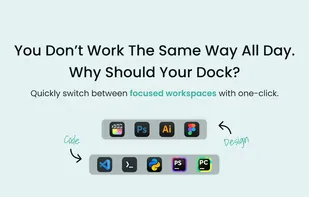
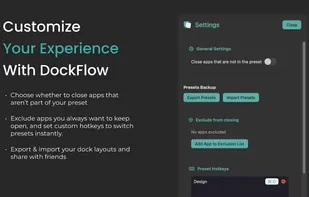
Boost your productivity with DockFlow. Instantly save, manage, and switch between multiple macOS Docks. It's simple and built for focus.


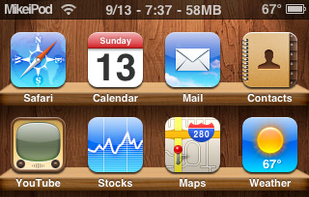
This tweak allows you to have 6 icons in the dock of your jailbroken iPhone. NOTE: It will not work if you have Five Icon Dock installed (it's ether or).


 Ukraine
 France
 EU
EU


 China
China
 Germany
 United States


 Denmark


 South Africa

 Vietnam
 Israel