


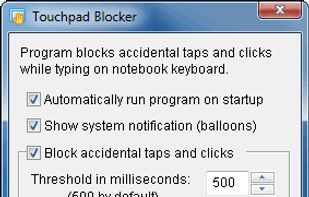
Touchpad Blocker blocks accidental taps and clicks when the user is typing text on a laptop keyboard.
Cost / License
- Free
- Proprietary
Platforms
- Windows
 Ukraine

Best alternatives are 
2 alternatives

Touchpad Blocker blocks accidental taps and clicks when the user is typing text on a laptop keyboard.
Ukraine
Automatically disables the touchpad on Windows and Linux while typing, preventing accidental cursor movement or unwanted input and operating unobtrusively.
 Russia


KillKeys exist so that you can play games without having to worry about accidentally pressing the windows key. The keys essentially becomes dead keys.

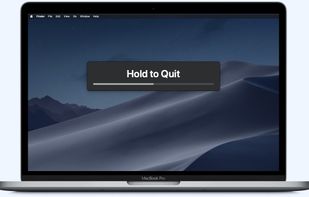

Stop Windows from shutting down when you are working on open documents or running important programs. Saves hours of work from being lost.


 Sweden
 EU
EU


