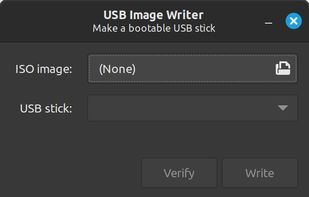
Linux Mint's USB Image Writer (mintstick) is an easy to use and dependable means of creating bootable USBs.
Cost / License
- Free
- Open Source (GPL-2.0)
Application type
Platforms
- Linux
- Linux Mint
 Ireland
 EU
EU



WinUSB - multiboot has been discontinued. Similar apps include Rufus, which is free and open source. Other options are Ventoy, balenaEtcher, UNetbootin and YUMI exFAT. You're spoiled for choice with Bootable USB Creators like WinUSB - multiboot: we list more than 50 alternatives for Windows, Linux and Mac.
Linux Mint's USB Image Writer (mintstick) is an easy to use and dependable means of creating bootable USBs.
IrelandEU
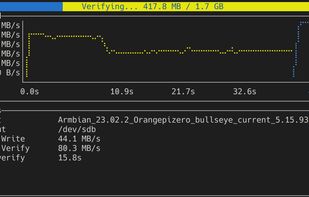
A user-friendly, lightweight TUI wrapper for the dd command written in Rust that performs easy disk imaging and ISO burning with only a single command with graphs and rich confirmation dialogs.


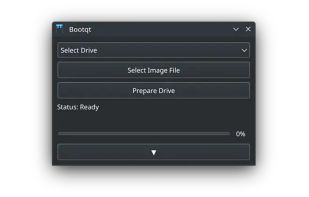
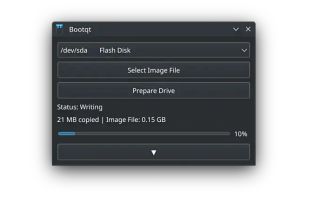
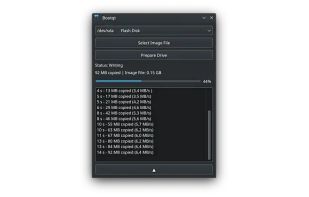
Bootqt is a simple app for making a bootable USB drive from an ISO or IMG file. It is written in Python and uses Qt technologies to provide an easy to use graphical user interface.


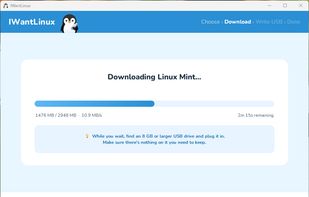
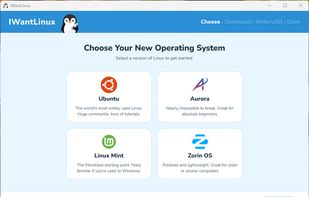
IWantLinux is a simple, beginner-friendly tool for Windows that helps you get started with Linux. Choose a distro from a curated list, and IWantLinux will download it and write it to a USB drive — ready to boot.
 United States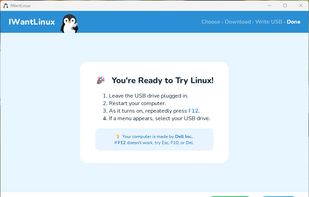


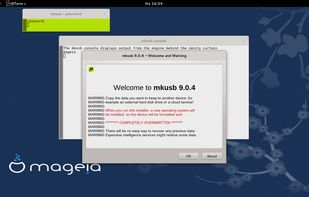
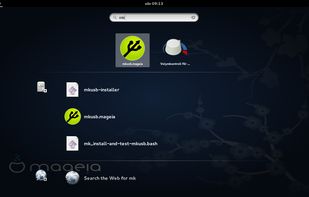
(Straight up rufus for Linux users ) The mkusb tool was developed to make it simpler and safer to create boot drives with the method to flash or clone an iso image or a compressed image file. It is using dd under the hood.


Flash disk images onto your drives with ease. Select an image, insert your drive, and you're good to go!
United States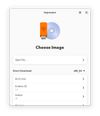


This tool simplifies the creation of bootable USBs, CDs, and DVDs through a streamlined three-step process. Compatible with Windows 10 32-bit and 64-bit, it supports virtual drive mounting, language management, and facilitates OS installations, upgrades, and reinstallation tasks efficiently.
United States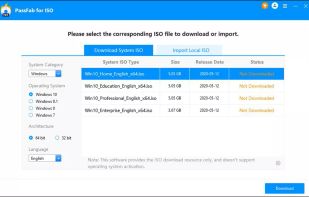
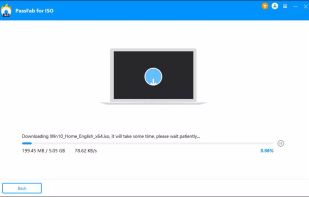
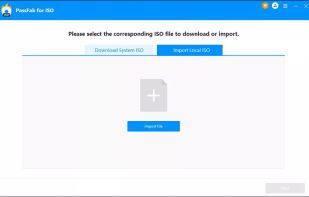
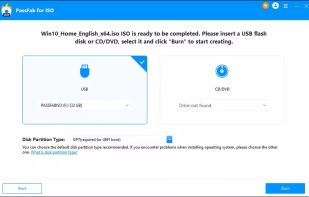


Create Windows installation media.
United States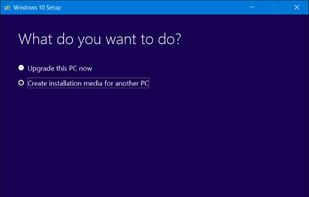


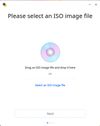
Deepin Boot Maker is a boot maker developed by Deepin Technology Team. It is simple in interface and easy to operate. It helps users to easily make deepin boot disk.



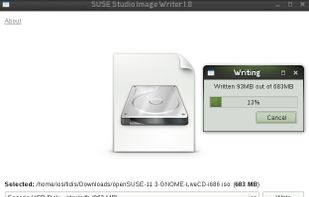


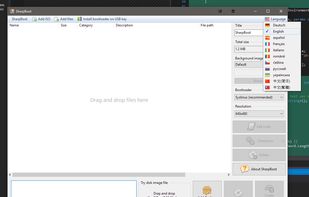
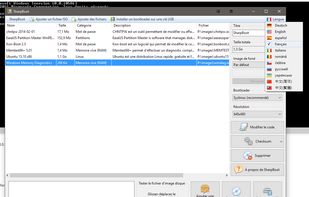
SharpBoot is a small utility for creating multiboot ISO or USB. You just need to drag-n-drop some iso files inside, and it automatically adds description and category (for supported ISO files, not shown in the screenshot). It uses Syslinux for the menu and bootloader.