


Cost / License
- Free
- Open Source (GPL-3.0)
Application type
Platforms
- Linux
- Arch Linux
- Flathub
- Fedora
- Nix Package Manager
- Wine
- Flatpak
- Vala
- Proton
 Canada


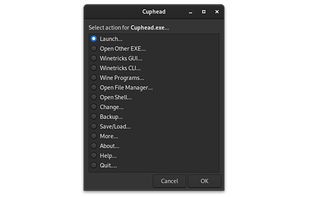
Wine PyQt5 has been discontinued. Similar apps include Wine, which is free and open source. Other options are RetroArch, Lutris, Proton and PlayOnLinux - PlayOnMac. You're spoiled for choice with Compatibility Layer Tools like Wine PyQt5: we list more than 25 alternatives for Linux, Mac, Android, Windows and the web.
Canada
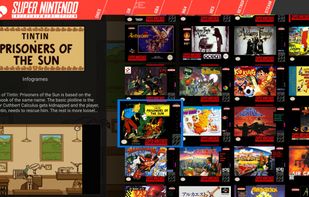
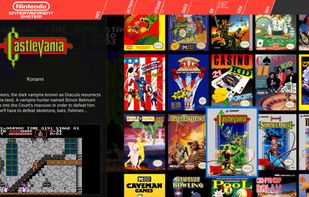
Pegasus is a graphical frontend for browsing your game library (especially retro games) and launching them from one place. It's focusing on customizability, cross platform support (including embedded devices) and high performance.
 Hungary
 EU
EU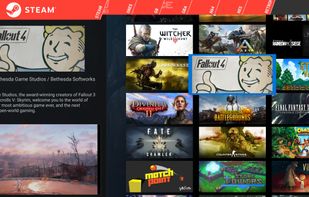


A simple and lightweight app for running Windows games using UMU-Launcher.
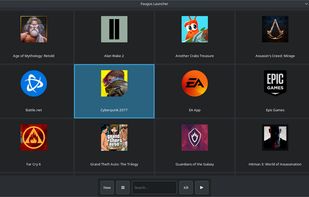
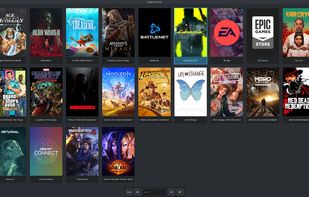
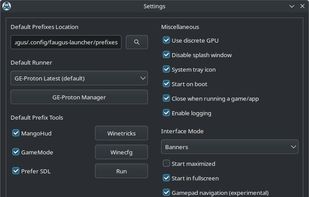
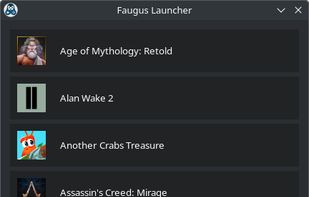


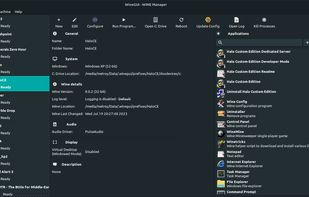
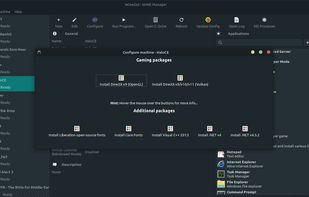
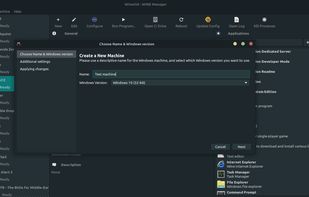


Compatibility layer enabling Windows games on Linux via Steam Play, featuring advanced video playback, FSR integration, Nvidia CUDA support, raw input, per-game fixes automation, upstream Wine patches, frequent updates, wine-staging patches, and open-source maintenance.


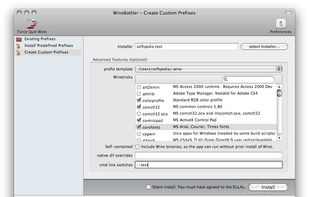
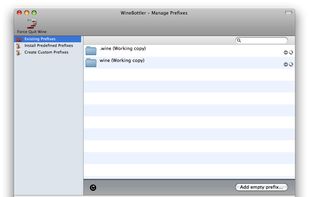
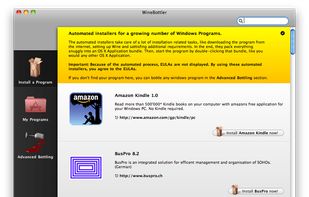
WineBottler is an App to manage and wrap your Windows apps into convenient OS X apps. WineBottler helps you with running Windows programs on OS X.
 GermanyEU




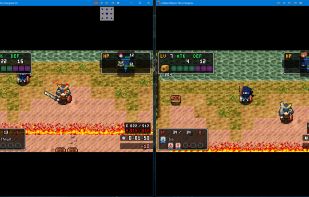
Steam emulator that emulates steam online features. Lets you play games that use the steam multiplayer APIs on a LAN without steam or an internet connection.


Phoenicis is a graphical front-end for Wine, a tool to help Linux and Mac users run games and programs for Windows. The future of PlayOnLinux and PlayOnMac.
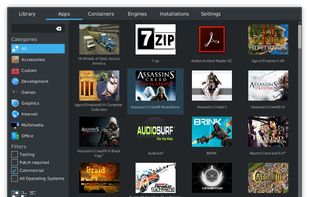
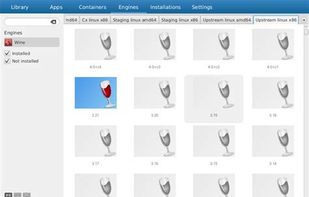
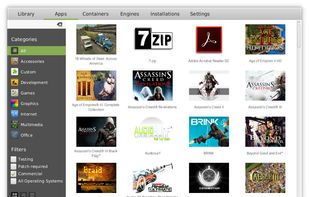


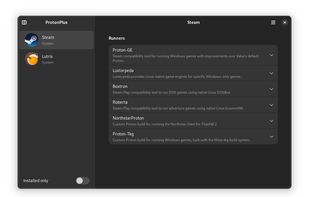
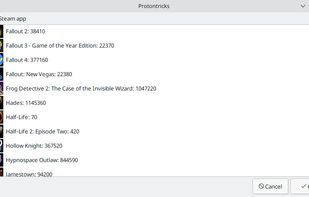
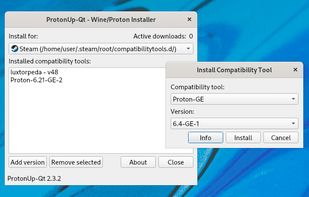
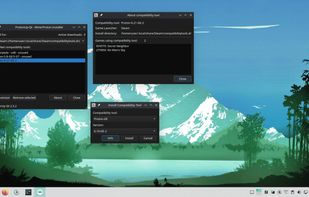
Install and manage GE-Proton, Luxtorpeda & more for Steam and Wine-GE & more for Lutris with this graphical user interface.
 Norway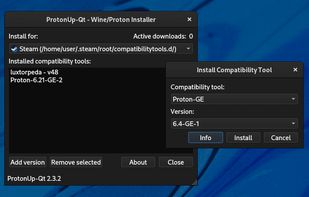


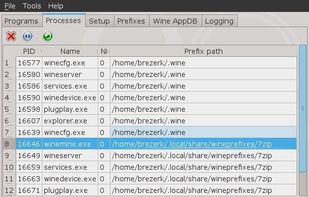
Q4Wine is a qt4 GUI for wine that will help you manage wine prefixes and installed applications


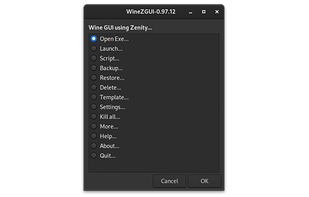
WineZGUI (pronounced Wine-Zee-Goo-Eee) is a wine frontend for playing windows games with wine easily. It is a collection of Bash scripts for Wine Prefix Management and Linux Desktop Integration for easier wine gaming experience using Zenity.


 United States


