PhotoPenguin is a completely free batch photo editor with support for cropping, resizing, adding watermarks, and converting photos to other formats.
Cost / License
- Free
- Proprietary
Application typeApplication types
Platforms
- Online

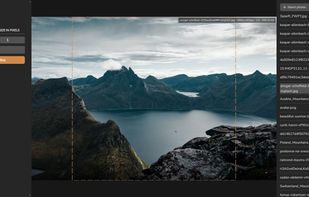


Apps similar to WebUtils Image Compress include Image Toolbox, which is free and open source. Other options are Caesium Image Compressor, ImageOptim, FileOptimizer and Squoosh. Image Optimizers like WebUtils Image Compress are a crowded field, with more than 50 alternatives for Windows, Mac, Linux, the web and Android.
PhotoPenguin is a completely free batch photo editor with support for cropping, resizing, adding watermarks, and converting photos to other formats.

jPDFOptimizer is a Java PDF library SDK used to optimize and reduce the size of PDF documents.
 United States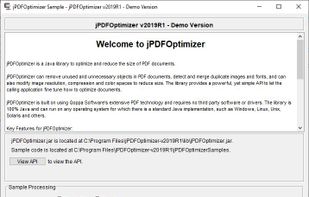


All-in-One Image Converter is a free online tool designed to help users convert images between various formats in seconds. Whether you need to convert PNG to JPG, JPG to WebP, or GIF to BMP, this tool provides a simple, fast, and secure solution without requiring installation or...
 Pakistan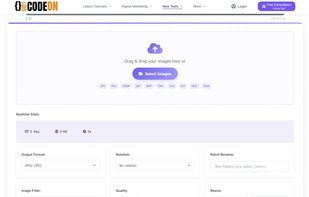


Batch compress JPEG, PNG, HEIC, and WEBP images with drag-and-drop functionality, maintain high visual quality, and optimize files for storage, websites, and sharing across platforms without cloud upload or watermarks, supporting offline privacy.
 Germany
 EU
EU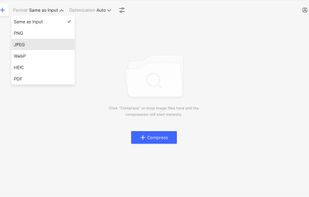


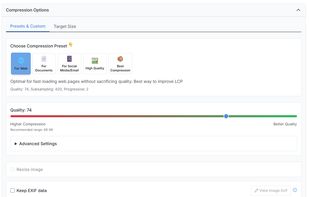
CompressBetter is a free online JPEG/JPG image compressor that utilizes Google's cutting-edge JPEGLI library. This technology enables superior image quality and significant file size reduction, often achieving 30-50% smaller JPEGs with visually identical quality, and...
 Ukraine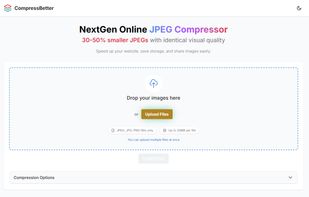


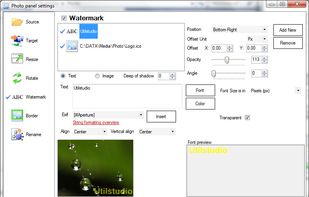
The Simple Way To Resize, Rename, Crop, Rotate And Watermark 100s or 1000s of your Images with a single "Drag-and-Drop" using presets.


Resize photos in the batch and save photos to the following targets: Disk folder, FTP remote connection (web server for example), send photos via Email using email templates, upload to Facebook or save them to Clipboard.
 SlovakiaEU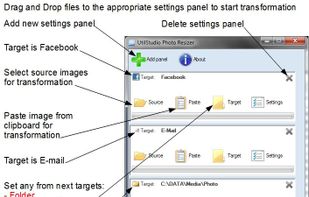


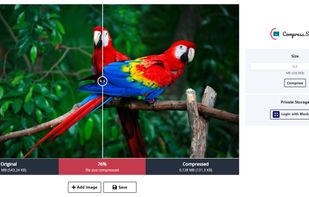
Compress.Studio is a serverless image compression tool with decentralized storage. Open/Add any .jpeg, .jpg or .png image. By default, it compresses your image to the best size and quality. Select your preferred size to compress the image. Login with .


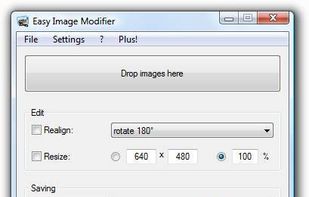
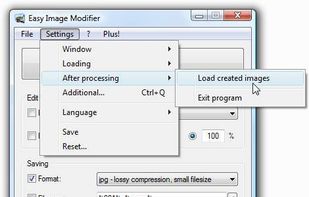
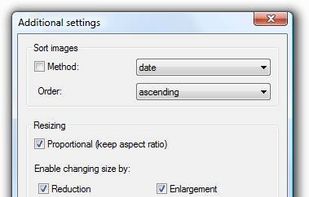
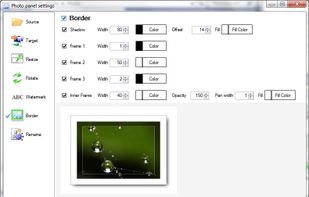
Do you have some images (vacation pictures, screenshots ...) lying around that you want to resize, rename, sort, realign, change format etc. without having to use complicated image editing tools? If yes, Easy Image Modifier is exactly what you need because its absolutely...
GermanyEU