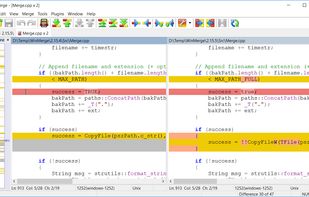
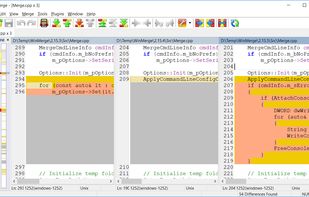
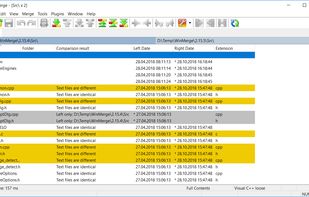
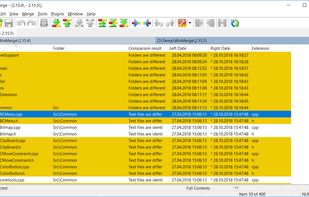
WinMerge is an open source differencing and merging tool for Windows. WinMerge can compare both folders and files, presenting differences in a visual text format that is easy to understand and handle.
 United States



+4


Apps similar to WebUtils Diff include WinMerge, which is free and open source. Other options are Beyond Compare, Diffchecker, SemanticDiff and Riff. You can choose from more than 10 Diff Tools like WebUtils Diff for Linux, the web, Windows and Mac.
WinMerge is an open source differencing and merging tool for Windows. WinMerge can compare both folders and files, presenting differences in a visual text format that is easy to understand and handle.
United States
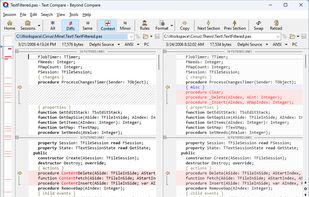
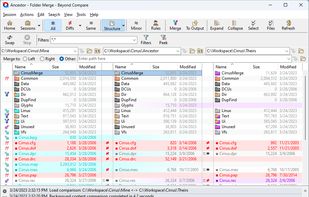
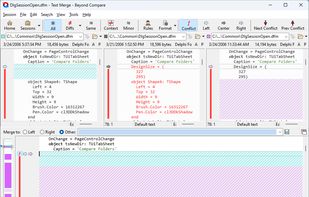
File and folder comparison tool offering source control integration, 3-way merge support, and selective synchronization. Supports FTP, cloud, runs offline, uses simple commands for files, customization, and scripting for reporting. Lightweight, portable with CLI and built-in viewer.
United States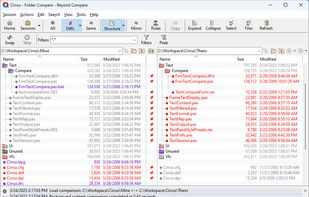


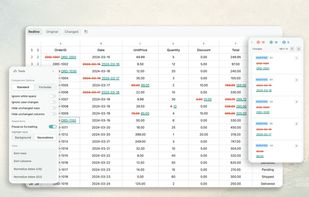
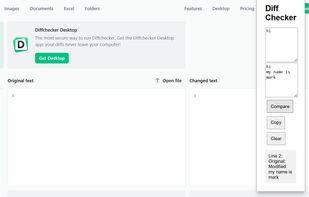
Diffchecker Pro enables you to compare various types of content, on your desktop or directly in the browser.
 Canada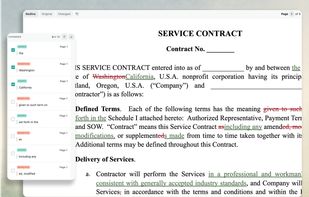
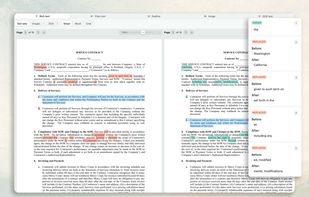
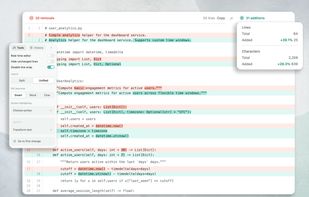


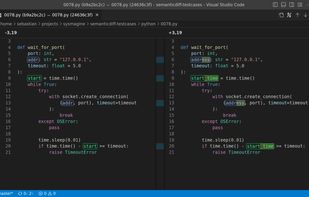
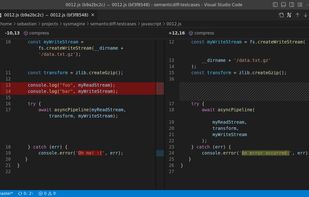
SemanticDiff is a programming language aware diff for Visual Studio Code and GitHub. It helps software developers understand code changes faster by hiding irrelevant changes, detecting moved code, and highlighting refactorings.
 Germany
 EU
EU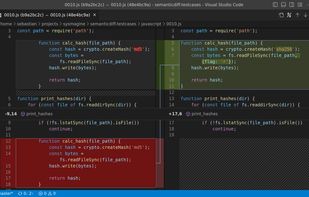


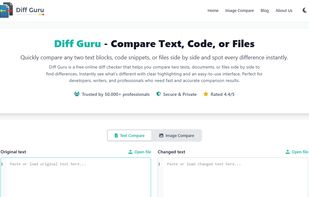
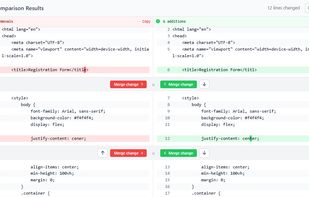
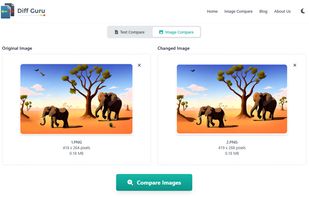
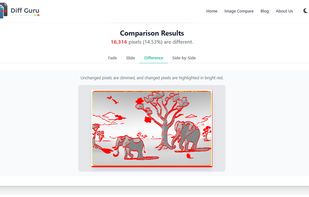
DiffGuru is a free online tool for developers and writers to instantly compare two blocks of text or files, highlight additions and deletions, and merge changes - no signup required, privacy-first design.

Ediff is a comprehensive visual interface to Unix diff and patch utilities.
Ediff provides a convenient way for simultaneous browsing through the differences between a pair (or a triple) of files or buffers (which are called ‘variants’ for our purposes). The files being compare.

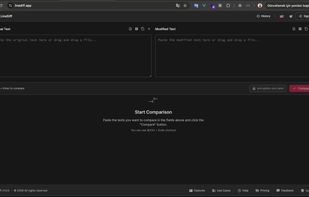
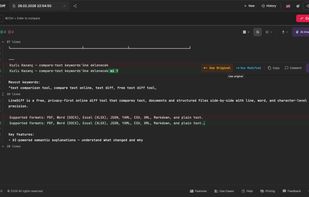
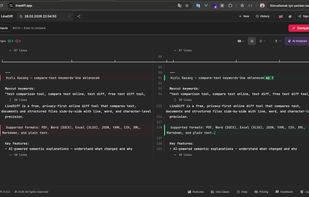
Free AI-powered text and file comparison tool. Compare PDF, Word, Excel, JSON, YAML, CSV, XML and Markdown online. End-to-end encryption, real-time collaboration, AI explanations. No installation needed.

dwdiff is a diff program that operates at the word level instead of the line level. It is different from wdiff in that it allows the user to specify what should be considered whitespace, and in that it takes an optional list of characters that should be considered delimiters.

Diffchecker will compare text to find the difference between two text files. Just paste your files and click Find Difference!.

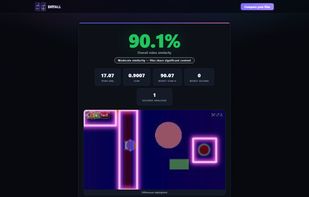
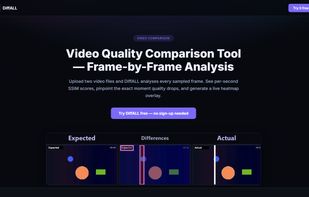
DiffALL compares any two media files and pinpoints every difference. Upload expected and actual — video, audio, images, subtitles (SRT/VTT), or text/JSON — and get a similarity score in seconds.