



VSCheatsheet
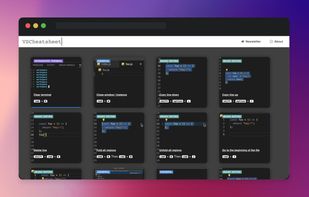
VSCheatsheet provides a list of instructive illustrations with the most frequently used shortcuts and extensions in VScode 🚀.
Cost / License
- Free
- Proprietary
Platforms
- Online

VSCheatsheet
Features
VSCheatsheet News & Activities
Recent activities
VSCheatsheet information
What is VSCheatsheet?
Hey everyone,
Back when I started my self-learning part of programming, I was seeking to find the optimal IDE and concluded that VSCode was the one for me. As I was becoming increasingly familiar with this interface, I started realizing that VSCode offered a vast array of shortcuts. However, while I knew of the existence of such shortcuts, it was unclear which one performed a particular function. As a result, finding our which shortcuts were handy for useful and ultimately incorporating them in my daily use, proved to be an unnecessarily time-consuming task.
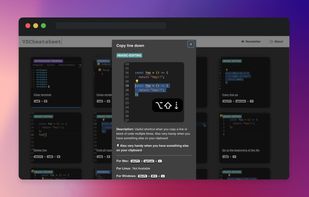
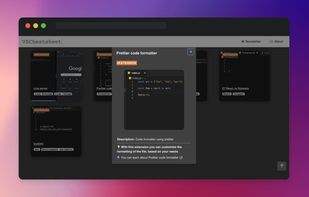
To overcome this, I have created VSCheatsheet which uses .gifs to illustrate the function of each shortcut. Each illustration, shows in a simple and straight-forward manner the effect of pressing a particular shortcut. A pop-up with the keys pressed is shown at the exact timing the command is given. A prescription of the keys to be pressed for a function (in each particular operating system) is provided at the bottom of the relevant illustration.
👉 15+ illustrations of the most frequently-used shortcuts 👉 5+ illustrations of selected extensions that would enhance your productivity 👉 newsletter alerts for new shortcuts added in the future
Our team welcomes all constructive feedback and shortcut requests by users to optimize this product and create a value-enhancing experience