
Voice Reader from Linguatec reads your texts and e-mails for you, either at your desk on your PC or on the move on your MP3 player.
Cost / License
- Paid
- Proprietary
Application type
Platforms
- Windows
V


Apps similar to vozMe include Balabolka, which is free. Other options are Read Aloud Extension, NaturalReader, eSpeak and TextAloud. There's no shortage of Text to Speech Services like vozMe, with more than 25 alternatives for Windows, Mac, the web, iPad and iPhone.
Voice Reader from Linguatec reads your texts and e-mails for you, either at your desk on your PC or on the move on your MP3 player.

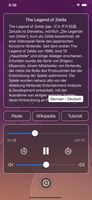
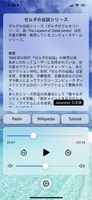
iPlayText reads text to you. It turns wikipedia articles into podcasts. It gives your tired eyes a rest.
 United States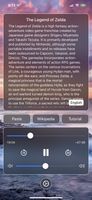


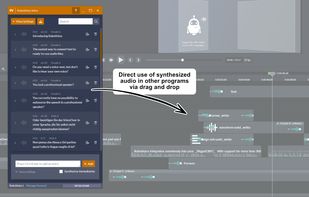
Easily convert text to WAV audio files and use them directly in other programs via drag and drop!


ClaroRead is an assistive technology software helping to readers with dyslexia to read aloud and providing word-prediction options for struggling writers.


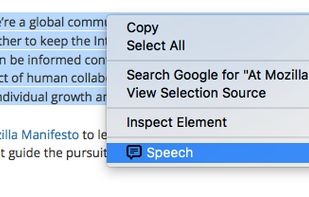
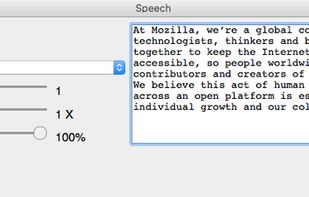
TTSFox is a text-to-speech WebExtension for Firefox that gives you a speech synthesized reading of any text you select.


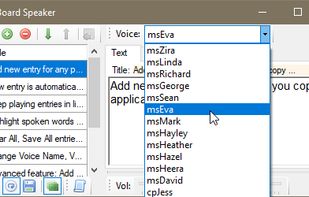
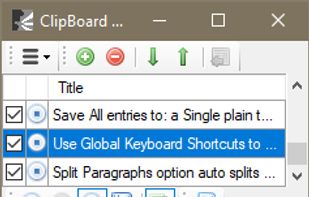
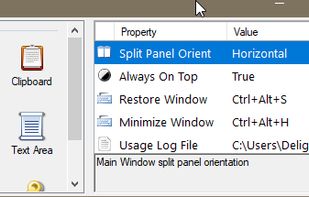
New entry is automatically added w/ text copied from apps. New entry is automatically synthesized / spoken. Keep playing entries in listing when Continuous Play is enabled. Highlight spoken words while text is spoken, when option is enabled. etc.
 Germany
 EU
EU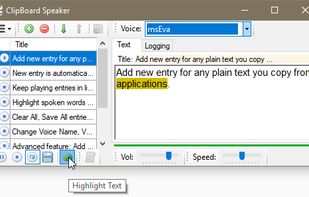


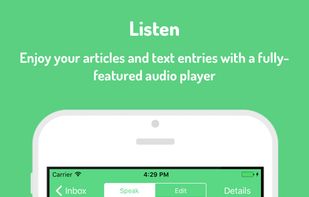
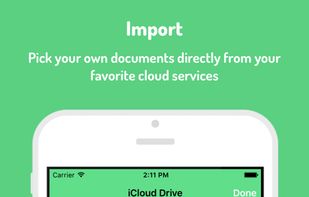
Too busy to read your articles from your favorite websites? Speaky is a very efficient way to solve that problem: you don't have to read yourself anymore; Speaky does it for you.
 Madagascar



Announcify (formerly known as SayMyName) reads out loud the caller's name. Announcify reads out loud every website you want. For example, if you're too tired but still need to study one more Wikipedia entry, Announcify can help your tired eyes relax.


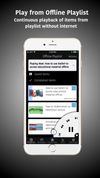
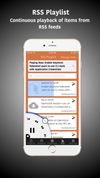
Let Text to Speech read web pages to you. Download webpages for reading offline. Practice speed reading. Use it simply as a RSS reader or use RSS playlists feature to listen to items in RSS feeds. Read from clipboard. Offline playlists.



 United Kingdom


