


VisualDiffer Alternatives
Apps similar to VisualDiffer include WinMerge, which is free and open source. Other options are Meld, Beyond Compare, KDiff3 and P4Merge. Diff Tools like VisualDiffer are a crowded field, with more than 50 alternatives for Windows, Mac, Linux, the web and self-hosting.
Alternatives list

Diffchecker will compare text to find the difference between two text files. Just paste your files and click Find Difference!.
Cost / License
- Free
- Proprietary
Application type
Platforms
- Google Chrome


 51 DiffALL alternatives
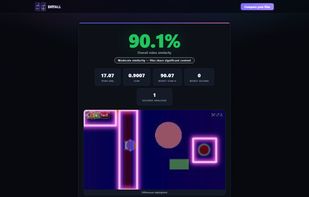
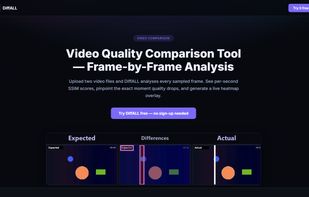
DiffALL compares any two media files and pinpoints every difference. Upload expected and actual — video, audio, images, subtitles (SRT/VTT), or text/JSON — and get a similarity score in seconds.
Cost / License
- Freemium
- Proprietary
Application type
Platforms
- Online



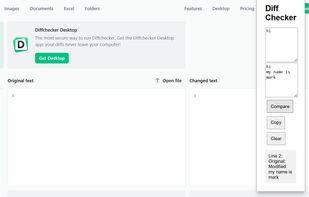
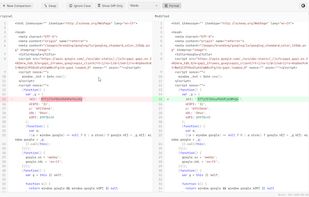
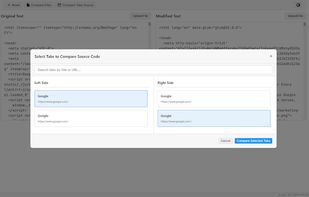
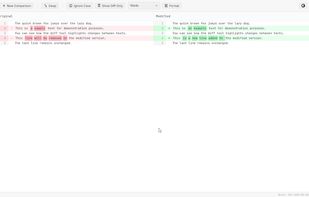
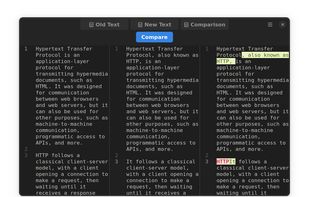
Diff Checker compares two snippets of text, source code, JSON or full files and highlights every change side-by-side. Everything runs locally inside the browser extension—no data ever leaves the user’s machine—so it suits security-sensitive workflows.
Cost / License
- Free
- Proprietary
Application type
Platforms
- Google Chrome
 Cyprus
 EU
EU
 +1
+1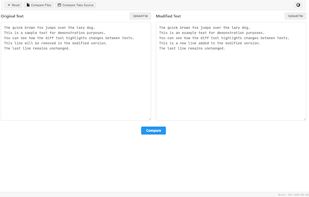



 9 CSV Compare alternatives
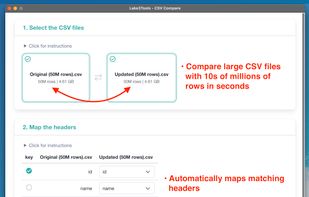
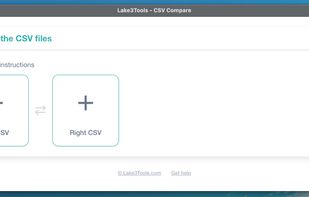
A fast desktop CSV comparison tool built for very large files. Compare millions of rows locally in seconds, without Excel, scripts, or cloud uploads.
Cost / License
- Paid
- Proprietary
Application typeApplication types
Platforms
- Mac
- Windows


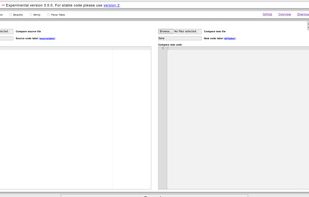
Pretty Diff is a language aware code comparison tool, beautifier, minifier, and parser for a variety of web oriented languages.
Cost / License
- Free
- Open Source
Application type
Platforms
- Online
- Typescript
- npm
- JavaScript
- Self-Hosted
 United States


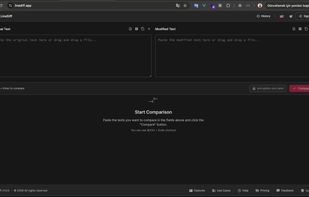
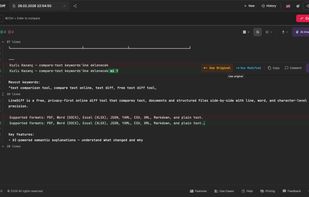
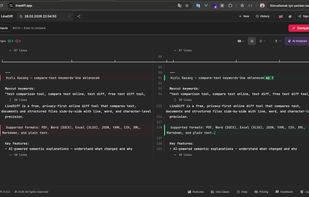
Free AI-powered text and file comparison tool. Compare PDF, Word, Excel, JSON, YAML, CSV, XML and Markdown online. End-to-end encryption, real-time collaboration, AI explanations. No installation needed.
Cost / License
- Freemium
- Proprietary
Application type
Platforms
- Online
- Software as a Service (SaaS)

dwdiff is a diff program that operates at the word level instead of the line level. It is different from wdiff in that it allows the user to specify what should be considered whitespace, and in that it takes an optional list of characters that should be considered delimiters.
D


 Canada


