


VirtualBox
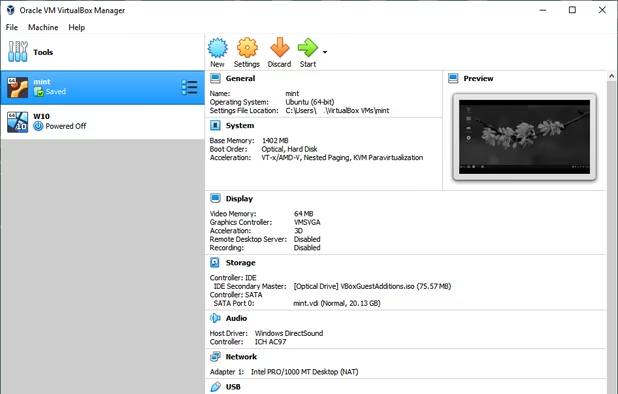
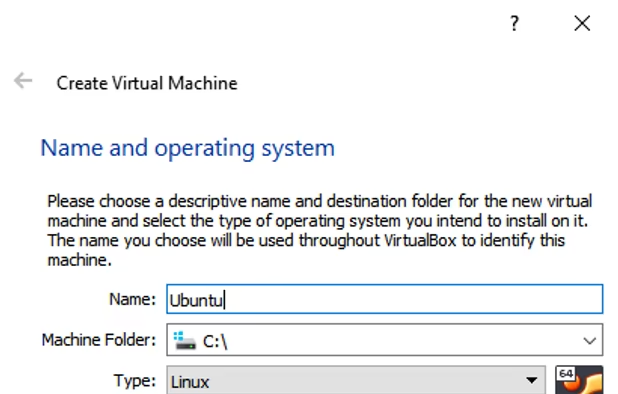
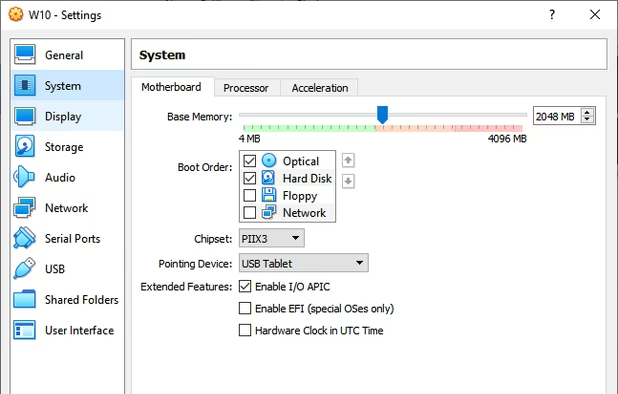
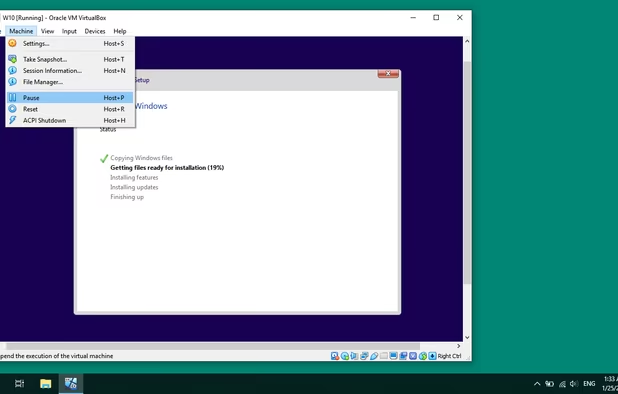
Open source VirtualBox offers powerful x86/AMD64 virtualization available freely under GNU GPL v2. Runs on Windows, Linux, Mac, Solaris hosts. Supports a vast array of guest OS like Windows, Linux, Solaris. Portable, lightweight, ad-free, with dark mode.

Features
Properties
- Lightweight
- Privacy focused
Features
- Virtualization
- Multiple languages

- Ad-free
- Container Virtualization
- Dark Mode
- Portable
- No Tracking
- Hypervisor

VirtualBox News & Activities
Recent News
- POX published news article about VirtualBox
 VirtualBox 7.2 brings enhanced ARM support, refined UI & Linux 6.16/6.17 kernel support
Oracle has released VirtualBox 7.2, delivering significant updates for virtualization users across ...
- Maoholguin published news article about VirtualBox
 Oracle releases VirtualBox 7.1 with enhanced UI, Linux support & Apple Silicon support
Oracle has launched VirtualBox 7.1, now available for Windows, macOS, and Linux platforms. This upd...
- Maoholguin published news article about VirtualBox
 Oracle releases VirtualBox 7.0.20: new Linux kernel support, clipboard fixes, and more
Oracle has released VirtualBox 7.0.20, the latest update to its open-source virtualization software...


Recent activities
 wolfsoftwaresystemsltd added VirtualBox as alternative to WolfStack
 shaunhenderson added VirtualBox as alternative to Xen Hypervisor

Featured in Lists

This is the apps for Windows 11 that I would recommend to anyone who just got a PC ! The same list for

Must have

This is going to be a list of the free tools/software that can be used mostly in any field. it's based on websites …
What is VirtualBox?
VirtualBox is a powerful x86 and AMD64/Intel64 virtualization product for enterprise as well as home use. Not only is VirtualBox an extremely feature rich, high performance product for enterprise customers, it is also the only professional solution that is freely available as Open Source Software under the terms of the GNU General Public License (GPL) version 2.
Presently, VirtualBox runs on Windows, Linux, Macintosh, and Solaris hosts and supports a large number of guest operating systems including but not limited to Windows (NT 4.0, 2000, XP, Server 2003, Vista, Windows 7, Windows 8, Windows 10), DOS/Windows 3.x, Linux (2.4, 2.6, 3.x and 4.x), Solaris and OpenSolaris, OS/2, and OpenBSD.
Virtualbox is available in 28 languages.
VirtualBox information
Developed by
 Oracle
 Licensing
Open Source (GPL-3.0) and Free product.Rating
Average rating of 4.5Alternatives
67 alternatives listedNews
5 news article related to VirtualBoxSupported Languages
- English


Comments and Reviews
Robust and free. The best virtualization software I've used.
QEMU (manager) is the only software solution against EGPFault in Win87EM.dll with newer Intel-CPUs
QEMU Manager is an (too) old Windows GUI for QEMU, which has in Aug. 2016 unfortunately no actual version. In difference to VirtualBox or VMware Player you can emulate several CPUs, which would be necessary for old 16bit applications with EGPFault in Win87EM.dll with newer Intel-CPUs (than Haswell from 2013 and later) in all other virtual machines except QEMU.
So only with QEMU (not with VMware or VirtualBox or Windows XP Mode) you (in Windows theoretically, in Linux really) can use and compile Delphi 1.6 programs, when you have a newer Host-CPU from Intel. Without QEMU (and Linux) you must buy another computer with an AMD-CPU, because VirtualBox or VMware Player cannot emulate various CPUs, as QEMU can. Practically I was not successful to use the QEMU Manager on Windows 7 or 10, but QEMU is told to be the best solution for this purpose on Linux, but I have no experience with Linux. Unfortunally I bought 2 computers with newer Intel-CPUs (Lenovo Yoga 3 PRO and Toshiba Z30), which had the EGPFault in Win87EM.dll. Because of this I gave back the Toshiba Z30 already by warranty and changed it to a HP EliteBook 725 G3 (with only 1.25 kg and) with a new and very good AMD-A12-CPU. The HP EliteBook 725 G3 was cheaper than the Toshiba Z30 (as additional advantage over the expensive INTEL-CPUs). In the next weeks I must send back the Lenovo Yoga 3 PRO also by warranty. I recommend all persons, which have the EGPFault in Win87EM.dll with newer Intel-CPUs to do the same (give back the Intel-CPU-Computer by warranty and to substitute it by an AMD-Computer). Only so you can hope, that Intel stops the fatal strategy, to develop only new CPUs, which do not support programs with a mathematic coprocessor.
Details see:
[Edited by em4020, August 22]
virtual machines are BAD. it can cause damage to your computer. DO NOT INSTALL IT
i have been using this App for many years and its great for my projects and the experience is good i can install all type of OS on my windows
Doesn't work on Linux. I can create a virtual machine, and open it exactly once. To be able to open it again after shutting it down, I have to reboot the entire machine. I've tried modifying my swap space to be bigger, but that doesn't help either. Also - shared folders do not work.
Easy to use, but VMs are slow because it isn't QEMU/KVM
runs like butter