

 Sri Lanka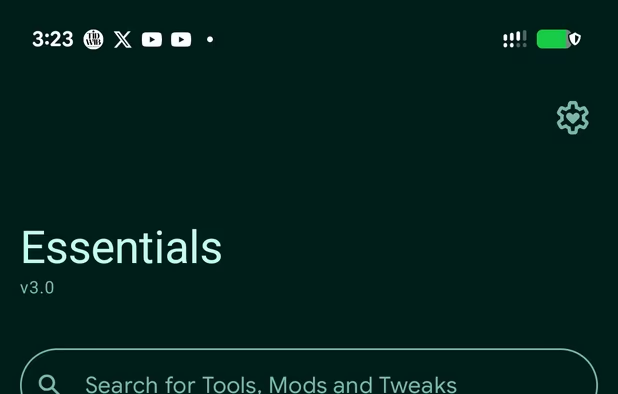


+7


vFlow is described as 'Powerful and highly extensible automation tool designed for the Android platform. It allows you to freely combine a series of "action modules" into powerful "workflows" through a graphical interface, automating various daily and repetitive screen operation tasks' and is an app. There are more than 25 alternatives to vFlow for a variety of platforms, including Android, Android Tablet, iPad, Mac and Linux apps. The best vFlow alternative is Essentials, which is both free and Open Source. Other great apps like vFlow are Tasker, Easer, MacroDroid and Automate.

Advanced automation app for Android that lets you trigger actions like alarms and app launches based on configurable events like phone calls or time of day. Tasker also lets you create apps using these automation features.


Easer is an event-driven Android automation app. It knows various events, and you, the user, could tell it what to do on what event (and even combine multiple events!). Routine actions no longer need to be taken manually.


MacroDroid is a task automation and configuration app that focuses heavily on usability with a simple UI and logical step by step process.


Automate various tasks on your Android smartphone or tablet. Create your automations with flowscharts, automatically change settings or perform actions based on triggered event.


Apple Shortcuts deliver a quick way to get things done with your apps with just a tap or by asking Siri. The Shortcuts app enables you to create personal shortcuts with multiple steps from your favorite apps.
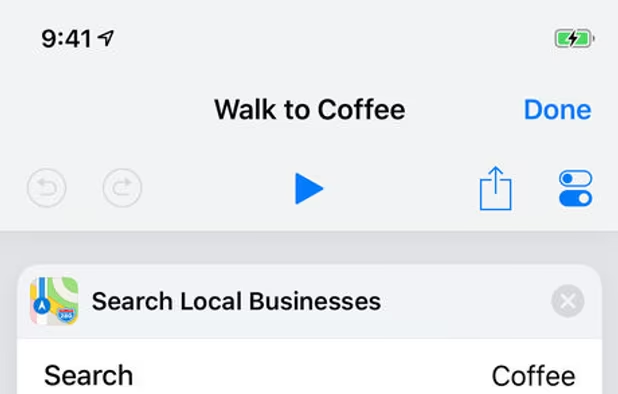
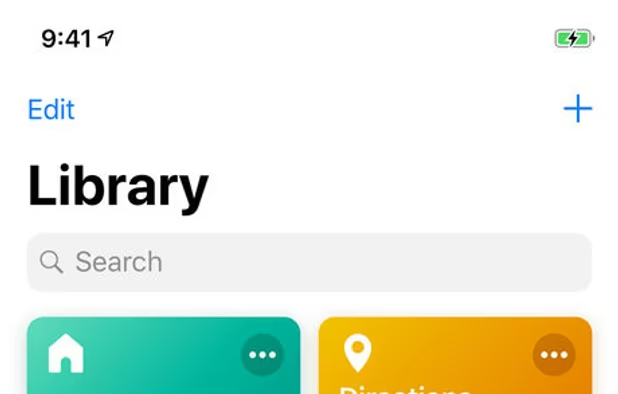
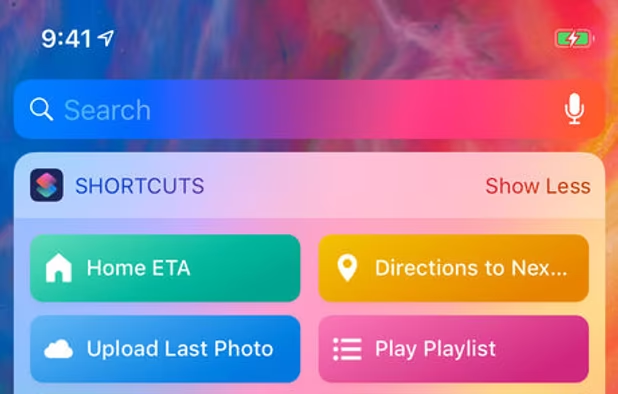


With Automator, you can accomplish time-consuming, repetitive manual tasks quickly, efficiently, and effortlessly. Automator lets you skip the complex programming and scripting that is normally required to create automations.


Modes and Routines on your Galaxy phone or tablet can help you navigate your day. For example, when you get to work in the morning, Bixby can mute notification sounds and turn on Wi-Fi. Or, when you’re going to sleep, Bixby can lower your screen's brightness level.


Create rules that are made of triggers and actions. A prominent example would be something like "Mute phone at work".


TapTap is a port of the double tap on back of device feature from Android 12 to any Android 7.0+ device


Automate Your Android! With AutomateIt, you can define a set of your desired behaviors in response to events on your Android device.


 Portugal
 EU
EU
 China
China
 United Kingdom
 Sweden


 United States

 South Korea


 Australia