



Vault Password Manager for Mac
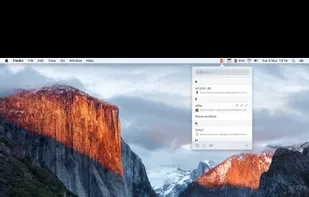
n.spektor Vault | Plus - The complete menu bar password manager including browser extension for Safari, Chrome & Firefox.
 Germany
 EU
EU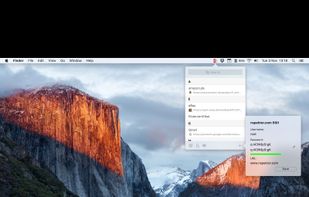
This app is not available anymore.

Features
- Password safe
- Password Generator
Tags
- password-storage
- Password keeper
- passwords
- passwords-keeper
Vault Password Manager for Mac News & Activities
Recent activities

Vault Password Manager for Mac information



What is Vault Password Manager for Mac?
n.spektor Vault | Plus - The complete menu bar password manager including browser extension for Safari, Chrome & Firefox.
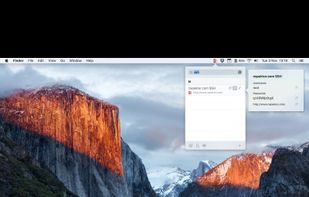
• Access all features in one window with just a single click • Browser Extensions for Safari, Chrome & Firefox • Find your logins easily via search field • Unlock and copy your login data within a second • Auto-lock will protect your data even if you leave your Mac • Usernames and passwords are stored encrypted with AES
FEATURES AT A GLANCE • quick menu bar access • buttons to copy username and password directly • create strong passwords with the integrated key-generator • auto lock (time and screen saver) • save, update and fill your web logins with just a single click (Browser Extensions) • shortcuts for lock/unlock and create • hotkey • backup and restore • auto-start • password & username encryption • AES128 encryption • SHA256 hash • sort by usage or alphabetically grouped
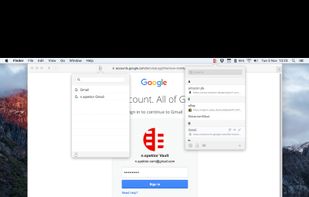
BROWSER EXTENSIONS • available for Safari, Chrome & Firefox • save or update entries with just a single click • open saved websites directly • autofill • multi account support • lock