




use SQL Developer
Like
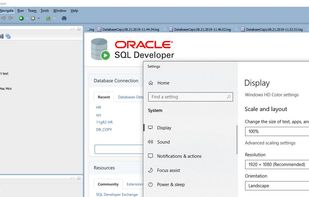
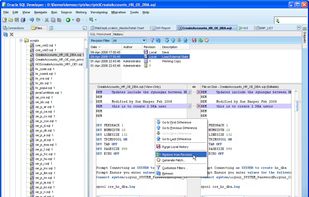
Free SQL client for Windows. Connect to Oracle, MySQL, PostgreSQL, SQL Server, and SQLite from one interface. No Oracle account or login required to download.

Cost / License
- Free
- Proprietary
Platforms
- Windows

Add Alternatives

0likes
0alternatives
0articles
Features
use SQL Developer News & Activities
Highlights All activities
Recent activities
- usesqldeveloper added use SQL Developer
 usesqldeveloper added use SQL Developer as alternative to DBeaver, MySQL Workbench, DataGrip, PostgreSQL for Visual Studio Code and 2 more
use SQL Developer information
Developed by
 SQL Developer
 Licensing
Proprietary and Free product.Alternatives
0 alternatives listedBadge
Get an embeddable badge for use SQL DeveloperSupported Languages
No comments or reviews, maybe you want to be first?