

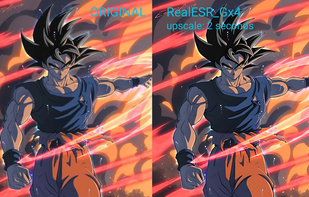
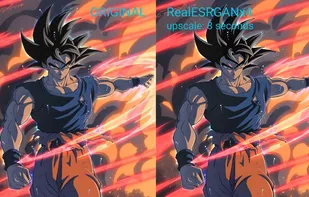
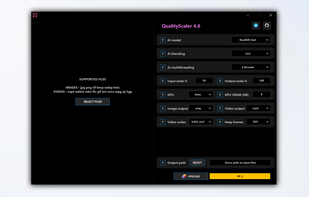
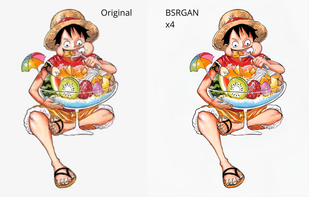
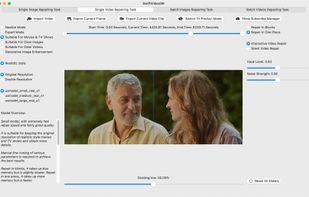
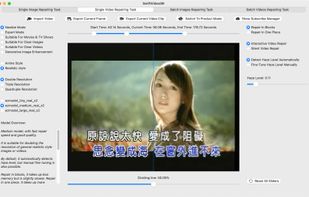
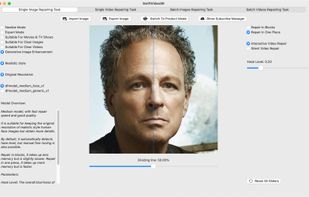
RealScaler is a Windows app based on Real-ESRGAN AI to enhance, enlarge and reduce noise in photographs and videos.
 Italy
Italy EU
EU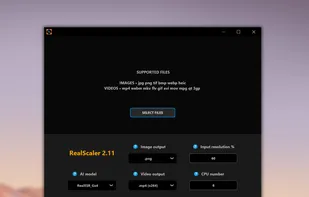
+2
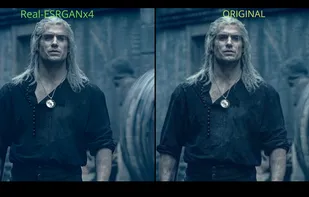


The best Video Editor alternative to Topaz Video AI is RealScaler. It's not free, so if you're looking for a free alternative, you could try Free AI Video Upscaler or HitPaw VikPea. If that doesn't suit you, our users have ranked more than 10 alternatives to Topaz Video AI and 13 are Video Editors so hopefully you can find a suitable replacement. Other interesting Video Editor alternatives to Topaz Video AI are AVCLabs Video Enhancer AI, Winxvideo AI, Ashampoo Video Optimizer Pro and QualityScaler.
RealScaler is a Windows app based on Real-ESRGAN AI to enhance, enlarge and reduce noise in photographs and videos.

Upscale videos or images with AI for free, right in your browser - no signups, installation or config necessary. It is fast, free and open source.



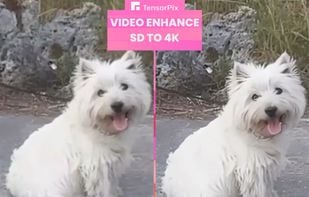
AI video enhancer optimizes low-res videos, transforming them into high-resolution up to 8K using neural deep learning for enhanced color, detail, and clarity, with features like super-resolution, denoising, sharpening, and scratch removal, fit for modern displays.

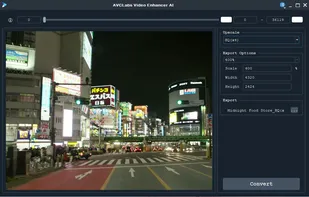
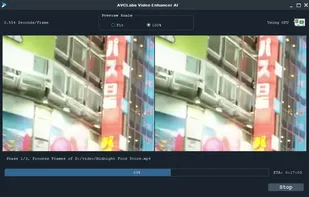
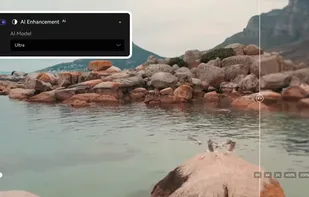


Enhance, upscale, and stabilize videos and images using AI, removing blur and noise, increasing frame rates up to 240fps, compressing and converting 4K/8K content, editing footage, extracting images, reducing background noise, and supporting a wide device range.
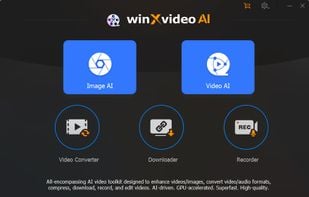
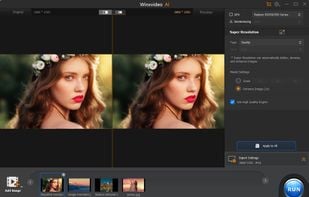
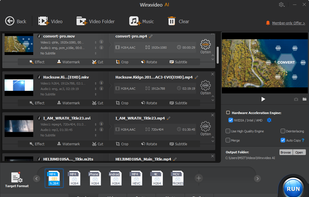
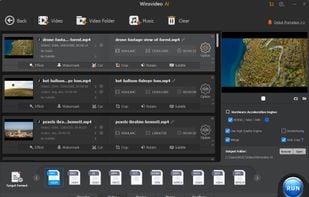


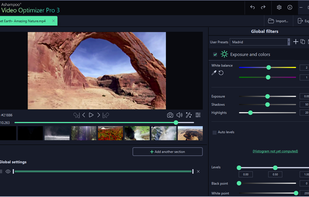
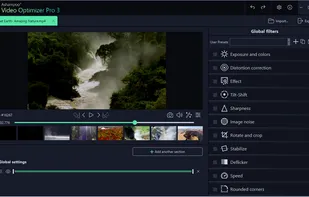
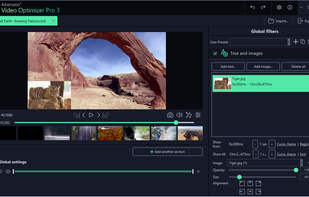
Automatically stabilizes footage, enhances sharpness, optimizes color and contrast, removes noise and flicker, corrects lens distortion, provides manual adjustments, batch processing, and fast encoding, plus slow-motion, time-lapse, and text overlays for refined editing.


Advanced AI enhances video to 8K, repairing and unblurring content. Compatible with Mac and Windows, it colorizes, restores old footage and removes video backgrounds with seven AI models.
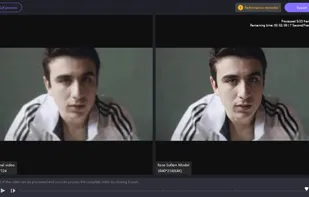
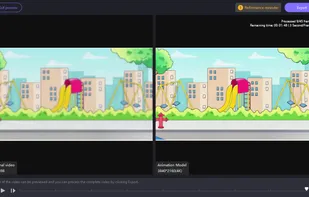
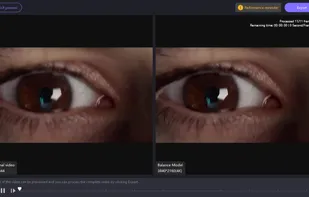
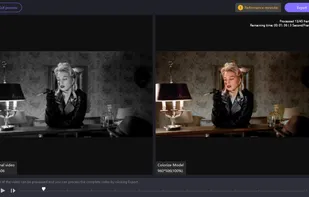






Boost video quality by upscaling resolution, optimizing brightness and contrast, and removing noise. Includes editing options like cropping, trimming, merging, and converting across various formats. Compatible with Mac and PC.
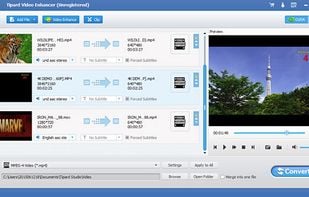

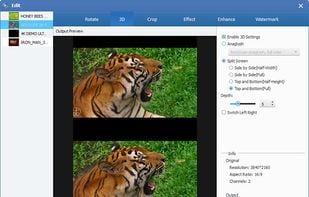
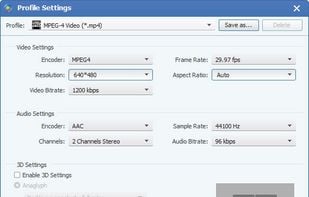


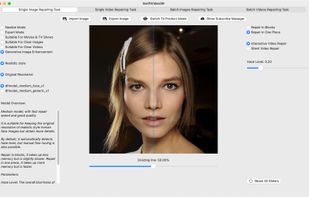
This product can achieve original, double, triple and quadruple super-resolution magnification of images and videos on Apple M1/M2/M3/M4 computers.






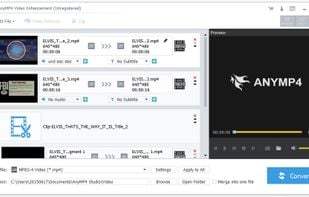
AnyMP4 Video Enhancement is able to enhance video quality greatly. It can upscale resolution, optimize brightness and contrast, and remove video noise. It can also rotate or flip video by 90 clockwise/counterclockwise or horizontal/vertical flip.


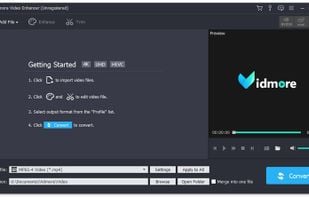
Vidmore Video Enhancer could upscale the resolution or optimize brightness and contrast of your videos. In addition, you could remove annoying noise from your videos and reduce video shaking.


 United States
 China
China

 Germany


 Hong Kong SAR China


It made my videos clear and pop! It was very easy to use and very user-intuitive. I will be using and recommending to everyone I know to clear up and improve their old videos. I wish I had known about this service before. It was especially helpful for my very old videos from my childhood.