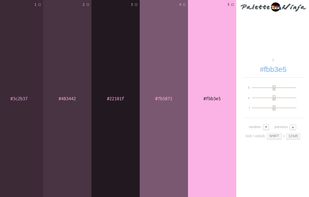
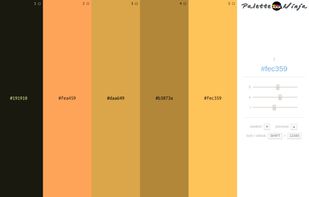
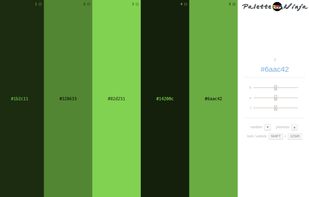
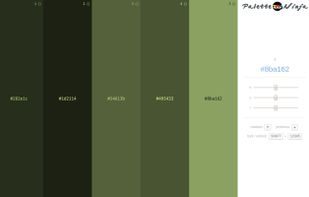
Palette Ninja is an online color scheme generator that allows you to create harmonious color schemes in seconds.
Cost / License
- Free
- Proprietary
Alerts
- Discontinued
Platforms
- Online
- Google Chrome



+1


Sites and apps similar to TinEye Color extraction include Adobe Color CC, which is free. Other options are Coloraccy, Happy Hues, SwatchBooker and Colormind. Color Picker Tools like TinEye Color extraction are a crowded field, with more than 25 alternatives for Mac, Linux, iPhone, iPad and Windows.
Palette Ninja is an online color scheme generator that allows you to create harmonious color schemes in seconds.

 Russia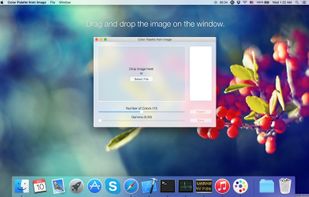
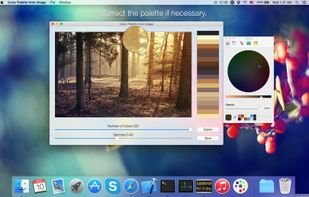


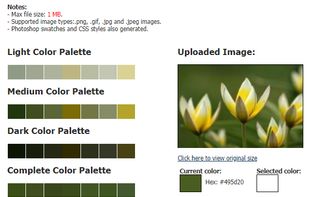
Generate a color palette based on the image's primary colors. Useful for quickly grabbing a particular color within an image for inspiration.


Hexo is the ultimate color palette management tool for macOS, designed for designers, developers, and creative professionals who demand precision and efficiency in their color workflow. Save your colors and palettes locally, offline and on the move.
 Spain
Spain EU
EU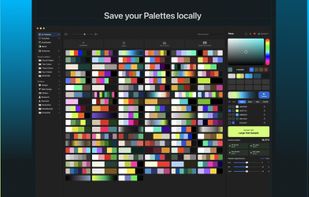


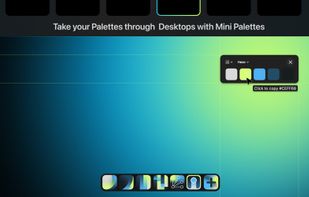


Culrs is a mac app where colors that work together are curated and fashioned into quality palettes that you can incorporate.


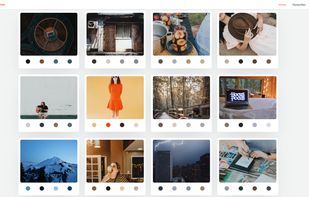
Natural, fresh color palettes from random beautiful images. ImageHues provides a practically endless library of color palettes by grabbing colors from Unsplash photos. Simply click on colors from the extracted palettes to copy to your clipboard for use elsewhere.


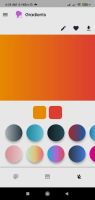
Glitters is a super fast color scheme app for android lets you create the perfect pallete for your next project. Add your favorite palletes to the favorites section of this color scheme generator.
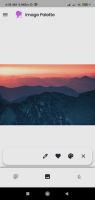
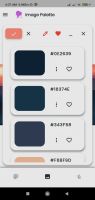


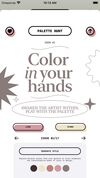




Color Picker provides color picking and palette management powered by a magnifying glass and a minimal interface focused on getting the right colors.
Russia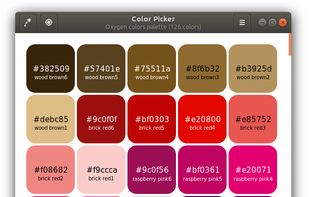


Capture colors from anything you can imagine with the most powerful color tool on iOS. Deep integration with Creative Cloud® means you can even capture colors from your color themes, PSD files, sketches, and more.