



Timli
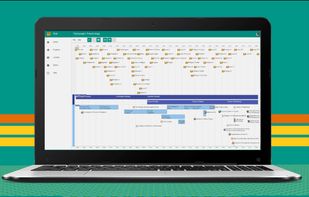
Dynamic, interactive and simple to use, Timli provides a complete sight on your timeline. This web apps is the tool you need to present your project plannings, product roadmaps or historical timelines.
Cost / License
- Freemium (Subscription)
- Proprietary
Alerts
- Discontinued
Platforms
- Online
The official website is no longer available.

Features
- Timeline
Tags
- roadmap
- project-planning
Timli News & Activities
Recent activities
Timli information
Developed by
TimliLicensing
Proprietary and Freemium product.Pricing
Subscription that costs $6 per month + free version with limited functionality.Alternatives
17 alternatives listedSupported Languages
- English


What is Timli?
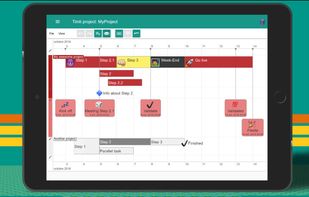
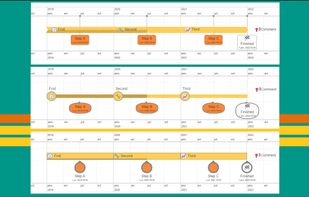
Dynamic, interactif and simple to use, Timli provides a complete sight on your timelines. Create beautiful timelines with different colors, shapes and icons.
Present an overall view on your projects. Compact view: As you can have several task items on the same line, Timli offer a more compact view than a Gantt chart. Zoom: Adjust the size of your Timeline's items for best readability.
Store, export and import. Use local file: even with a free account, you can save your timeline on your PC. Store in the App : with an Editor account, create and store your Timelines in the cloud.
With Editor account, share your projects. Realtime collaboration: All the changes are pushed instantly, so your stackholders see updates in realtime. Share policy: select who is able to read or edit your Timeline.
Fits for historical timelines or chronograms. All time scales: you quikly visalize all ranges of date such as centuries or minutes. Dynamic view: use mouse's controls to change and adjust time scale or time interval.
Official Links
There are no links for this app, or they've been disabled.