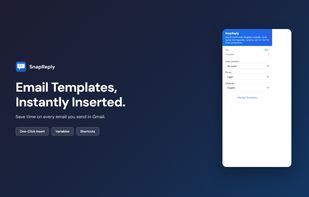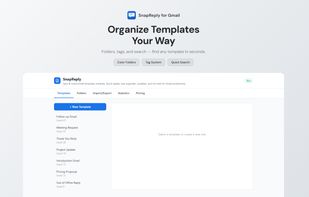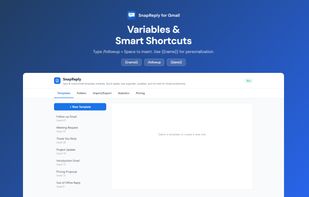
Use Gmail Templates for creating messages in one second and boost your productivity with auto text expander and browser template
Cost / License
- Free
- Proprietary
Platforms
- Google Chrome


Text Blaze is described as 'Automates repetitive typing with keyboard shortcuts, dynamic snippets, browser integration, and team collaboration features with commenting and access controls' and is a Text Expander in the office & productivity category. There are more than 50 alternatives to Text Blaze for a variety of platforms, including Windows, Mac, Google Chrome, Linux and Web-based apps. The best Text Blaze alternative is AutoHotkey, which is both free and Open Source. Other great apps like Text Blaze are espanso, PhraseExpress, FastKeys and AutoKey.
Use Gmail Templates for creating messages in one second and boost your productivity with auto text expander and browser template


Prompt and text workspace for people who manage hundreds of reusable snippets. Organize by project and label, swap {{variables}} on the fly, and deploy text fast, all from the browser.


The best Google Chrome extension to insert snippets, templates, and macros. The best part? You can do everything (create, edit, or delete snippets) from the extension itself—no fluff, just speed. You'll be left wondering how you lived without this for so long!.


Create personalized shortcuts using tags for text, AI prompts, formulas, Forms, files, API calls, code snippets, and even passwords stored as secured tags.


TypeFire is a free text expander and snippet manager for macOS. Create snippets, assign short abbreviations, and they instantly expand as you type in any app on your Mac.