



Cost / License
- Free
- Proprietary
Application typeApplication types
Platforms
- Mac
 Slovakia
 EU
EU
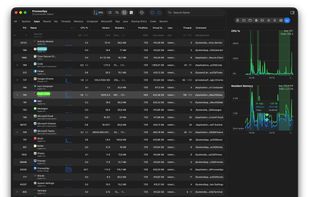

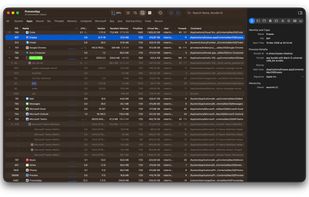


Apps similar to TaskExplorer include Process Explorer, which is free. Other options are htop, System Informer, Mission Center and Task Manager. There's no shortage of Process Monitoring Tools like TaskExplorer, with more than 25 alternatives for Mac, Windows, Linux, iPad and iPhone.
SlovakiaEU
Task Explorer is an advanced Task Manager tool with emphasis on, not just monitoring what applications are running, but on finding out what applications are doing. The UI focuses on expedience and getting real time data of what the processes are doing at any given moment.


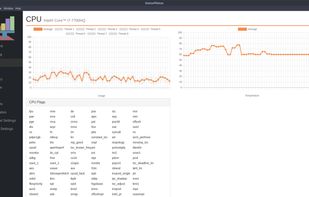
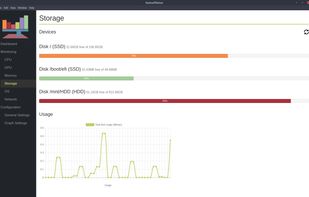



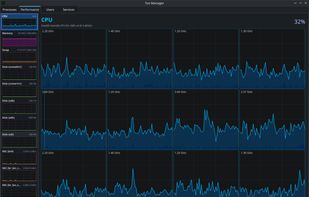
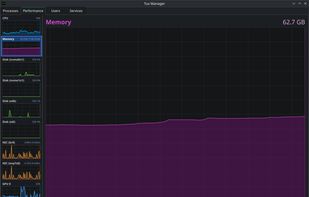
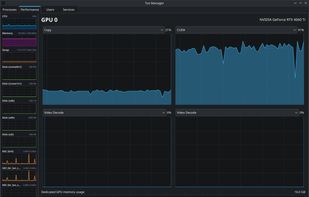
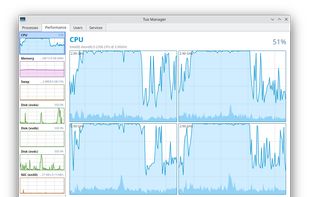
A Linux Task Manager alternative built with Qt6, inspired by the Windows Task Manager but designed to go further - providing deep visibility into system processes, performance metrics, users, and services.


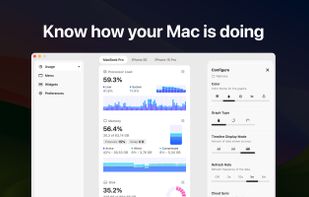
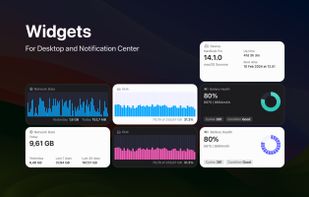
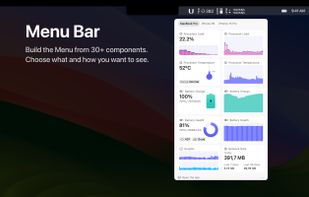
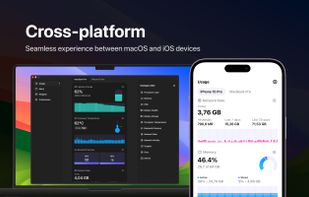
System Activity Monitor for Mac, iPhone, and iPad. Customizable, precise, and lightweight apps to keep an eye on the activity and performance of your devices.


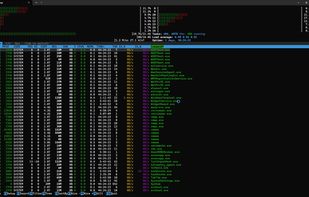
pstop is a native Windows terminal system monitor inspired by htop. It brings per core CPU usage bars, memory and network meters, process tree view, search, filtering, and kill shortcuts directly to PowerShell with familiar htop style keybindings.


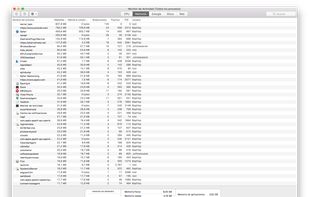
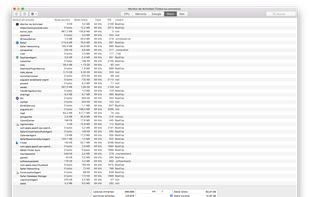
Provides real-time statistics for CPU, memory, disk, and network usage on macOS, allows users to view, organize, and terminate processes, analyze system resource consumption, view data in graphs and tables, check current transfers, and monitor system health.
 United States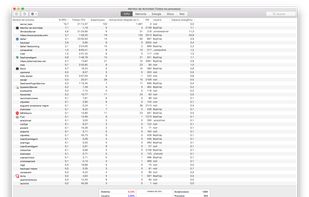


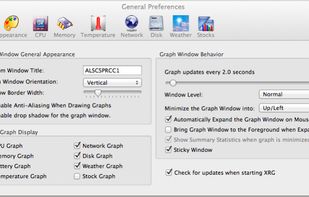
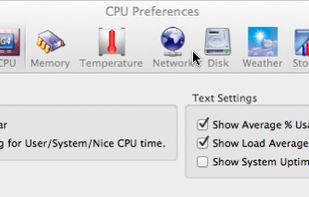
XRG is an open source system monitor for Mac OS X. XRG allows you to monitor CPU activity, memory usage, battery status, machine temperature, network activity, disk I/O, current weather, and stock market data.
United States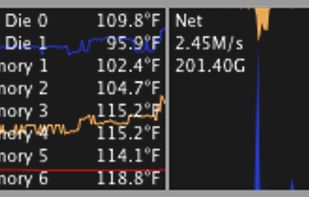



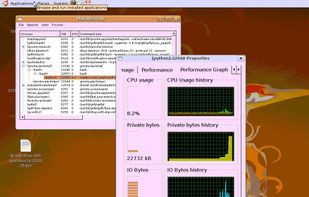
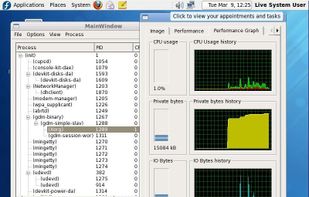
Linux process explorer, behaves the same as the windows process explorer from Mark Russinovich.


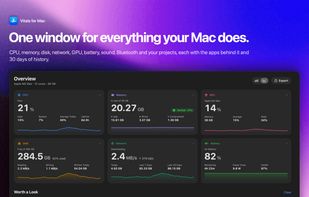
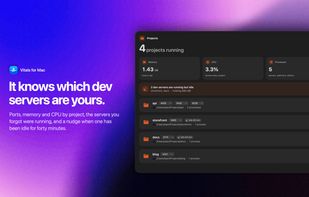
The Activity Monitor alternative for Mac: groups every process under its app, so you see 60 apps instead of 1,000 processes.
 Pakistan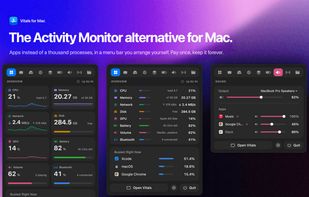



 Austria





 United Kingdom


