
+9


Mission Center vs Task Manager Comments

- Mission Center is Free and Open Source
- Mission Center is Privacy focused


The best System Information alternative to Task Manager is Mission Center, which is both free and Open Source. If that doesn't suit you, our users have ranked more than 50 alternatives to Task Manager and many of them are System Information Utilities so hopefully you can find a suitable replacement. Other interesting System Information Utility alternatives to Task Manager are Resources, Stacer, SystemExplorer and appstat.

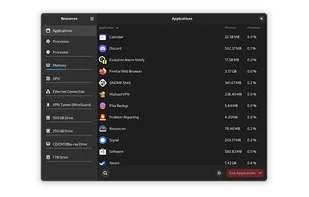
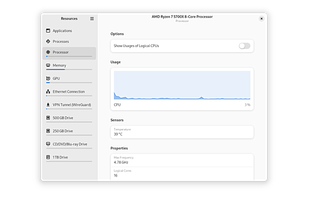
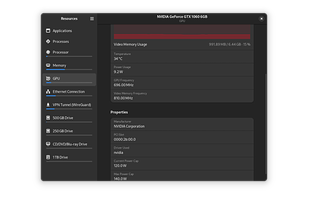
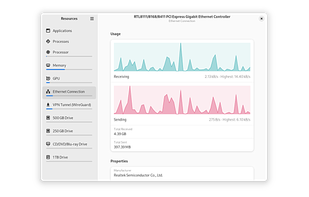
Resources is a simple yet powerful monitor for your system resources and processes, written in Rust and using GTK 4 and libadwaita for its GUI.


Stacer is an open source system optimizer and application monitor that helps users to manage entire system with different aspects, its an all in one system utility.
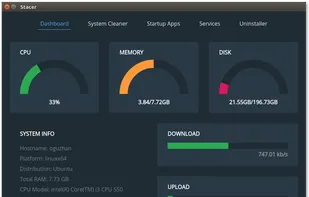
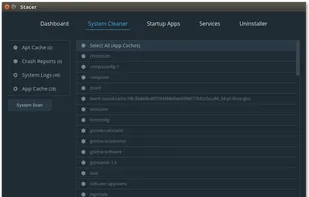
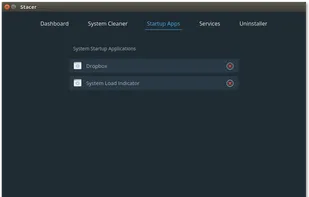
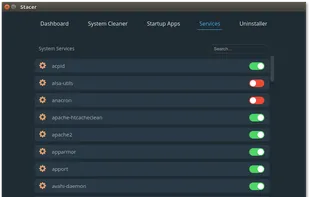

Why is Stacer listed as a Task Manager alternative? They aren't even barely similar.


System Explorer is an enhanced Taskmanager that provides detailed information about running processes, startup programs, IE add-ons (BHOs), drivers, services network connections, system resources and more.
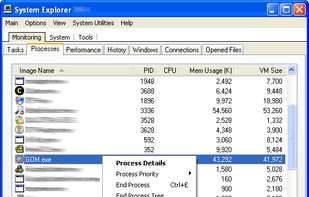
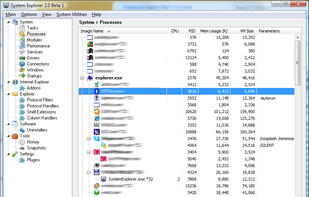
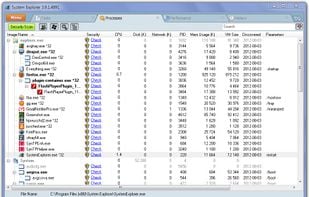


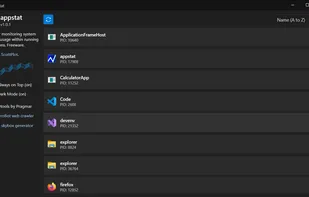
Real-time monitoring of CPU, memory, disk, and thread metrics for running applications without workflow interruptions. Identify resource bottlenecks, memory leaks, and performance spikes. Freeware with no registration required, featuring dark/light modes, always-on-top option, and exportable logs for team analysis.
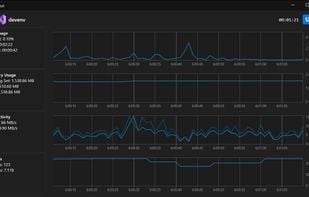


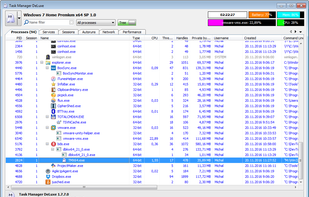
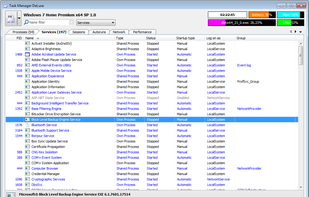
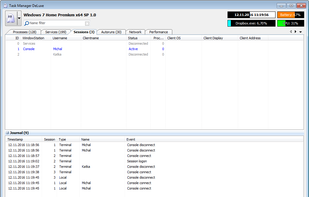
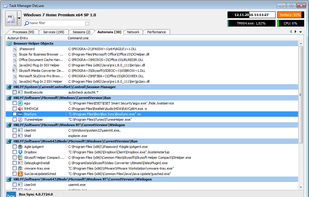
Task Manager DeLuxe (TMX) is based on MiTeC System Information Component Suite and offers powerful features available in standard Windows Task Manager in lightweight portable package with many more enhancements.


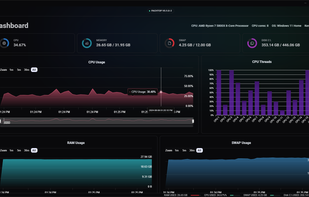
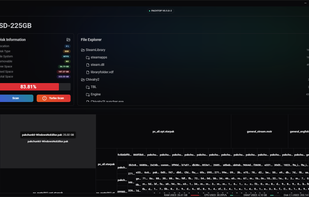
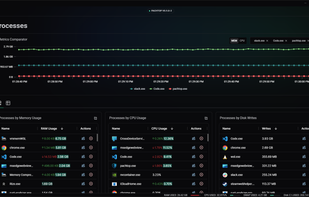
Pachtop is a lightweight, performant, and opensource system monitor that provides real-time monitoring of your system's performance, application monitoring, and detailed system information. Built with Rust and Tauri


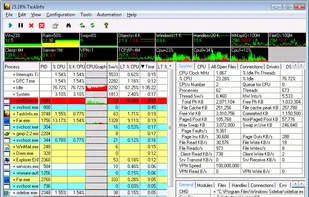
TaskInfo is a poweful utility that combines and improves features of Task Manager and System Information tools. It visually monitors (in text and graphical forms) different types of system information in any Windows system (95, 98, ME, NT 4.


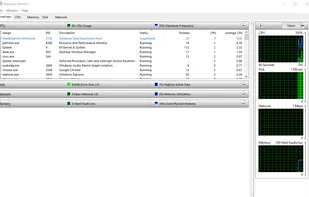
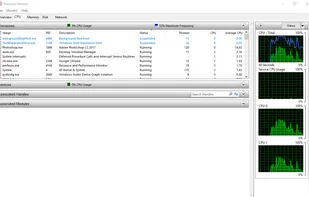
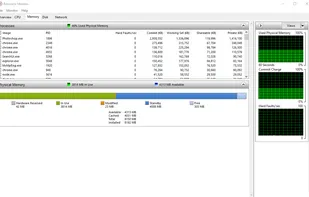
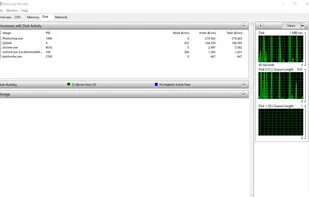
Resource Monitor is a system application in Microsoft Windows operating systems. It is used to view information about the use of hardware (CPU, memory, disk, and network) and software (file handles and modules) resources in real time.


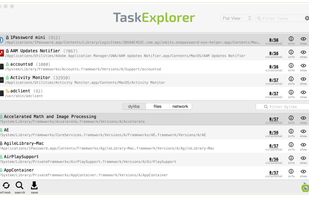
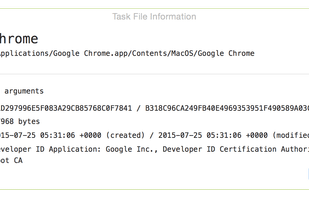
Explore all the tasks (processes) running on your Mac with TaskExplorer. Quickly see a task's signature status, loaded dylibs, open files, network connection, and much more!.


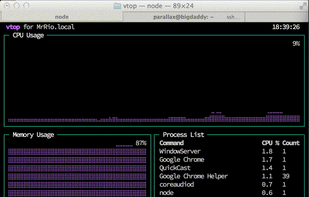
vtop is a graphical command-line tool that uses unicode braille to chart CPU and memory usage. It can be easily extended.


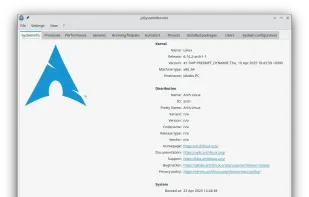
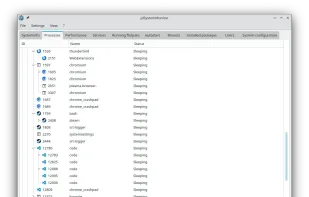
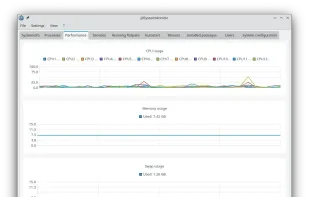
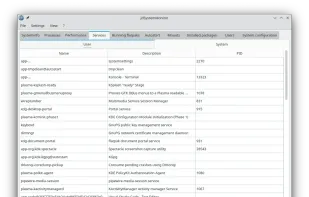
jdSystemMonitor is an advanced, desktop-independent system monitor for Linux. Its goal is to provide as much information about your system as possible, with a focus on process management.


 Türkiye
 Czechia
 EU
EU


 Philippines
 Russia
 United States

 United Kingdom
 Germany
Looks very similar to Task Manager, can be what users expect as a Taskmanager replacement.