


Tag files and folders directly in Windows Explorer, then find them by tag, file name, or description. Your files stay where they are.
Cost / License
- Freemium (Pay once)
- Proprietary
Since
- New
 Netherlands
 EU
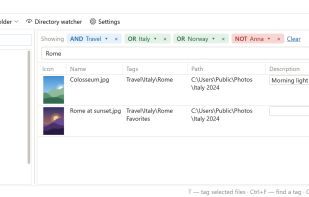


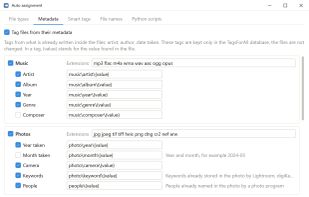


Tag files and folders directly in Windows Explorer, then find them by tag, file name, or description. Your files stay where they are.
NetherlandsEU
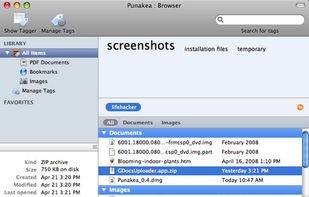
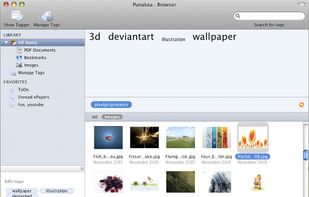
Punakea is a little app that allows one to apply tags to files on one's computer. It then allows searching, browsing and manipulation of files in its tag-browser


TagLauncher is a better way to classify your files and find them. By tagging, you put files in virtual folders but files are not limited to be in one of them. It means similar tags makes files similar, therefore finding them will be easier.

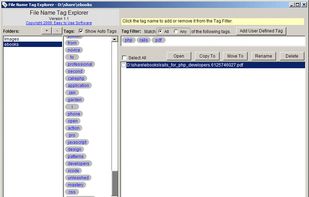
File Name Tag Explorer lets you:
Organize your files with tags. Search or Browser files with tag filter. Find files which match all or any selected tags. DO NOT need to spend any time editing tag information for files. File Name Tag Explorer can automatically extract tags from f.

TagoMan frees you from constrains of your folders.
It helps you organize your files, links and notes using tags. As one can assign multiple tags to an entry, tags can be used to group entries in arbitrary and flexible way without moving documents around. It is also possible to l.
NetherlandsEU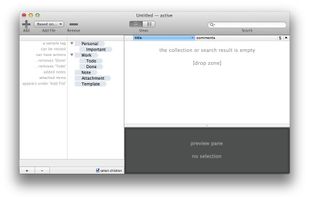


 United Kingdom


