


Tags allows you to manage your files in a way far superior to folders. Work faster, and be more efficient.
Cost / License
- Paid
- Proprietary
 Sweden
 EU
EUPlatforms
- Mac
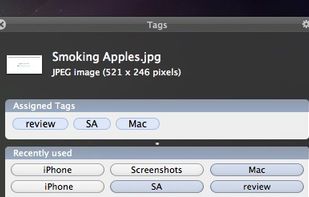


Tagger is described as 'Small application for OS X that can be used for quickly adding arbitrary textual tags to files. It uses the OpenMeta system for saving tags, so the tags you add with it will be readable (and editable) by all the other applications that support OpenMeta' and is an app in the file management category. There are more than 10 alternatives to Tagger for a variety of platforms, including Windows, Mac, Linux, Self-Hosted and Microsoft Edge apps. The best Tagger alternative is TagSpaces, which is both free and Open Source. Other great apps like Tagger are Tabbles, Filezo, Where Is It? and Keepmark.
Tags allows you to manage your files in a way far superior to folders. Work faster, and be more efficient.

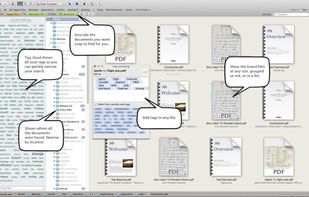
With Leap you find things based on your natural memory of that file. “Hhmm it was a big photoshop file of a basketball court” or “Something I tagged important” or “A word document somewhere in my documents folder”.


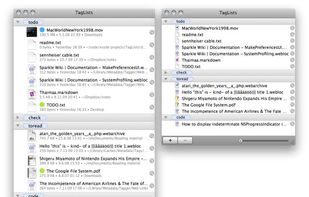
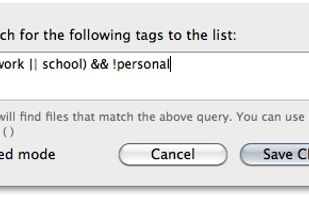
TagLists is a small application for OS X that allows you to quickly see which files you've tagged with particular tags. It uses the OpenMeta tagging system, which means that it finds files that have been tagged with any of the applications that support OpenMeta.



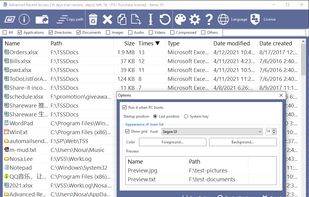
Advanced Recent Access is designed to see more properties of your recent used resources (files and directories). Key features: can see more properties of the recent resources, such as path, size, type, date modified and date created. And more.


The Personal File Tagging Utility. Tagg is a utility which locates your files based on simple labels you attach or tag on to your files.


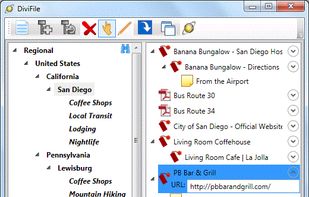
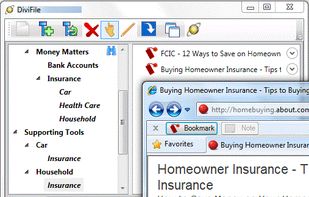
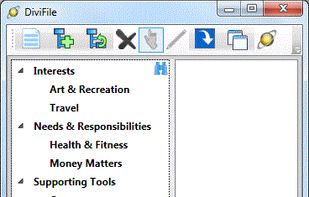
DiviFile: A Hub for Your Information
Do you maintain a set of folders for organizing your documents? Another set for arranging your Favorites? And yet another set of folders and categories in Microsoft Outlook for notes and emails? What a mess! Wouldn't it be nice to have a.


Tag everything on your desktop like files, images, movies or music by simply using tags. 3 languages: english, german, espanol.





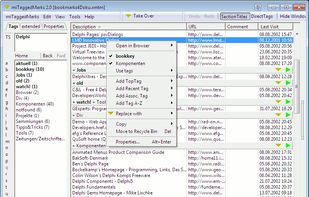
With miTaggedMarks you organise and access your local bookmarks using tags, instead of the usual hierarchical tree structure. With a new way to handle a large number of tags.
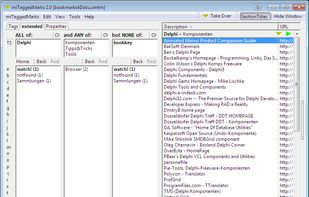


An excellent solution based on tags/keywords for streamlining the access to images, documents, photos, books, multimedia content, and so on.


TagLauncher is a better way to classify your files and find them. By tagging, you put files in virtual folders but files are not limited to be in one of them. It means similar tags makes files similar, therefore finding them will be easier.


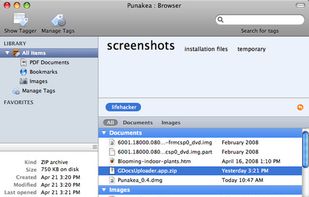
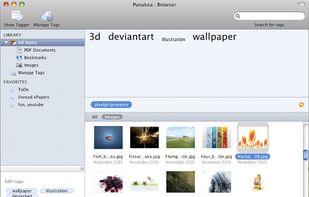
Punakea is a little app that allows one to apply tags to files on one's computer. It then allows searching, browsing and manipulation of files in its tag-browser


TagoMan frees you from constrains of your folders.
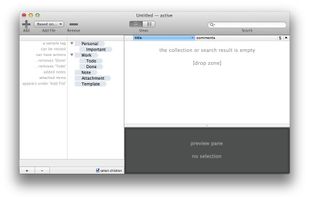
It helps you organize your files, links and notes using tags. As one can assign multiple tags to an entry, tags can be used to group entries in arbitrary and flexible way without moving documents around. It is also possible to l.


 Canada


 United States


 Austria


 United Kingdom


 Netherlands
