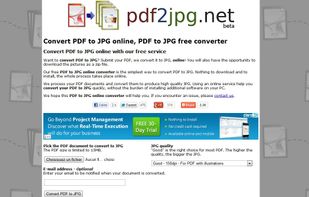
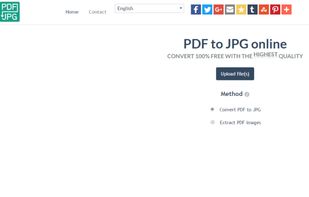
Convert PDF to JPG online for free with this web site. Just submit your PDF document, wait for a few seconds and voilà! Your JPG files are ready.
Cost / License
- Free
- Proprietary
Platforms
- Online
 France
 EU
EU


Apps similar to STDU Converter include PDFsam Basic, which is free and open source. Other options are Master PDF Editor, Sejda, Nitro PDF and Online Convert. PDF Editors like STDU Converter are a crowded field, with more than 25 alternatives for Windows, Mac, the web, Linux and Android.
Convert PDF to JPG online for free with this web site. Just submit your PDF document, wait for a few seconds and voilà! Your JPG files are ready.
FranceEU
PDF Mage lets you save the page you are currently viewing as a PDF file with a single click of a button.



PDFMate PDF Converter is a 5-in-1 PDF program to easily convert your PDF to editable Text files, common images, EPUB Ebooks, HTML files, and even SWF files freely. It also can modify the layout and page size of PDF file.
 China
China


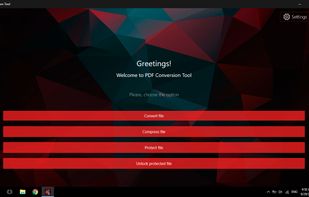
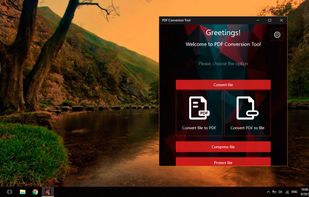
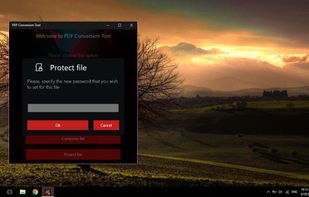
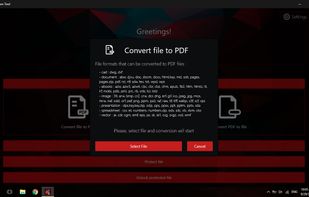
PDF Conversion Tool allows you to easily and quickly convert almost any file into PDF format and back. Easily converts PDF file to Microsoft Word format (doc, docx) and to almost any images format (png, jpg, gif, etc.).


PDF Converter Elite is a software package for Windows that lets users convert their PDF documents into Word, Excel, PowerPoint and also create, manage and edit PDFs anytime.
 Canada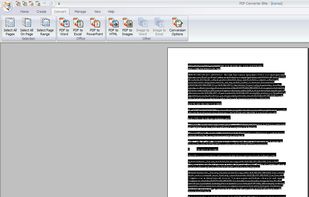




A tool for converting to/from PDF files. It can convert PDF to JPG, PNG, BMP, GIF, TIFF, and text and back. It can also split PDF files by page.
 Russia


This simple tool allows you to convert PDF files into: Word documents (.doc, .rtf), HTML 5, Excel, XML, Text, or JPG, Multipage TIFF, PNG.
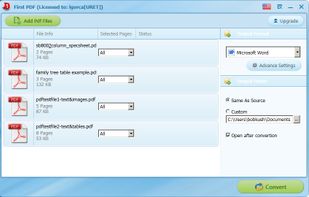


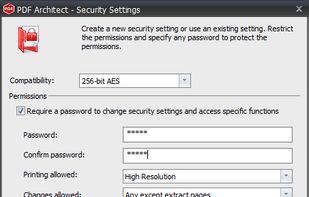
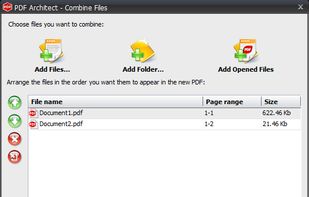
PDF Architect is a PDF Editor with free functions like rotate, delete and move pages and even more like editing text, PDF to Word, 256 Bit AES Encryption and more.
 GermanyEU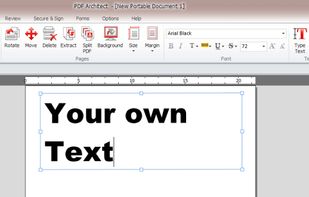
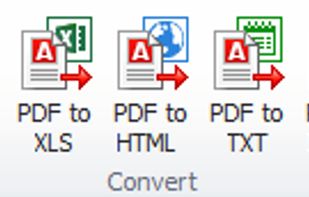


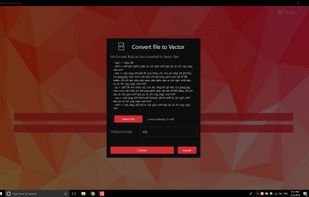
💥 Easily converts SVG, AI, CDR, PS, WMF, and other vector files to PNG, PDF, PS, EPS, and back.


Whether you’re an individual or a large enterprise, cutting costs and improving efficiency are imperative. Yet workflow challenges are often met with free software and tools that seemingly help you cut costs, but in actuality don’t meet your unique needs.
 United States


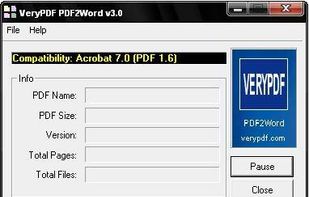
PDF2Word (PDF to Word) software exports the text, images and other contents from any PDF document into MS Word document format (RTF or Word), so you can edit and reuse your PDF content. PDF2Word (PDF to Word) preserves the original PDF text, layout and bitmap images in the...
China