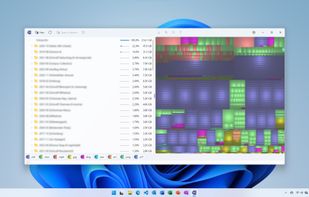
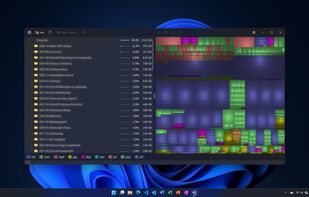
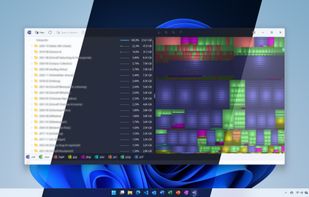
Disk Space Finder helps visualize your data to find wasted space. It shows you a graphical diagram of what is takeing up your space.


Apps similar to SpaceSniffer include WinDirStat, which is free and open source. Other options are WizTree, Filelight, Baobab Disk Usage Analyzer and SD Maid SE. Disk Usage Analyzers like SpaceSniffer are a crowded field, with more than 50 alternatives for Windows, Mac, Linux, Android and the web.
Disk Space Finder helps visualize your data to find wasted space. It shows you a graphical diagram of what is takeing up your space.

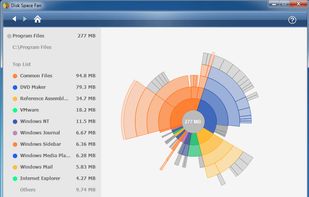
Disk Space Fan is a powerful disk space analysis tool for Windows and it is a freeware. It helps you to free up disk space by quickly finding and deleting big, useless files. It displays disk space usage with a nice chart. You can navigate the folders easily with the chart.


Landiskape is a storage visualizer which tells you how your storage is being used by using an easy to understand 2D chart.
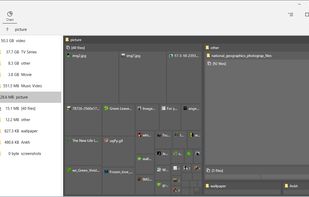

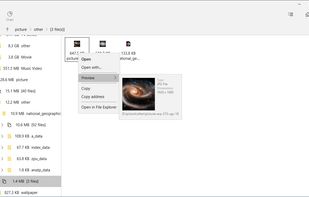
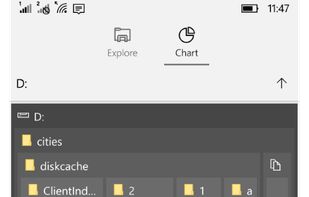


WhatSize is a simple tool that allows the user to quickly measure the size in bytes of a given folder and all subfolders and files within it. You would be surprised at how many useless files might be laying around on your hard disks.
 United States
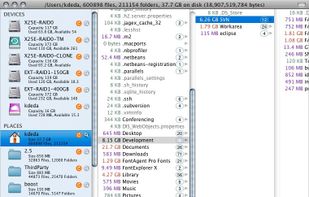
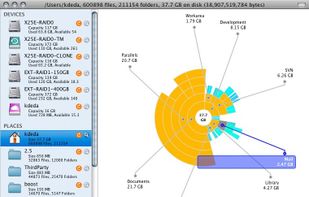
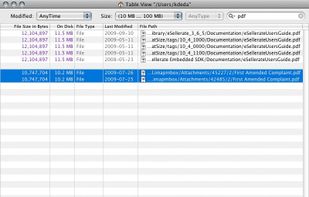


PA Storage Monitor shows what you are storing and supports your storage manager tasks. Many rich file reports, including file owner information available.
United States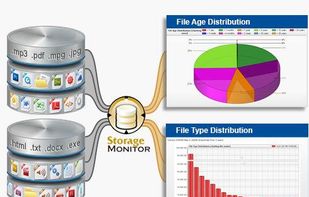

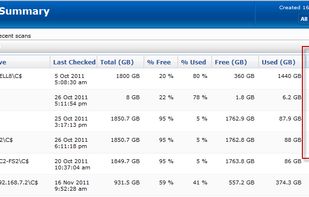


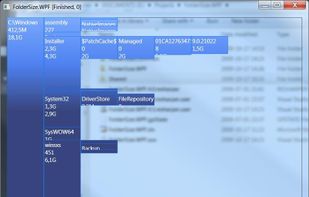
FolderSize is intended to be a simple application to determine what folders takes up place on your machine and to present it to you graphically.


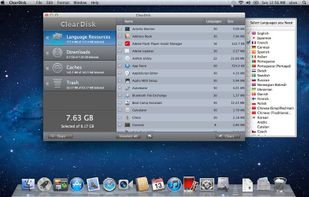
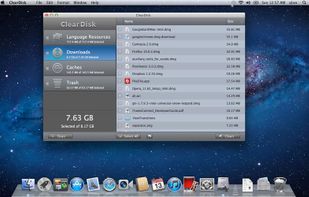
ClearDisk is a Mac OS X utility designed to clean the hard disk of unnecessary files which clog up the disk space. The goal of ClearDisk is just to find unused files on your computer and remove them. ClearDisk saves your time by cleaning your disk in a fast and intuitive manner.
 Ukraine


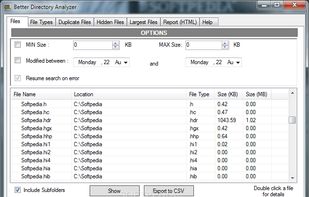
Download Better Directory Analyzer - A powerful drag'n'drop windows directory analyzer.


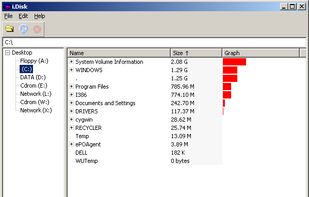
i.Disk scans directory trees and displays the total space used by each directory in an easy to use form.
 Australia


Program to help recover disk space. Gives pie-chart view of disk usage, including unused space, with the ability to drill down into folders. Shows actual or nominal space occupied. Knows about the effects of cluster sizes.


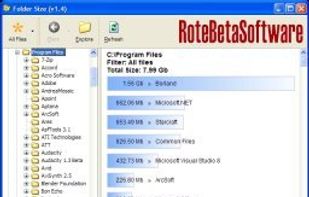
Helps you figure out where all that hard drive space has gone on your computer. Visually displays the size of each folder in the form of a bar graph.