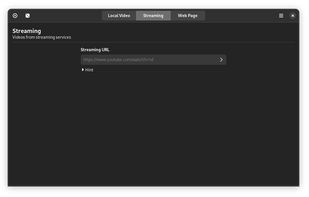
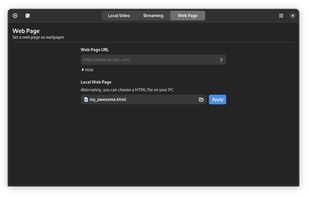
Adjust the color temperature of your screen according to your surroundings. This may help your eyes hurt less if you are working in front of the screen at night.
Cost / License
- Free
- Open Source (GPL-3.0)
Application type
Platforms
- Linux
- Wayland
G


Apps similar to Solace include f.lux, which is free. Other options are Redshift, LightBulb, Sucrose Wallpaper Engine and Variety Wallpaper Changer. There's no shortage of Wallpapers Hubs like Solace, with more than 100 alternatives for Windows, Mac, Linux, Android and Chrome OS.
Adjust the color temperature of your screen according to your surroundings. This may help your eyes hurt less if you are working in front of the screen at night.

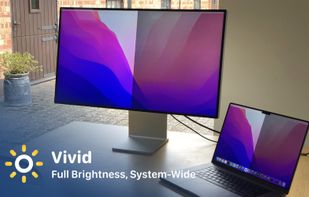
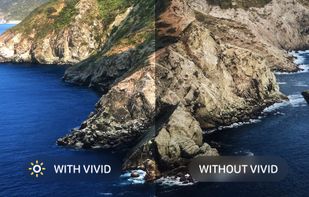
Vivid is a software that enables users to amplify the brightness of their MacBook Pro and Pro Display XDR, system-wide, utilizing standard Apple APIs.


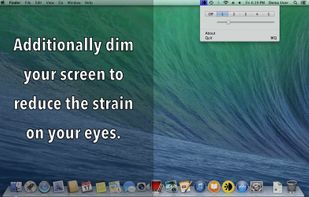
FREE and simple screen shader app. Complete multiple display support, including latest OS X. • Five presets. Easy to change too. • Multiple monitor support, even on latest macOS. • Quickly detects all monitor changes. • Fine control.


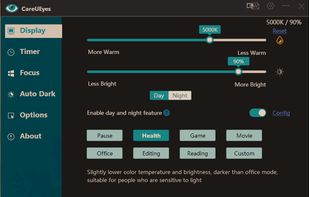
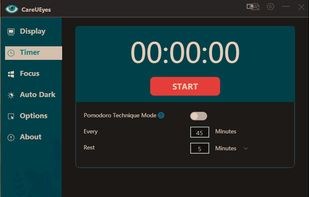
CareUEyes is a very simple but useful program when it is about your eye care. The program comes with a very simple and clean interface and needs to technical knowledge. Even a novice computer user can download and use it easily.


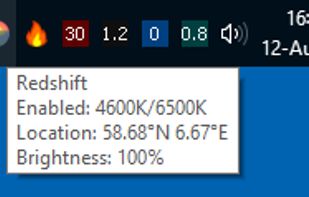
Redshift Tray is a no-frills GUI for the screen temperature adjustment tool Redshift.
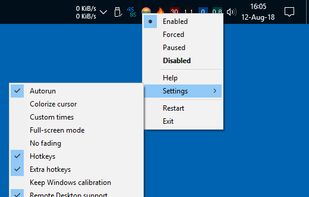


EasyEyes by Autosofted is an app that can do what f.lux does and more. F.lux only allows the user to adjust temperature, while EasyEyes allows both temperature AND brightness adjustment. EasyEyes allows the user to create multiple transition times.
 United States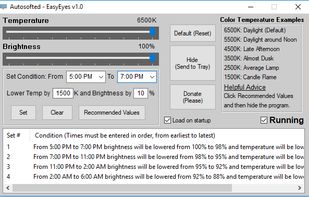




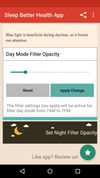
Do you use your mobile phone after sunset? Do you use your phone within three hours of your bed time? If yes, then your device might be taking your sleep away. Bluelight from your mobile screens sends a signal to brain to wake up, and makes it difficult for us to sleep at night.



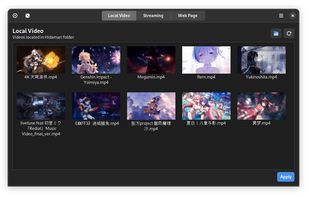
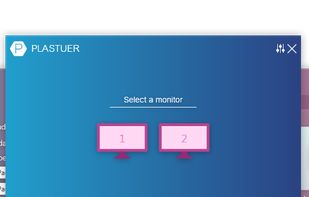
Plastuer is a Windows application for setting GIFs, videos, and web pages as your wallpaper.


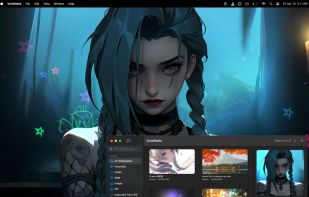
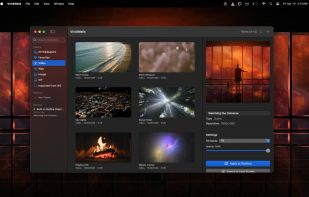
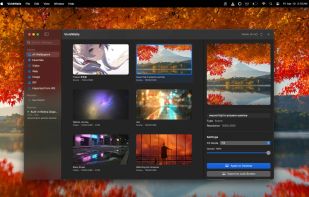
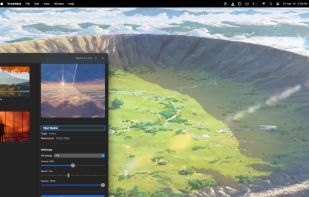
Wallpaper app for Mac enabling 4K video, GIF, and interactive web backgrounds, Wallpaper Engine library import from Steam, playlists with auto-cycling, unique wallpaper per display, performance controls, auto-pause, no third-party dependencies, and native Apple Silicon support.


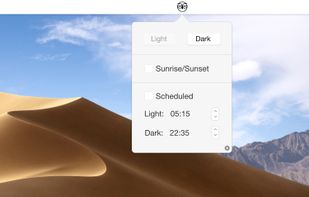


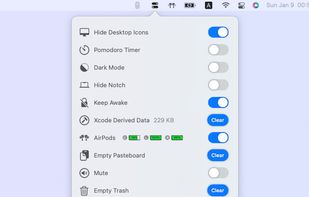
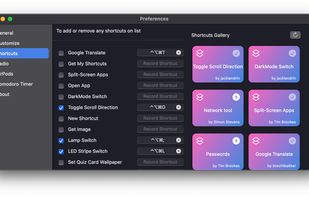
OnlySwitch provides a series of toggle switches to simply your routine work, such as Hidden desktop icons, dark mode and hide notch of new Macbook Pro. The switches show on your statusbar, you can control them effortlessly.